EasyManua.ls Logo

AMSTRAD cpc 6128 - Fill

AMSTRAD cpc 6128
520 pages
Print Icon
To Next Page IconTo Next Page
To Previous Page IconTo Previous Page
Loading...
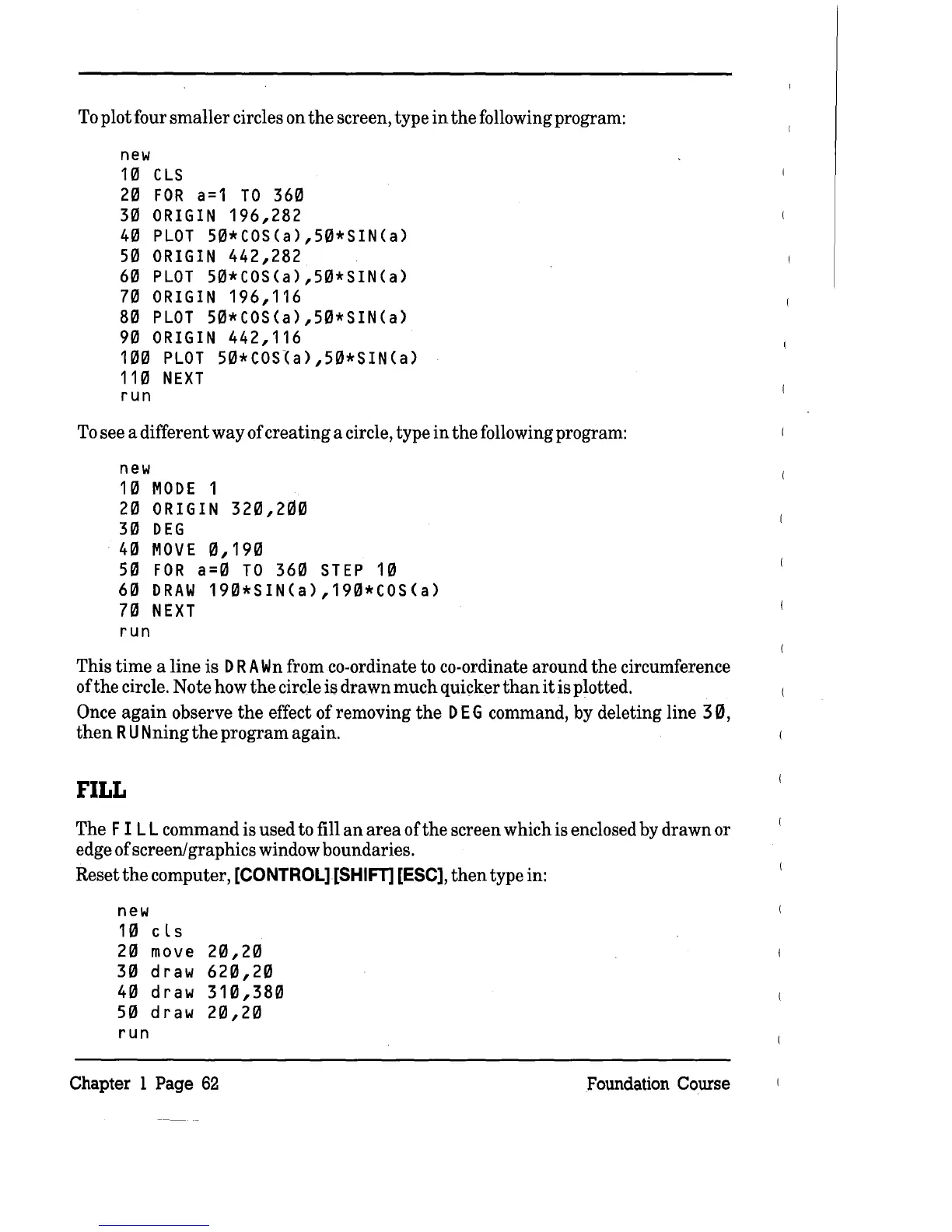
To plot four
smaller
circles on
the
screen, type
in
the
following program:
new
1'"
CLS
2'"
FOR
a=1
TO
36'"
3'"
ORIGIN
196,282
4'"
PLOT
S"'*COS(a),S"'*SIN(a)
S'"
ORIGIN
442,282
6'"
PLOT
S"'*COS(a),S"'*SIN(a)
7'"
ORIGIN
196,116
8'"
PLOT
S"'*COS(a),S"'*SIN(a)
9'"
ORIGIN
442,116
1"''''
PLOT
S"'*COS~a),S"'*SIN(a)
11'"
NEXT
run
To see a different
way
of
creating
a circle, type
in
the
following program:
new
1'"
MODE
1
2'"
ORIGIN
32"',20'"
3'"
DEG
4'"
MOVE
"',19'"
S'"
FOR
a='"
TO
36'"
STEP
1'"
6'"
DRAW
19"'*SIN(a),19"'*COS(a)
7'"
NEXT
run
This
time
a
line
is D
RA
Wn
from co-ordinate to co-ordinate around
the
circumference
of
the
circle. Note how
the
circle is drawn
much
quicker
than
it
is plotted.
Once
again
observe
the
effect
of
removing
the
D E G command, by deleting line
30,
then
RUN
ning
the
program again.
FILL
The F
ILL
command is used to fill
an
area
ofthe
screen which is enclosed by drawn or
edge of screen/graphics window boundaries.
Reset
the
computer,
[CONTROL][SHIFT]
[ESC],
then
type in:
new
1'"
cls
2'"
move
2"',2'"
3'"
draw 62"',2'"
4'"
draw 31"',38'"
S'"
draw 2"',2'"
run
Chapter 1 Page
62
Foundation Course

Table of Contents