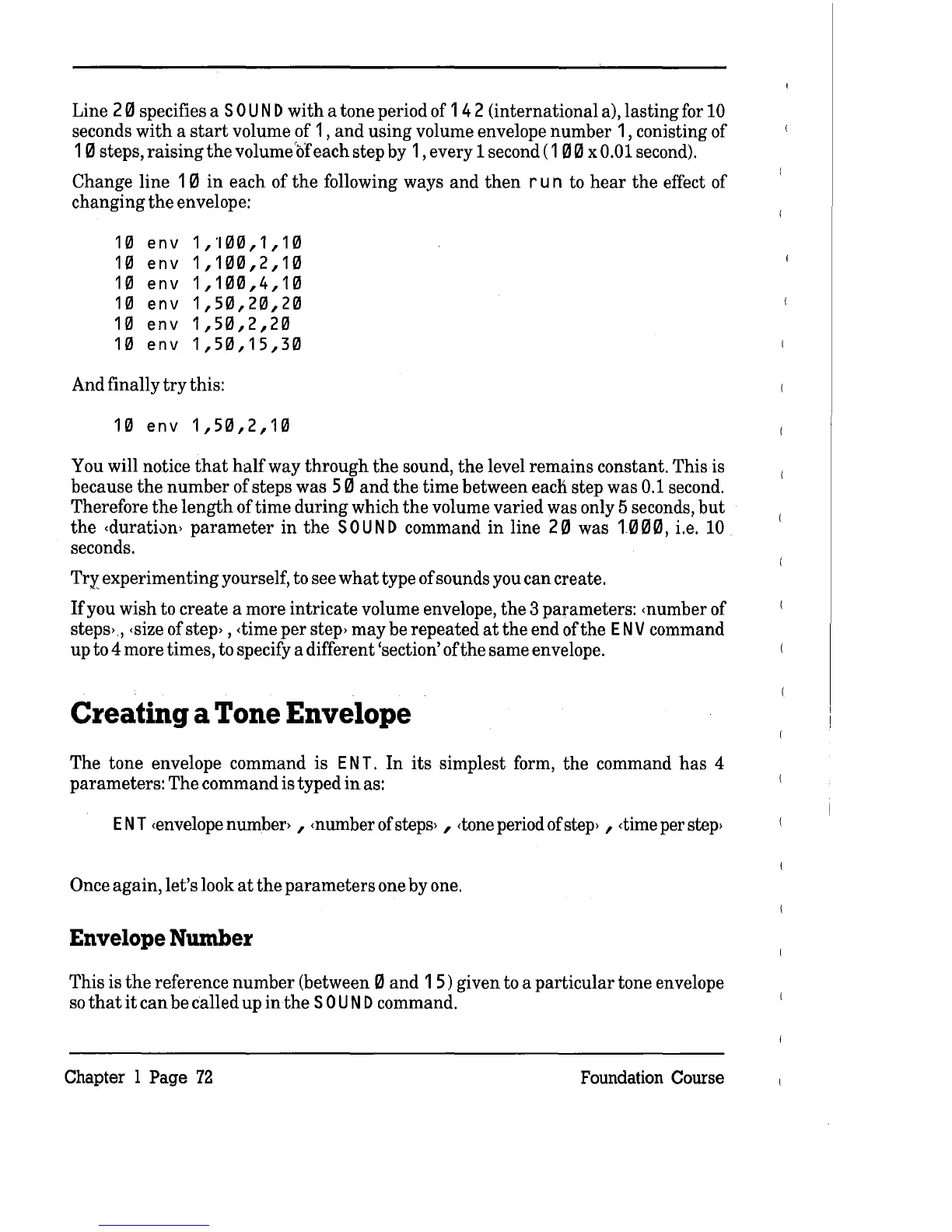
Line 20 specifies a
SOU
N D
with
a tone period of 1 42 (international a), lasting for
10
seconds
with
a
start
volume of 1 ,
and
using volume envelope
number
1, conisting of
10
steps,
raising
the
volume'ofeach step by 1, every 1 second
(100
x 0.01 second).
Change line 1 0
in
each of
the
following ways
and
then
run
to
hear
the
effect of
changing
the
envelope:
10
env
1,100,1,10
10
env
1,100,2,10
10
env
1,100,4,10
10
env
1,50,20,20
10
env
1,50,2,20
10
env
1,50,15,30
And finally
try
this:
10
env
1,50,2,10
You will notice
that
half
way
through
the
sound,
the
level
remains
constant. This is
because
the
number
of steps was 50
and
the
time between each step was
0.1
second.
Therefore
the
length
of time
during
which
the
volume varied was only 5 seconds,
but
the
<durati0n>
parameter
in
the
SOUND
command
in
line 20 was
1000,
i.e.
10
seconds.
TrY.'
experimenting yourself, to see
what
type of sounds you
can
create.
If
you wish to create a more
intricate
volume envelope,
the
3 parameters: <number of
steps>,
<size
of
step>
,<timeperstep>mayberepeatedattheendofthe
ENV
command
up to 4 more times, to specify a different 'section' of
the
same envelope.
Creating a Tone Envelope
The tone envelope command is
ENT.
In
its
simplest form,
the
command
has
4
parameters: The command is typed
in
as:
ENT
<envelope
number> , <number of
steps>
,
<tone
period of
step>
,
<time
per
step>
Once again, let's look
at
the
parameters
one by one.
Envelope Number
This is
the
reference
number
(between 0
and
1 5) given to a
particular
tone envelope
so
that
it
can
be called up
inthe
SOU
N D command.
Chapter 1
Page
72
Foundation Course



 To Next Page