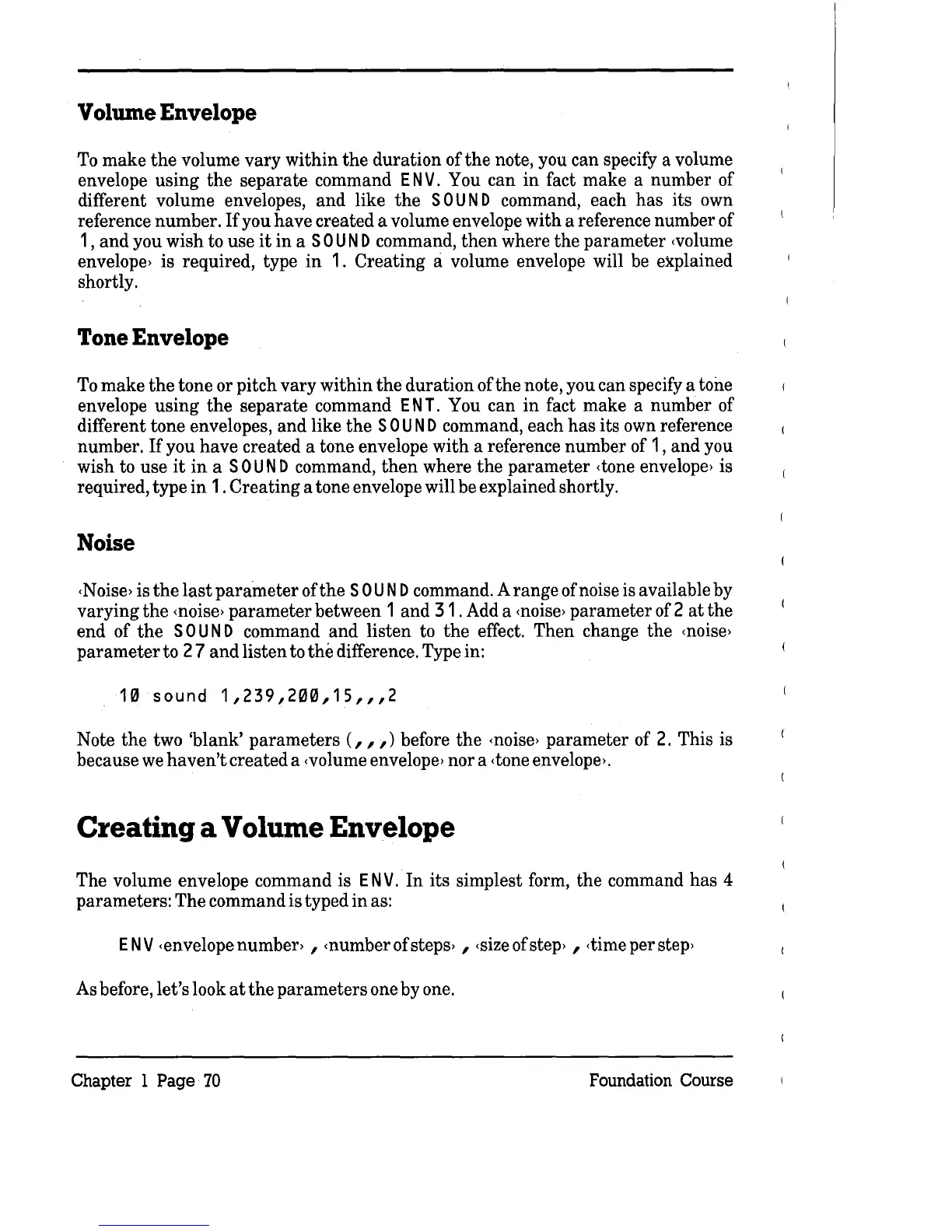
Volume Envelope
To
make
the
volume
vary
within
the
duration
of
the
note, you can specify a volume
envelope using
the
separate
command
EN
V.
You can
in
fact make a number of
different volume envelopes,
and
like
the
SOU
N D command, each
has
its own
reference number.
If
you have created a volume envelope
with
a reference number of
1 ,
and
you wish to use
it
in
a
SOU
N D command,
then
where
the
parameter
<volume
envelope> is required, type
in
1. Creating a volume envelope will be explained
shortly.
Tone Envelope
To
make
the
tone or pitch vary
within
the
duration
ofthe
note, you can specify a tone
envelope
using
the
separate
command
ENT.
You can
in
fact make a numher of
different tone envelopes,
and
like
the
SOU
N D command, each
has
its own reference
number.
If
you
have
created a tone envelope
with
a reference number of 1, and you
wish to use
it
in
a
SOU
N D command,
then
where
the
parameter
<tone
envelope> is
required, type
in
1.
Creating
a tone envelope will be explained shortly.
Noise
<Noise>
is
the
last
parameter
ofthe
SOU
N D command. A
range
of noise is available by
varying
the
<noise>
parameter
between 1 and 3 1 . Add a
<noise>
parameter
of 2
at
the
end of
the
SOU
N D command
and
listen to
the
effect.
Then
change
the
<noise>
parameter
to
27
and
listen
to
the
difference. Type in:
10
sound
1,239,200,15",2
Note
the
two
'blank'
parameters
(",)
before
the
<noise>
parameter
of 2. This is
because
we
haven't
created a
<volume
envelope> nor a
<tone
envelope>.
Creating a Volume Envelope
The volume envelope command is
EN
V.
In
its simplest form,
the
command
has
4
parameters: The command is typed
in
as:
ENV
<envelope number> , <numberofsteps> ,
<size
of
step>
,
<time
per
step>
As before, let's look
at
the
parameters
one by one.
Chapter 1
Page
70
Foundation Course



 To Next Page