EasyManua.ls Logo

AMSTRAD cpc 6128 - Page 53

AMSTRAD cpc 6128
520 pages
Print Icon
To Next Page IconTo Next Page
To Previous Page IconTo Previous Page
Loading...
To
look briefly
at
some of
the
CP/M commands, type in:
d i r
[RETURN]
On
the
screen you will see a D I.Rectory ofCP/M
and
utility
COMmands, one of which
is
D I S C
KIT
3. Type in:
d i s c
kit
3
[RETURN]
After a few moments, you will see
the
DISC KIT opening message
at
the
top of
the
screen, followed by:
One
drive
found
This message
tells
you
that
you
are
running
the
DISC KIT
utility
program,
and
the
computer
has
detected
that
you
are
operating only one disc drive (the one
within
the
computer).
If
you
have
connected
an
additional disc drive to
the
system,
the
message will say:
Two
drives
found
At
the
bottom of
the
screen, you will see
the
following:
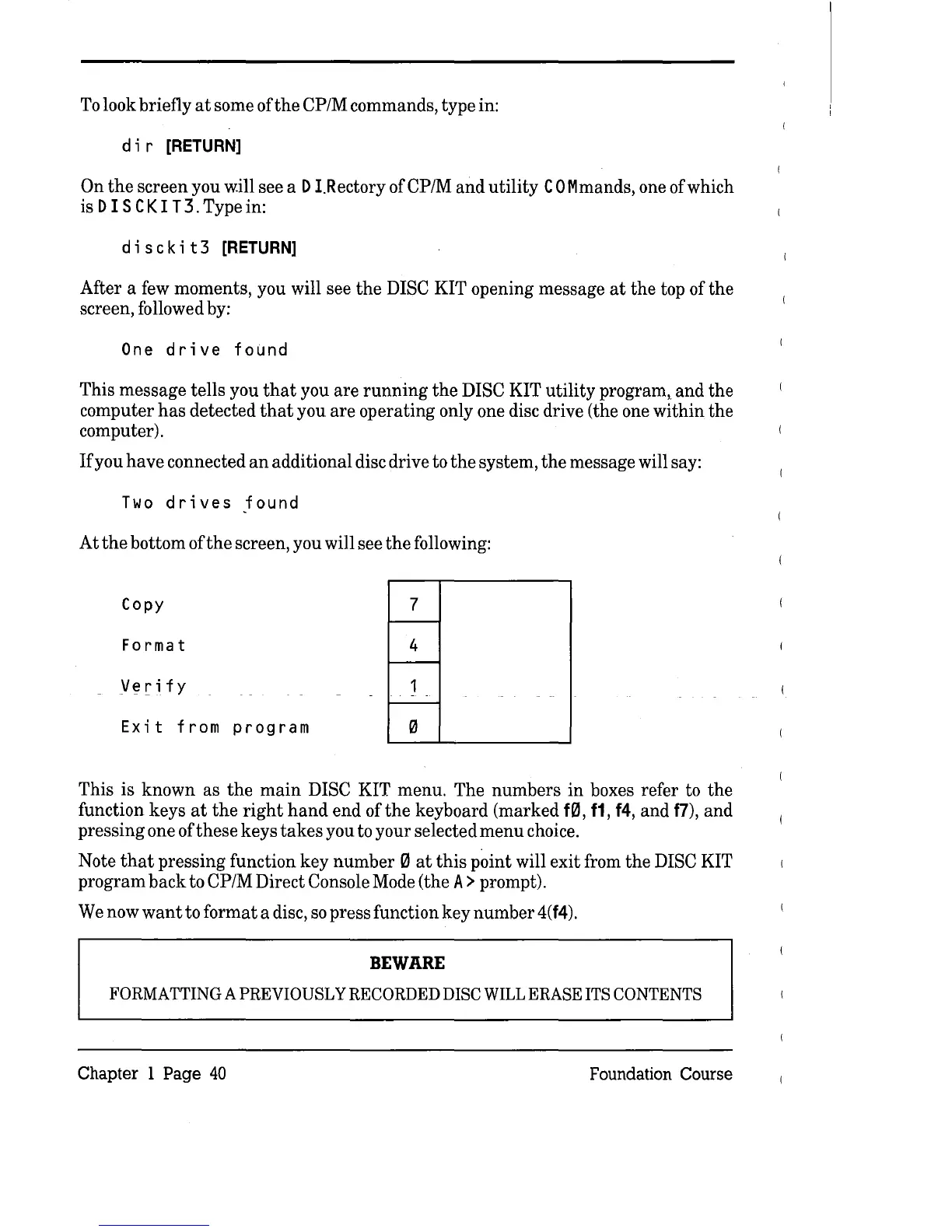
Copy
7
Format
4
Verify
Exit
from
program
This is
known
as
the
main
DISC KIT menu. The
numbers
in
boxes refer to
the
function keys
at
the
right
hand
end
of
the
keyboard (marked
fQl,
11,14,
and
f7),
and
pressing one
ofthese
keys
takes
you to your selected
menu
choice.
Note
that
pressing
function
key
number
0
at
this
point will exit from
the
DISC KIT
program
back
to CP/M Direct Console Mode (the A > prompt).
We now
want
to
format
a disc,
so
press function
key
number
4(
14).
BEWARE
FORMATTING
A PREVIOUSLY
RECORDED
DISC
WILL
ERASE
ITS
CONTENTS
Chapter 1 Page
40
Foundation Course

Table of Contents

Related product manuals