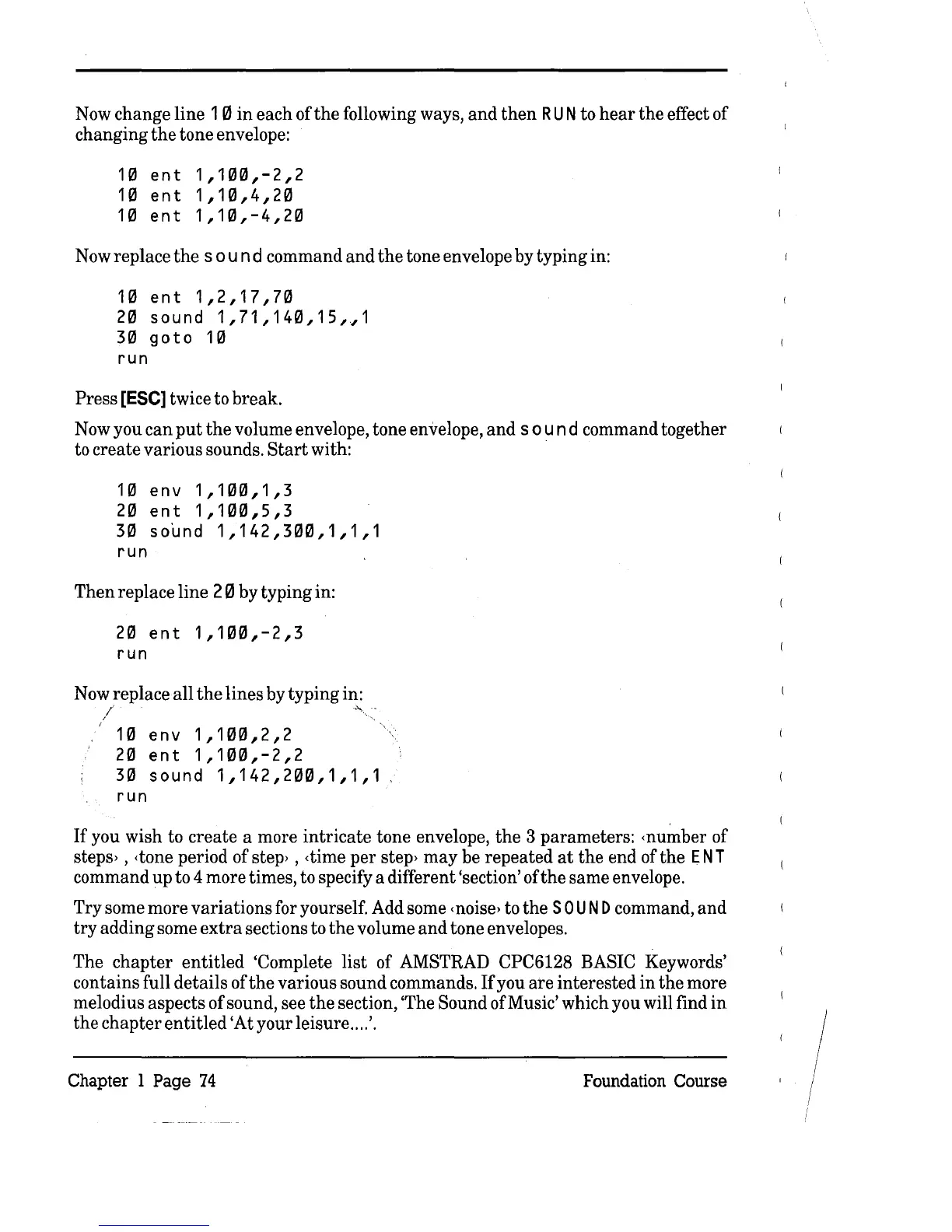
Now change line
10
in
each of
the
following ways,
and
then
RUN
to
hear
the
effect of
changing
the
tone envelope:
10
ent
1,100,-2,2
10
ent
1,10,4,20
10
ent
1,10,-4,20
Now replace
the
sou
n d command
and
the
tone envelope by typing in:
10
ent
1,2,17,70
20
sound
1,71,140,15,~1
30
goto
10
run
Press [ESe] twice to break.
Now you
can
put
the
volume envelope, tone envelope,
and
sou
n d command together
to create various sounds.
Start
with: .
10
env
1,100,1,3
20
ent
1,100,5,3
30
so~nd
1,142,300,1,1,1
run
Then
replace line 2 0 by typing in:
20
ent
1,100,-2,3
run
Now replace
all
the
lines by typing in:
I
I
~
10
env
1,100,2,2
20
ent
1,100,-2,2
30
sound
1,142,200,1,1,1
run
If
you wish to
create
a more
intricate
tone envelope,
the
3 parameters: <number of
steps, ,
<tone
period of step' ,
<time
per
step'
may
be repeated
at
the
end of the
ENT
command up to 4 more times, to specify a different 'section' of
the
same envelope.
Try
some more
variations
for yourself. Add some
<noise,
to
the
SOU
N D command,
and
try
adding some
extra
sections to
the
volume
and
tone envelopes.
The
chapter
entitled
'Complete
list
of AMSTRAD CPC6128 BASIC Keywords'
contains full details of
the
various sound commands.
If
you are interested
in
the
more
melodius aspects of sound, see
the
section, 'The Sound of Music' which you will find
in
the
chapter
entitled
'At your leisure ....
'.
Chapter 1 Page
74
Foundation Course



 To Next Page