Amtech
6-58
6
Load torque
Output frequency
GROUP – 6: DISPLAY PARAMETER SELECTION
A601 ~ A608: Normal parameter 1 ~ 8
A601: It selects parameter wishing to display on normal screen position Norm-1 out of M101~M105,
M107, M109~M110, M115~M117, M201~M211, and M217 ~ M219 of monitor mode.
Similarly A602~A608 selects parameters for Norm-2 to Norm-8 positions.
The default setting will be as under.
N o r m
0 . 0 H z 4 2 . 0 A m p
5 0 . 0 H z * 4 1 5 V r y
F w d , L c l , D r i v e S t o p
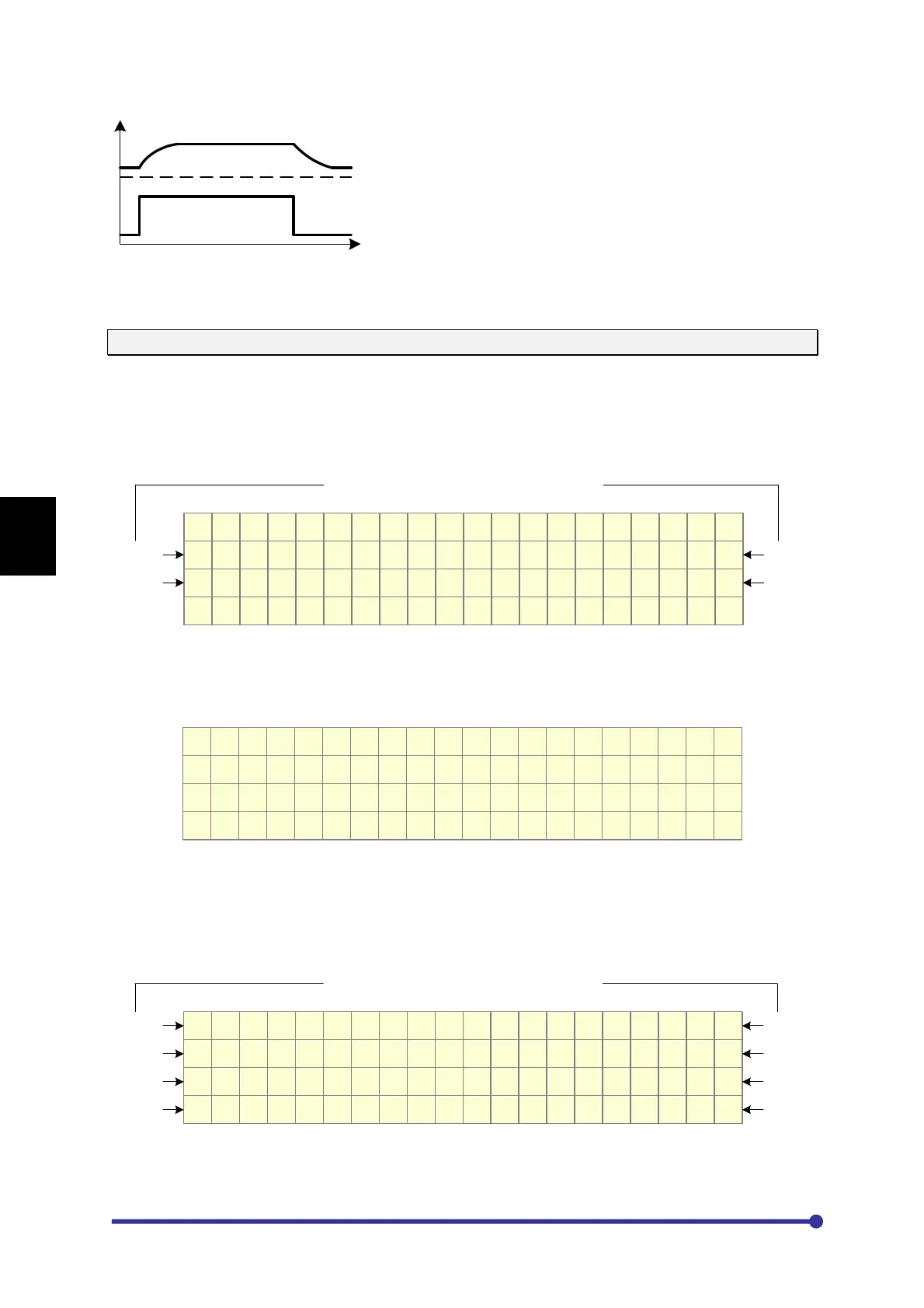
User Selectable four parameters
Norm 1
Norm 2
Norm 3
Norm 4
To display the Output Frequency M101 (Hz) parameter at Norm 1 position as shown in the above
screen, select option 1 (M101 Hz) in parameter A601 Norm Parameter1.
M o d e - A G r o u p - 6
A 6 0 1 N o r m P a r a m e t e r 1
1 : M 1 0 1 H z
F w d , L c l , D r i v e S t o p
Similarly, to display the desired parameters at positions Norm 2, Norm 3 and Norm 4, select the
appropriate option in A602, A603 and A604 respectively.
Parameters A605~A608 selects parameters for Norm-5 to Norm-8 positions for the meter screen and
are not applicable for the normal screen. Below is the meter screen with eight parameters.
4 1 5 V r y 2 2 k W
5 0 . 0 H z 4 2 . 0 A m p
5 0 . 0 H z * 5 0 % L
5 8 5 V d c 3 5 ° C
User Selectable eight parameters
Norm 5
Norm 6
Norm 3
Norm 4
Norm 7
Norm 8
Norm 1
Norm 2
GROUP – 7: FREQUENCY REFERENCE MATH OPERATIONS




 To Next Page