Axpert-Eazy AC Variable Frequency Drive
6-49
6
value of local set torque A107 and M108 will show keypad as torque reference input. The local set
torque A107 will not have any effect in other options.
200%
0 10V
T
V
200%
0 20mA
T
I
4mA
FSV 0-10V FSI 4-20mA
0% 0%
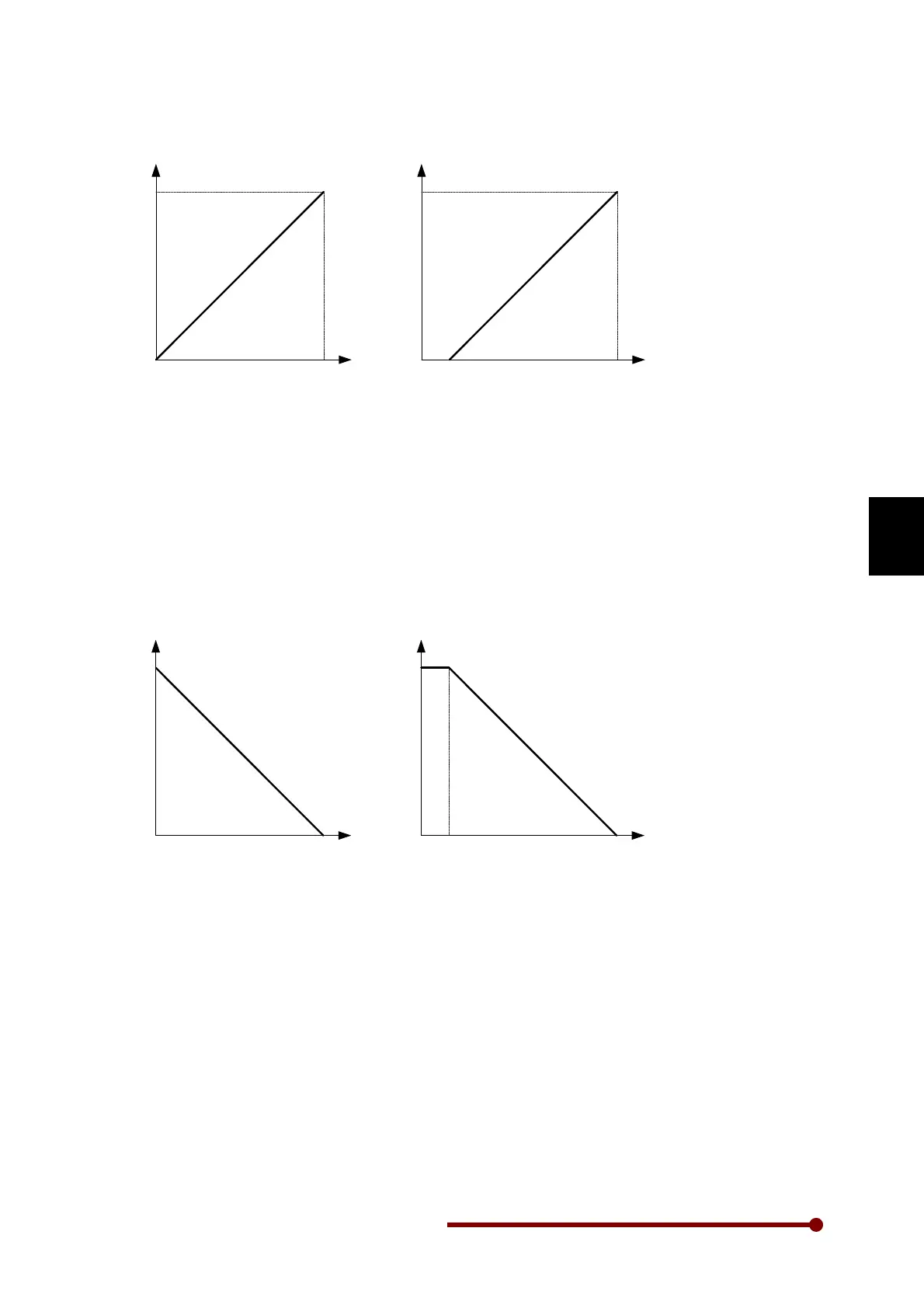
2. FSV 0-10V
When this option is selected, the set torque M107 corresponds to analog input FSV. The minimum 0%
output torque will be available at 0 V and maximum 200% at 10 V.
3. FSI 4-20mA
When this option is selected, the set torque M107 corresponds to analog input FSI. The minimum 0%
output torque will be available at 4 mA and maximum 200% at 20 mA.
4. FSV 0-5V
When this option is selected, the set torque M107 corresponds to analog input FSV. The minimum 0%
output torque will be available at 0 V and maximum 200% at 5 V.
200%
0 10V
T
V
200%
0 20mA
T
I
4mA
FSV 10-0V FSI 20-4mA
0% 0%
5. FSI 0-20mA
When this option is selected, the set torque M107 corresponds to analog input FSI. The minimum 0%
output torque will be available at 0 mA and maximum 200% at 20 mA.
6. FSV 10-0V
This is an inverse to option-2. When this option is selected, the set torque M107 corresponds to
analog input FSV. The Maximum 200% torque will be available at 0 V and minimum 0% at 10 V.
7. FSI 20-4mA
This is an inverse to option-3. When this option is selected, the set torque M107 corresponds to
analog input FSI. The Maximum 200% torque will be available at 4 mA and minimum 0% at 20 mA.
8. FSV 5-0V
This is an inverse to option-4. When this option is selected, the set torque M107 corresponds to
analog input FSV. The Maximum 200% torque will be available at 0 V and minimum 0% at 5 V.




 To Next Page