17
Placement
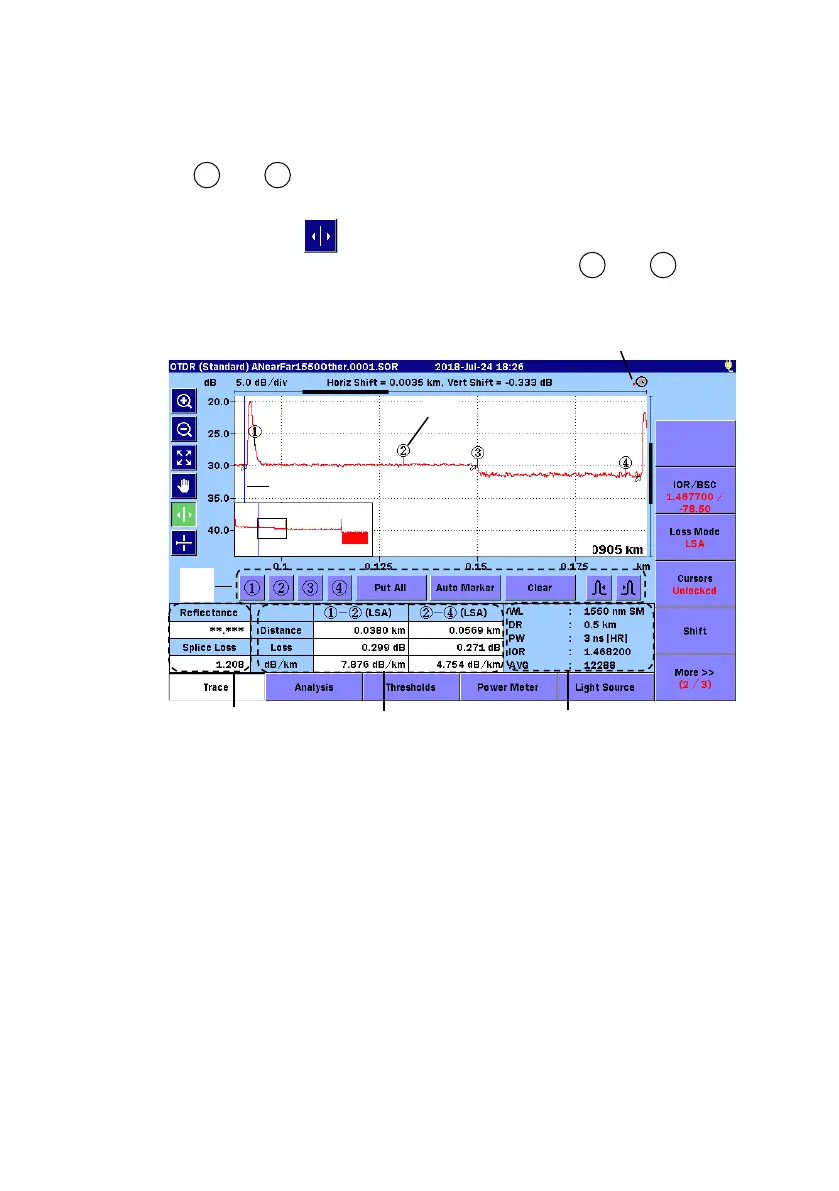
When setting Placement (1-2,2-4) or Placement (1-2,3-4), a cursor and
marker to are displayed.
When set to
Placement, you can move the cursor by turning the rotary
knob or by touching
. The marker positions cannot be changed.
Move the cursor to the precise position and touch to , and you
can position the markers.
[2] Markers
[3] Rotary Knob icon
[5] Reflectance, Splice Loss,
ORL
[6] Distance, Loss, dB/km
[7] Test parameters



 To Next Page