Field Strength Measurements
All antennas have loss or gain that can cause errors in measurements. The Site Master can
correct for antenna loss or gain errors using Field Strength Measurements. The antenna fac
-
tors must be uploaded to the Site Master using the Anritsu Handheld Software Tools pro
-
vided with the unit.
Step 1. For a custom antenna, enter the antenna factor information for the specific an
-
tenna into the Antenna Editor of the Software Tools (see page 16-7).
Step 2.
On the Site Master, press the MODE key.
Step 3. Use the Up/Down arrow key to select the
Spectrum Analyzer mode and press
ENTER.
Step 4. Select the measurement frequency by using
Center and Span soft keys or Start
and Stop keys or Signal Standard and Select Channel keys
Step 5. Upload the antenna factors to the Site Master.
Step 6.
Press the MEAS/DISP key and select the
Measure soft key.
Step 7. Select the
Field Strength soft key from the measurement menu.
Step 8. Press the
Select Standard Antenna or Select Custom Antenna soft key and use
the Up/Down arrow key to select the desired antenna factor file from the stan
-
dard or custom antenna list. Press the ENTER key to select.
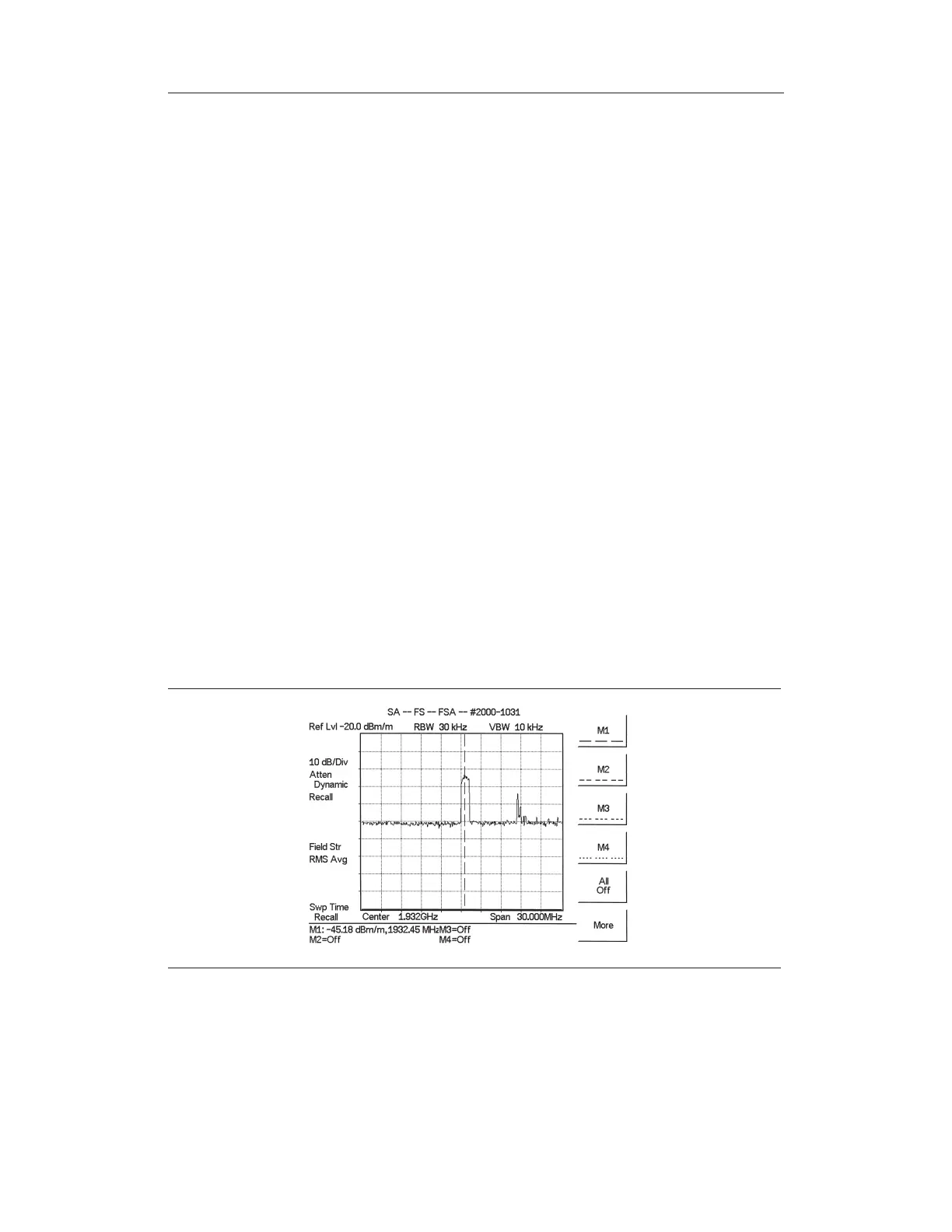
The Site Master will now automatically adjust the measurement results based on the an-
tenna factors entered. Field Str appears to the left of the trace and indicates that the mea-
surement is enabled. The measurement status also appears in the lower status window along
with the name of the selected antenna.
Figure 5-3 shows the results of a measurement.
5-9
Chapter 5 Spectrum Analyzer Measurements
Figure 5-3. Field Strength Measurements



 To Next Page