Chapter 15
Signal Generator Mode
Introduction
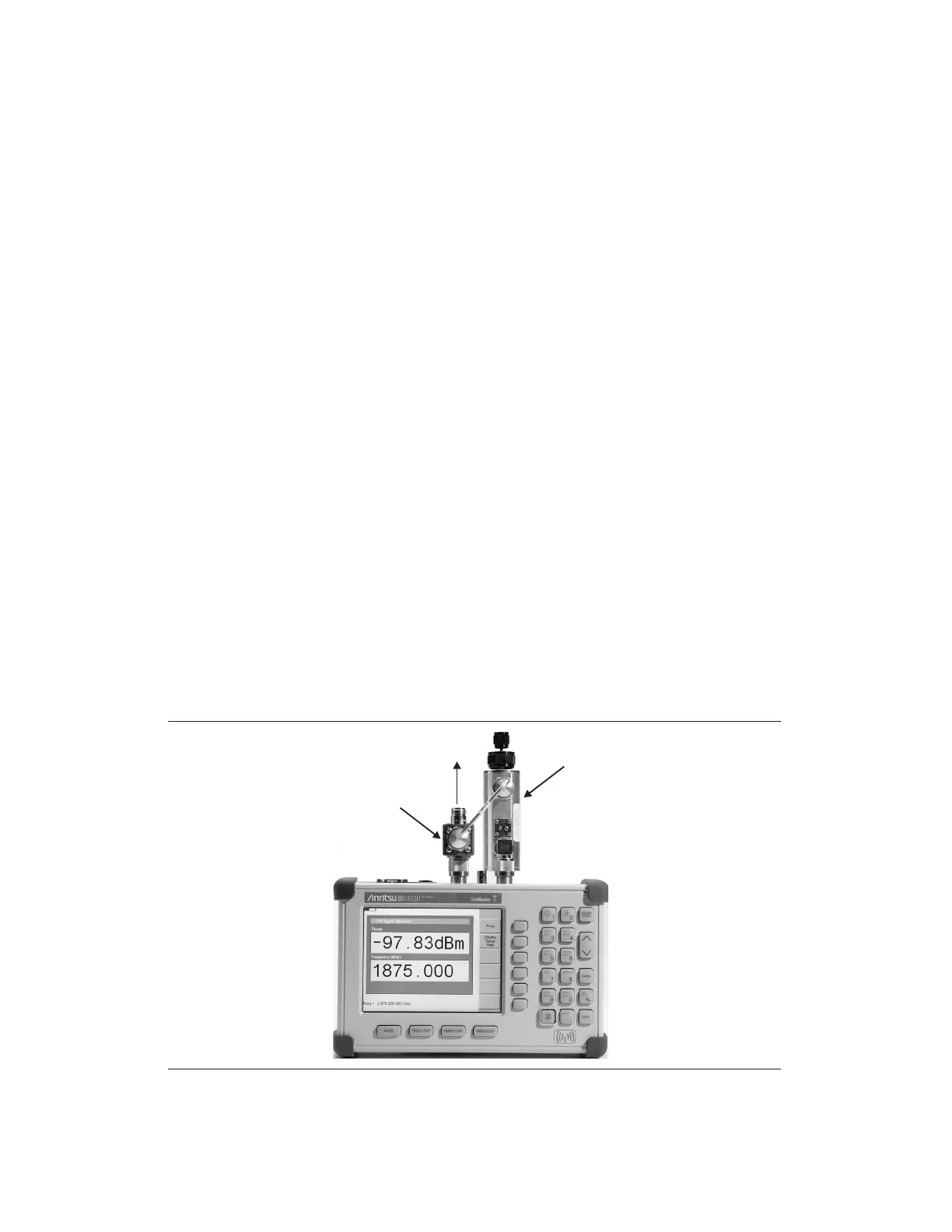
This chapter presents information and procedures to make measurements using the optional
CW signal generator mode (Option 28). The CW Signal Generator provides a CW signal
from the
RF Out port of the instrument. The CW signal is primarily used for sensitivity test
-
ing of receivers. To test receiver sensitivity, connect the signal directly to the receiver being
measured, and then reduce the output amplitude until the receiver drops the signal. The ex
-
ternal splitter feeds the signal into the RF input of the instrument. The display shows the
output power and frequency.
Required Equipment
q
Site Master S331D/S332D with Option 28
q
Attenuator
q
Splitter
Procedure
Step 1.
On the Site Master, press the MODE key, use the Up/Down arrow key to select
the
CW Signal Generator mode and press ENTER.
Step 2. Press the
Freq soft key, use the Up/Down arrow key to change the desired fre-
quency, or use the keypad to enter the desired frequency and select the
MHz soft
key.
Step 3. Connect the attenuator to the RF Out port and the splitter to the RF In port.
15-1
ATTENUATOR
SPLITTER
TO RECEIVER
Figure 15-1. CW Signal Generator Mode Setup



 To Next Page