A blinking red light indicates less than 13 VDC is being supplied to the charger stand.
Check that the correct AC charger adapter is connected to the charger stand. If the battery
fails to charge, contact your nearest Anritsu Service Center.
Determining Remaining Battery Life
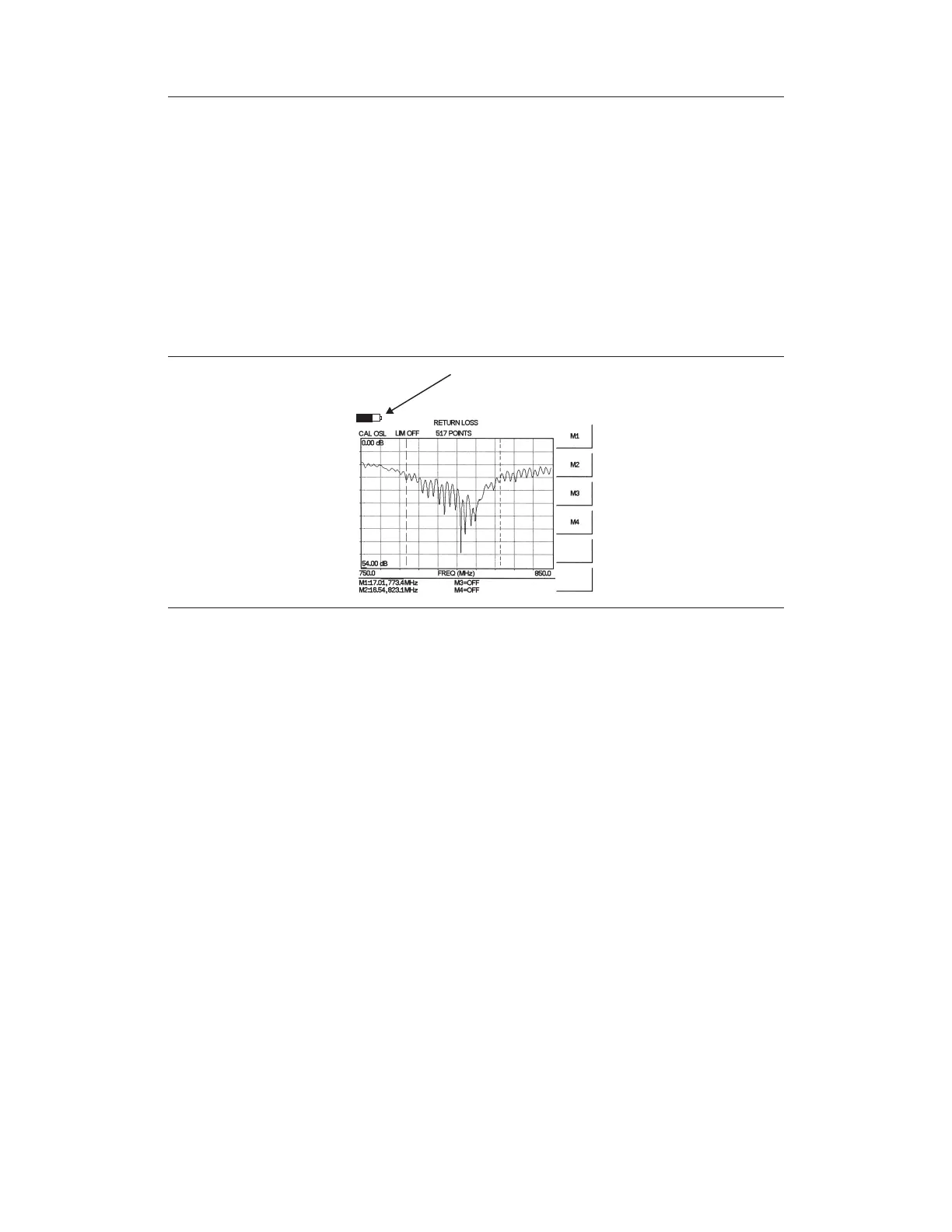
When the AC-DC adapter is unplugged from the Site Master, the battery indicator symbol
will be continuously displayed at the top left corner of the Site Master display (Figure
2-19). A totally black bar within the battery icon indicates a fully charged battery. When
LOW BATT replaces the battery indicator bar at the top left corner, a couple of minutes of
measurement time remains. If a flashing LOW BATT is accompanied by an audio beep at
the end of each trace, the battery has approximately one minute of useable time remaining.
Once all the power has drained from the battery, the Site Master LCD will fade. At this
point, your Site Master will switch itself off and the battery will need to be recharged.
During operation, the battery condition can be viewed by pressing the SYS key and select
-
ing the
Self Test soft key (Figure 2-20). The battery condition will be displayed as a per
-
centage of charge remaining.
2-76
Chapter 2 Functions and Operations
BATTERY INDI
AT
R
All
Off
More
Figure 2-19. Site Master Battery Indicator



 To Next Page