Transmission Measurement Procedure
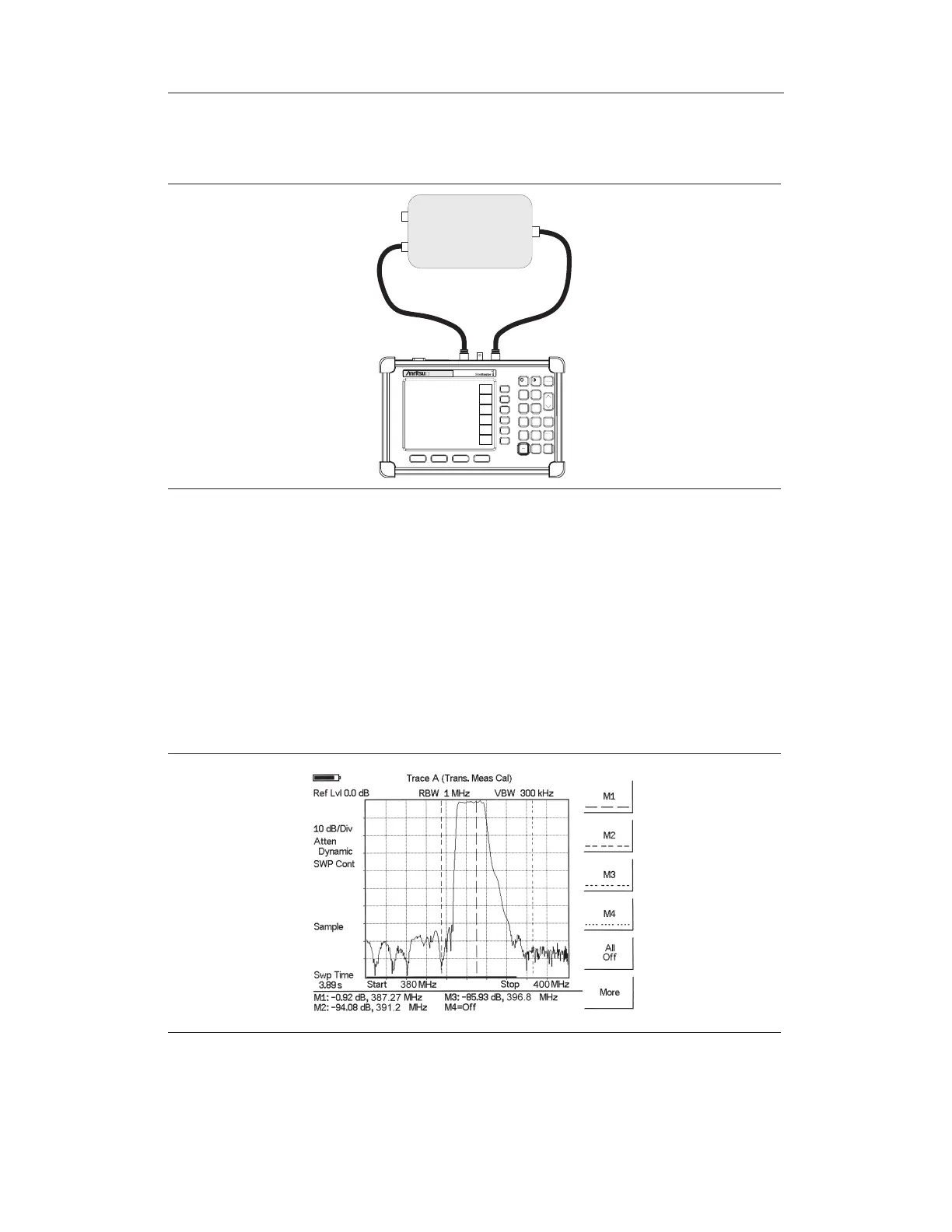
Step 1. Connect the filter between the Site Master RF In and RF Out ports.
Step 2. Connect a load to the other end.
Step 3. Set the start and stop frequencies to cover the frequency range of the duplexer.
Step 4. Disconnect the duplexer and connect a cable to the Site Master
RF In and RF
Out
ports.
Step 5. Calibrate the Site Master for transmission measurements as described in the pre-
vious section.
Step 6. Connect the duplexer and make the measurements.
Chapter 11 Transmission Measurement
11-3
DUPLEXER
HOLD
RUN
START
CAL
AUTO
SCALE
SAVE
SETUP
RECALL
SETUP
LIMIT
MARKER
SAVE
DISPLAY
RECALL
DISPLAY
PRINT
MODE
FREQ/DIST
AMPLITUDE
MEAS/DISP
SYS
ENTER
CLEAR
ESCAPE
ON
OFF
/
1
2
4
5
6
7
8
9
0
3
+
-
.
S312D
Figure 11-3. Transmission Measurement Connections
Figure 11-4. Transmission Measurement



 To Next Page