NOTE: The START CAL key (number 3 on the keypad) does not start calibra
-
tion when the unit is in Transmission Measurement mode.
Step 4.
Following the on-screen prompt, connect a phase-stable cable between the RF
Out port and the RF In port. If an attenuator is required for the measurement,
connect it directly to the RF Out port and connect the cable to the attenuator
Step 5.
Press the ENTER key.
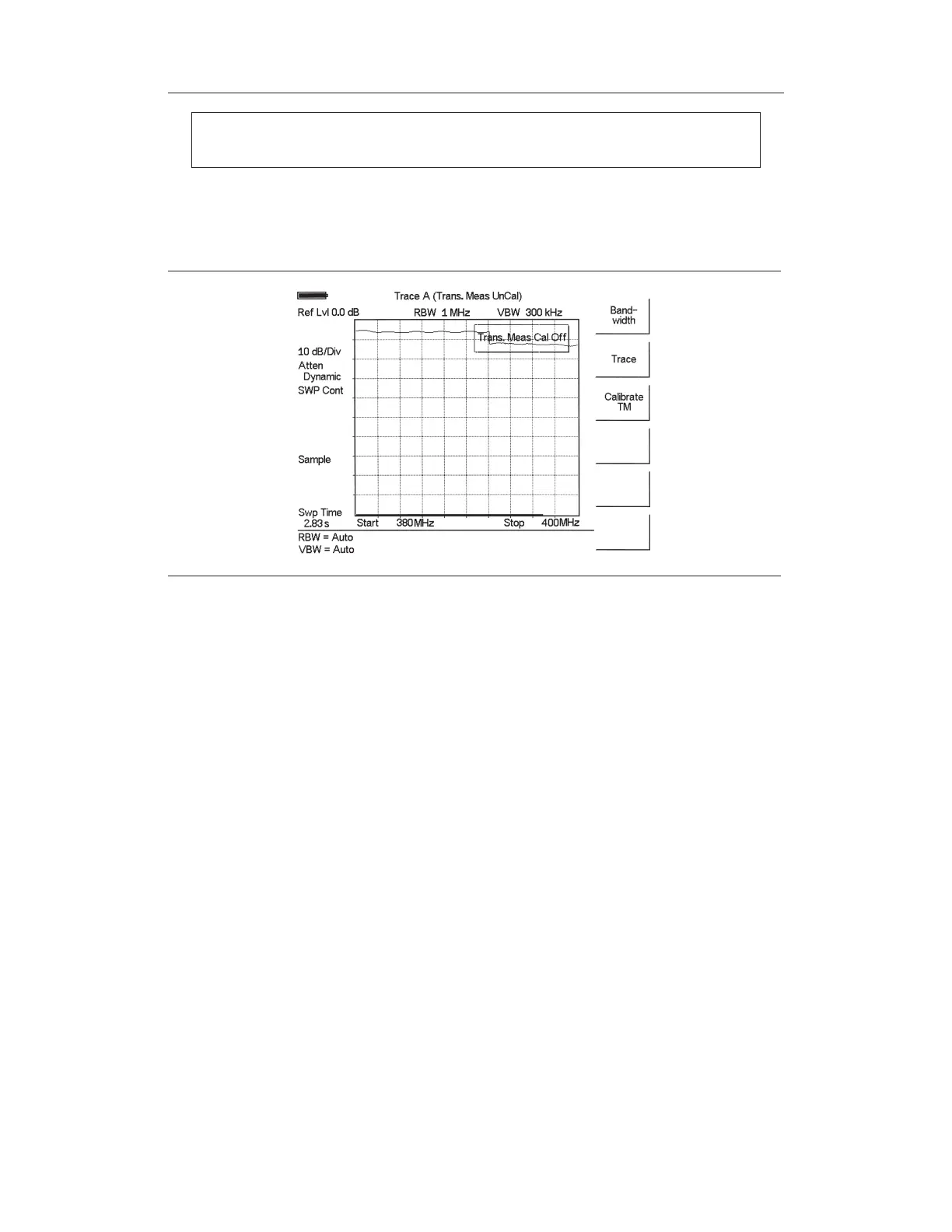
The unit will sweep once and store transmission correction information. On the next sweep,
the trace should be flat at the zero dB reference line and ready for measurements. The cali-
bration information is lost when the instrument is turned off.
11-2
Chapter 11 Transmission Measurement
Figure 11-2. Uncalibrated Narrowband Trace



 To Next Page