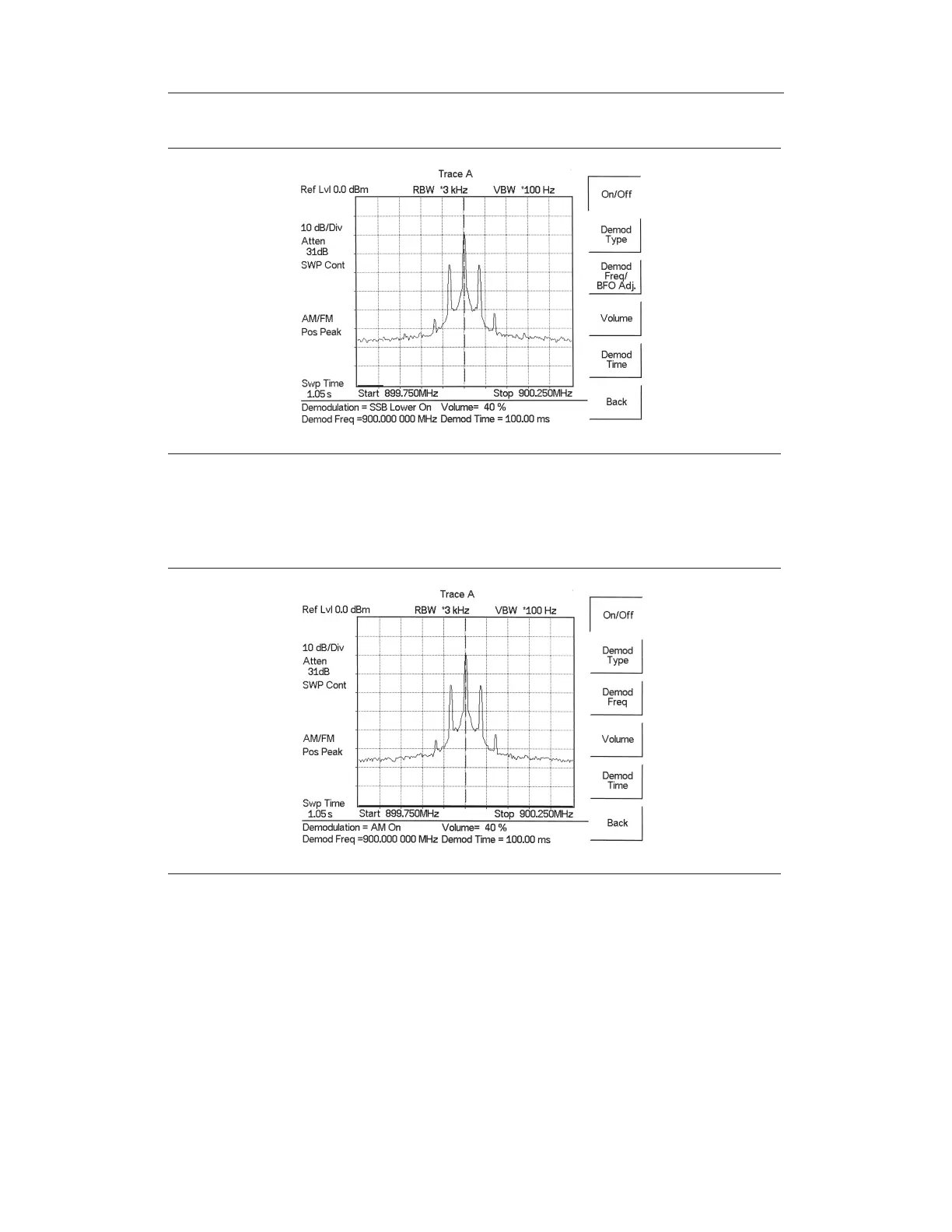
Step 5. Press the On/Off soft key to enable the measurement. AM/FM will appear to the
left of the graph.
Step 6. Use the
Volume soft key and the Up/Down arrow key to change the audio vol
-
ume from 0% to 100%. For most headsets a volume of 40% is adequate.
Step 7. The Demod Time soft key sets the time the Spectrum Master will demodulate
the signal. Enter a value from 100 ms to 500 seconds.
5-18
Chapter 5 Spectrum Analyzer Measurements
Figure 5-9. SSB Demodulation
Figure 5-10. AM Demodulation



 To Next Page