Changing the Display Units
The power reading can be displayed in dBm or Watts.
Step 1.
Press the AMPLITUDE key.
Step 2. Press the
Units soft key to toggle the display between Watts and dBm.
Step 3.
Press the FREQ/DIST key to return to the Power Meter menu.
Displaying Relative Power
Relative power can be selected through the AMPLITUDE menu.
Step 1.
With the desired base power level input to the Site Master, press the AMPLI
-
TUDE key, then the
Rel soft key. The message Relative: On will show in the
lower left of the status window.
Step 2. Pressing the
UNITS soft key will toggle the display between dB and %. When
the units are dBm, the
Rel soft key toggles from dB to dBm. When the units are
Watts, the
Rel soft key will toggle between % and nW.
Step 3. Choose
Offset or Zero depending upon the measurement (see Chapter 2).
6-4
Chapter 6 Power Measurement
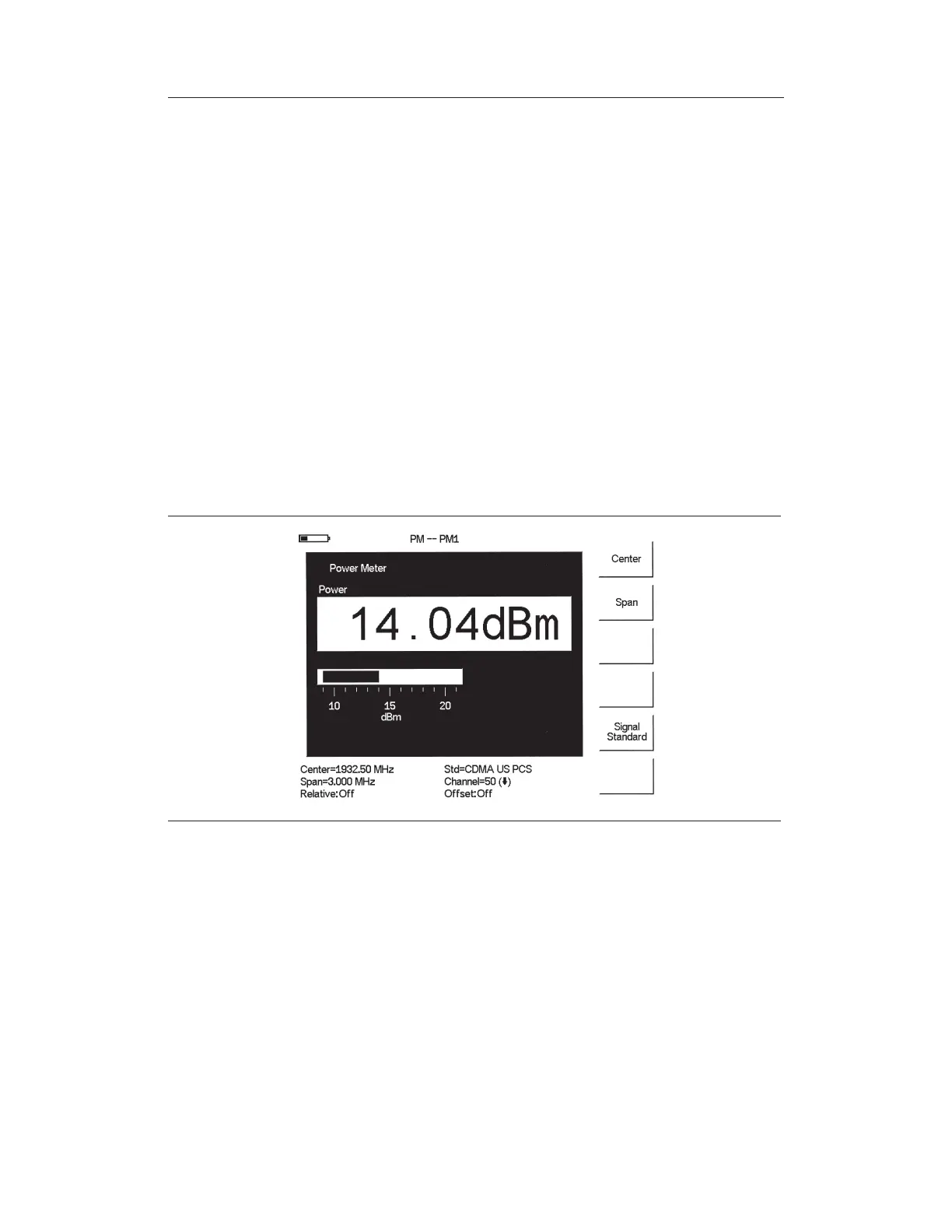
Figure 6-3. Sample Power Meter Display



 To Next Page