C
C
O
O
N
N
F
F
I
I
G
G
U
U
R
R
A
A
T
T
I
I
O
O
N
N
8 | CONFIGURATION
F
F
u
u
n
n
c
c
t
t
i
i
o
o
n
n
Configuration
Under the Message Browser, press FUNCTION > CONFIGURATION.
Shut down
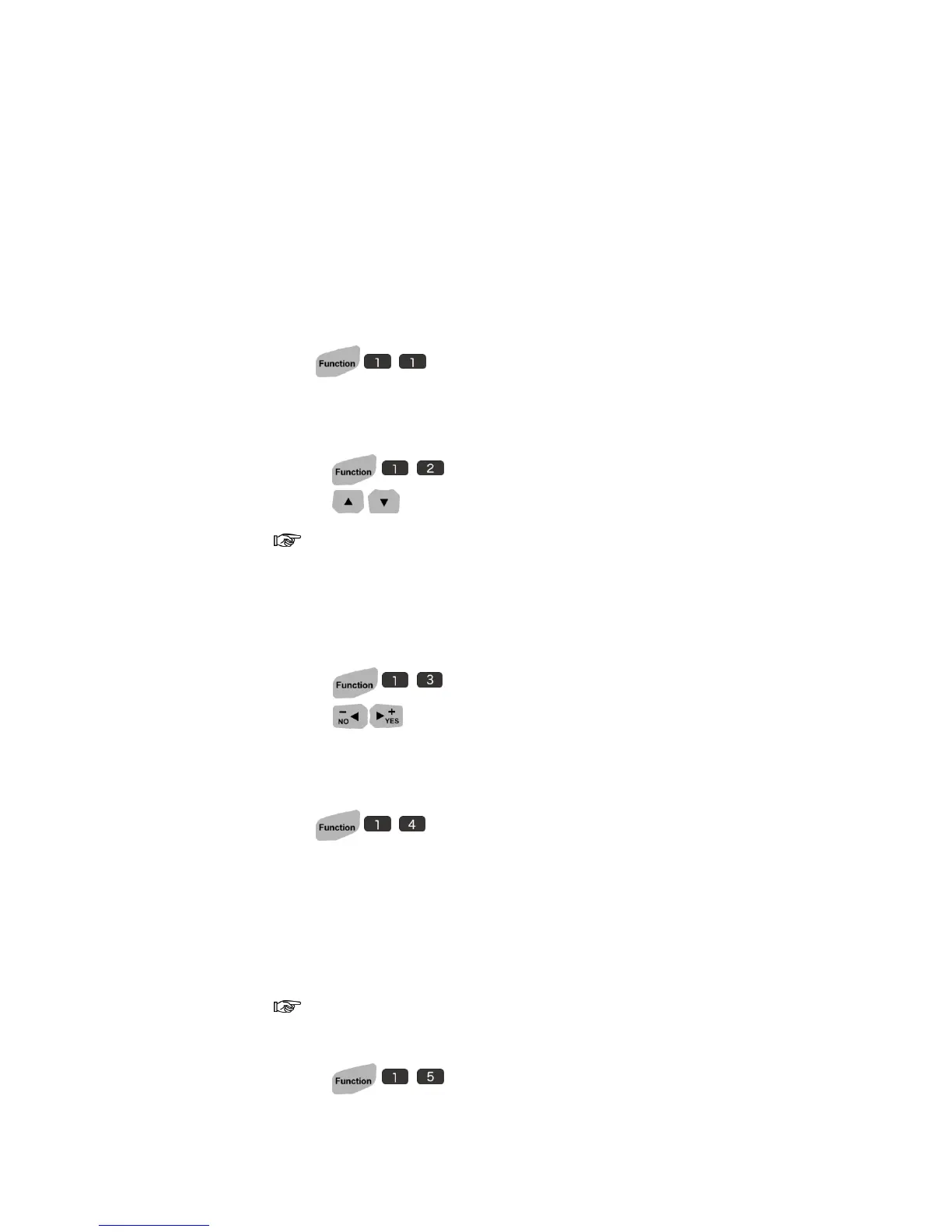
Press to shut down the U2 system.
Language
1. Press to choose a system language.
2. Press to select languages.
The system offers eight different languages. (English, Chinese, Japanese,
German, Italian, French, Spanish and Korean)
Measurement
1. Press to choose the unit measurement.
2. Press to select IMPERIAL<INCH> or METRIC<MM>.
System Clock
Press to set system clock.
LCD Backlit
Reduce the power consumption by enhancing the backlight brightness to
black level.
Enable both LCD Backlit and password, while the backlit reaches the
set-timing and turns into back screen, the system also log off simultaneously.
1. Press to set LCD backlit.



 To Next Page