Preview Report
S
S
E
E
C
C
U
U
R
R
I
I
T
T
Y
Y
S
S
E
E
T
T
U
U
P
P
17 | PRINTING SETUP
Printing Setup
Under the Message Browser, press FUNCTION > PRINTING SETUP.
PrintHead
Press to setup.
Move to the row you need and press to adjust the option.
Channel: Switch SINGLE or DUAL.
Dual Channels: Double the vertical resolution to 600dpi to optimize the
printing darkness.
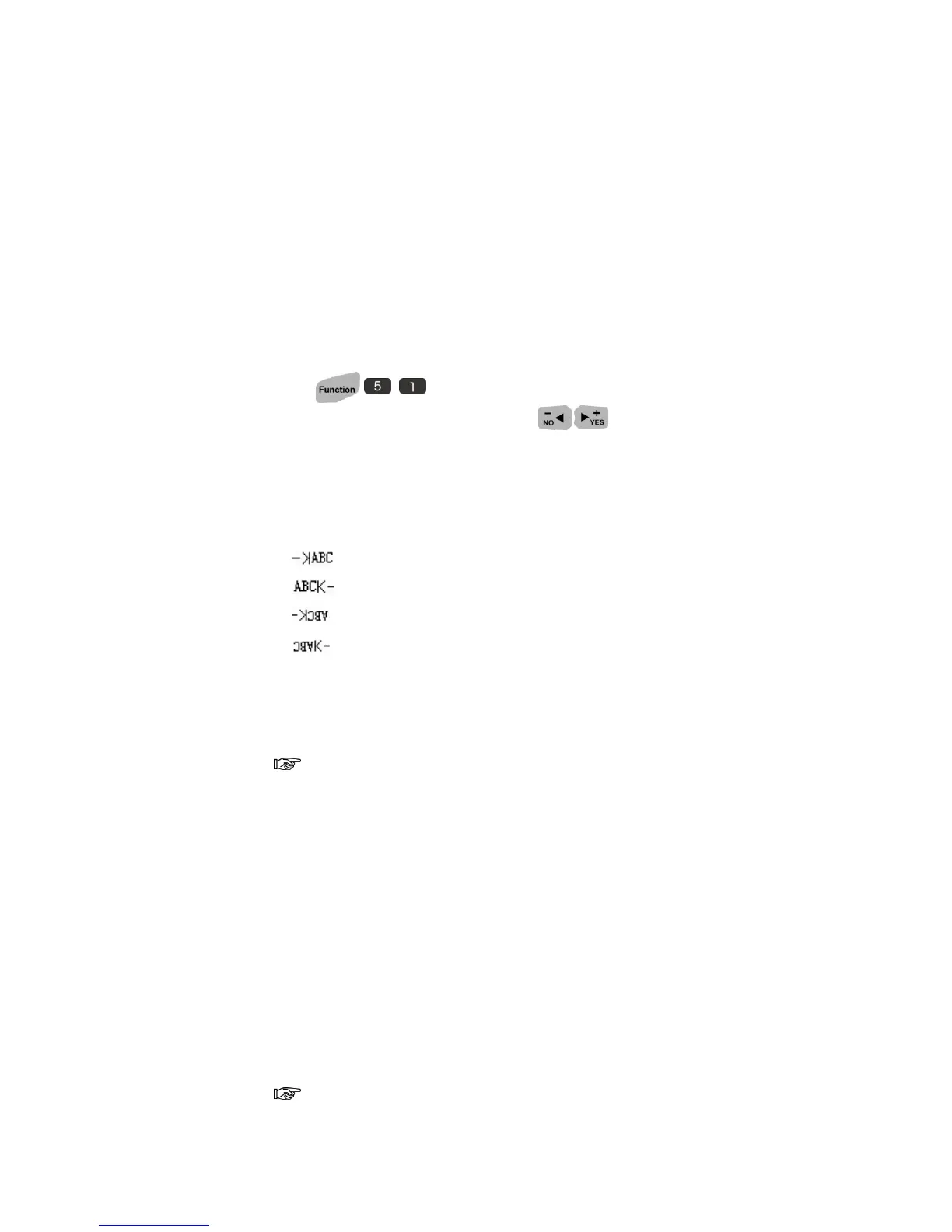
Direction: Switch the direction of printing.
: Print from “A” to “C”.
: Print from “C” to “A”.
: Print from “C” to “A” and rotate 180°.
: Print from “A” to “C” and rotate 180°.
Nozzle: Switch left (Default) or right.
Resolution: user can adjust resolution from 50~600dpi, when the encoder
is OFF.
As U2 default resolution: 300x400, the first number represents vertical
dpi, which will auto adjust to 600 when Dual Channel is ON. The second
number represents horizontal resolution, and it can be adjusted manually.
Please aware the effeteness of printing speed (Higher dpi but slower printing
speed) and distortion of printing image when horizontal dpi is adjusted.
Pre-purge
Enable Pre-purge function, the Printer will output ink dots periodically,
preventing the ink solidified on the nozzle in a dry environment or long printing
gap time.
Pre-Purge is an important attribution to the print quality, especially with



 To Next Page