E
E
D
D
I
I
T
T
I
I
N
N
G
G
O
O
P
P
T
T
I
I
O
O
N
N
13 | EDITING OPTION
Editing Option
Under the Message Browser, press FUNCTION > EDITING OPTION.
Message Name
Allow you to name/rename any message as your desire.
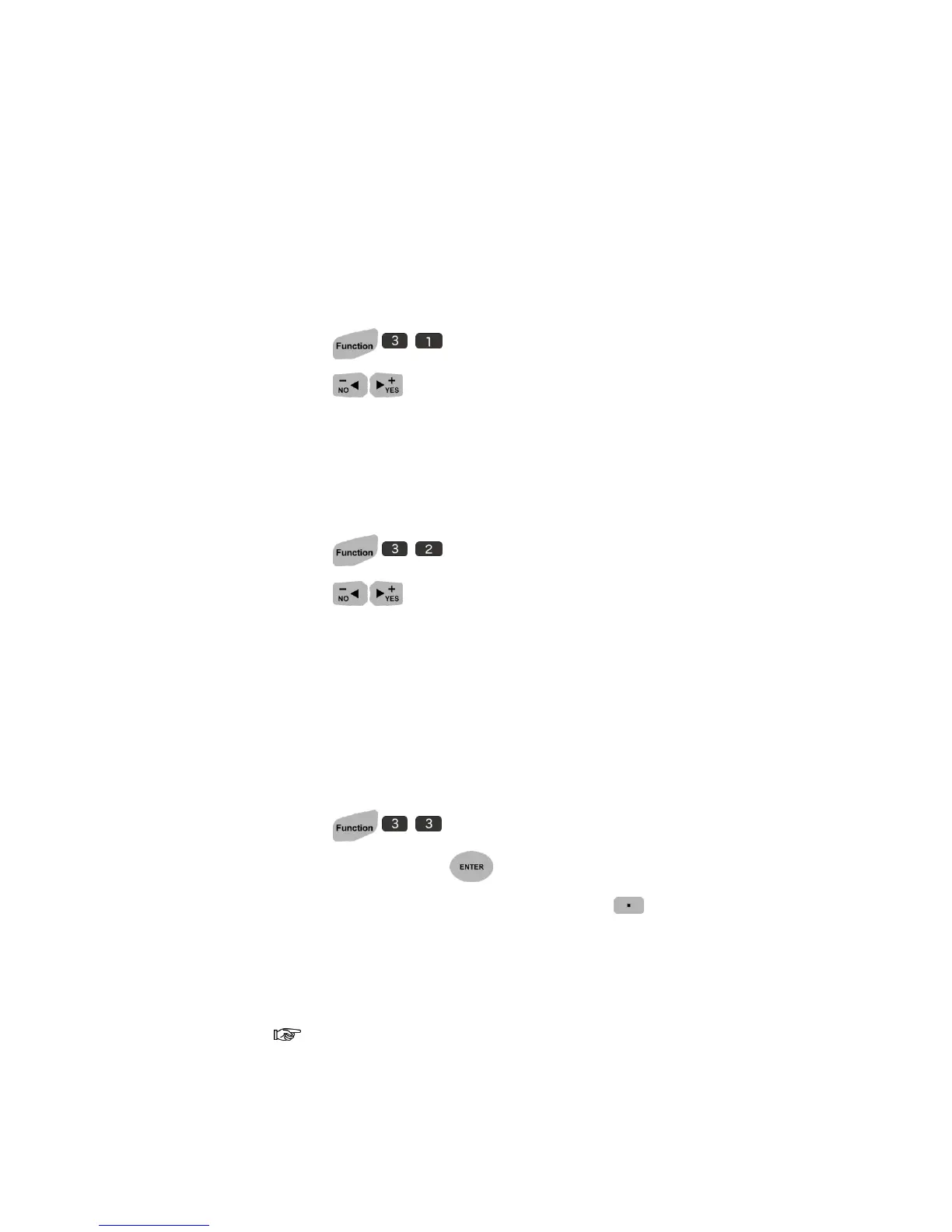
1. Press .
2. Press to select ON.
Customer Year
Allow you to print customized year despite the system year.
1. Press to setup.
2. Press to select ON.
3. Input the year you desire.
Date/Time Format
Allow you to customized time notation.
To create new format:
1. Press to setup.
2. Pick EMPTY and press .
3. Insert conjunction symbol such as (/, -), press SYMBOLS.
4. Choose SYMBOL or EURO CHAR.
5. Pick the symbol you desired with numeric number key.
If the system font does not support European Accented Characters, the
printer will not display the option for you to choose, but display the symbols
only.



 To Next Page