T
T
O
O
O
O
L
L
S
S
33 | TOOLS
T
T
O
O
O
O
L
L
S
S
Preview Message
1. Under the Message Browser, highlight to a message you want to view and
press .
2. Move to PREVIEW MESSAGE and press .
3. Press to select page # in order to preview the whole message.
4. Press to preview the different messages.
5. Press to zoom in or out.
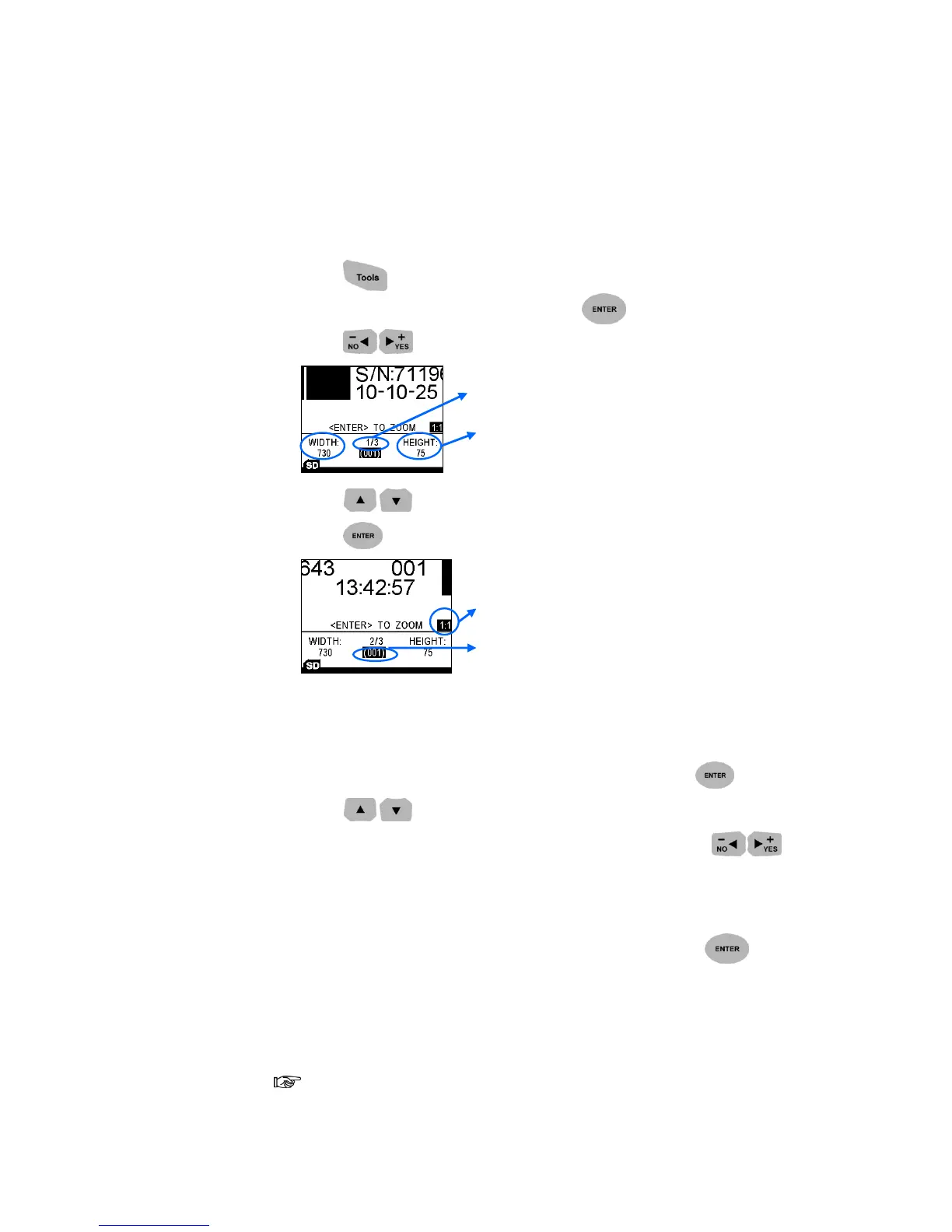
Preview Logo
1. Under the Tools, highlight to PREVIEW LOGO and press .
2. Press to select logos.
3. If the logo is too large or oversteps the screen area, press to
preview the message.
Create New Message
Under the Tools, move to CREATE NEW MESSAGE and press . The
system will search an empty message automatically and then to start to edit.
Find Message
Searching message by its name or number.
Search by name only available when the MESSAGE NAME is activated.



 To Next Page