A
A
L
L
A
A
R
R
M
M
O
O
P
P
T
T
I
I
O
O
N
N
11 | ALARM OPTION
Alarm Option
Under the Message Browser, press FUNCTION > ALARM OPTION.
Counter-Alarm
Allow the printer making alarm sound when the pre-setup counter value has
been reached.
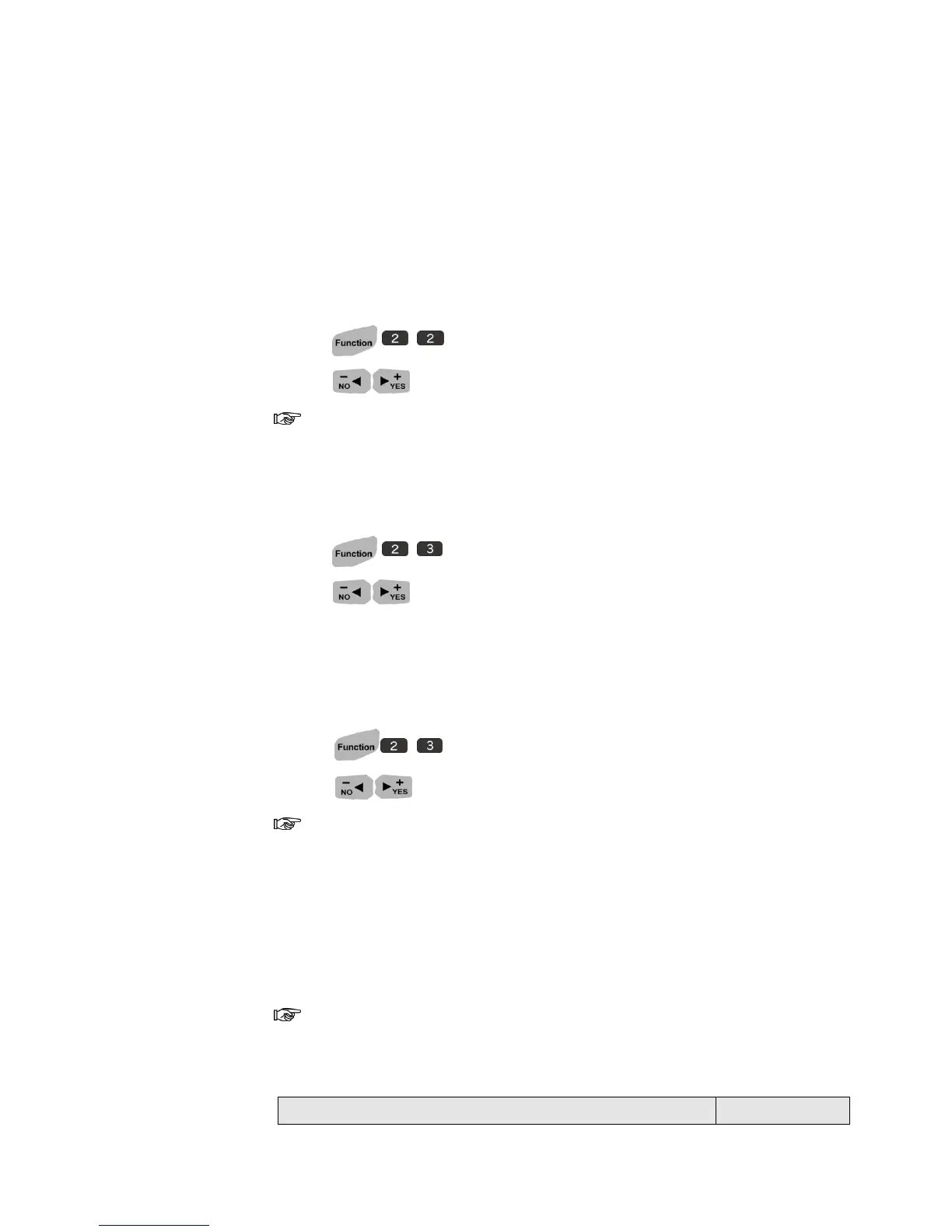
1. Press .
2. Press to ON.
When COUNTER ALARM is ON, you are able to turn the ALARM ON/OFF
in every single Counter with in a message.
Key Tone
1. Press .
2. Press to select ON.
One beep sound: appropriate input key.
Two beep sound: inappropriate input key.
Printing Beep
1. Press .
2. Press to select ON.
When Printing beep is ON, you will be able to hear one beep sound
every time you print.
Alarm-kit (Optional)
When external Alarm kit has been connected to your system, the printer will
detect the Alarm-kit automatically.
The following form will tell you how Alarm LED will show due to all kinds
of malfunction!



 To Next Page