E
E
D
D
I
I
T
T
I
I
N
N
G
G
M
M
E
E
S
S
S
S
A
A
G
G
E
E
25 | EDITING MESSAGE
E
E
d
d
i
i
t
t
i
i
n
n
g
g
M
M
e
e
s
s
s
s
a
a
g
g
e
e
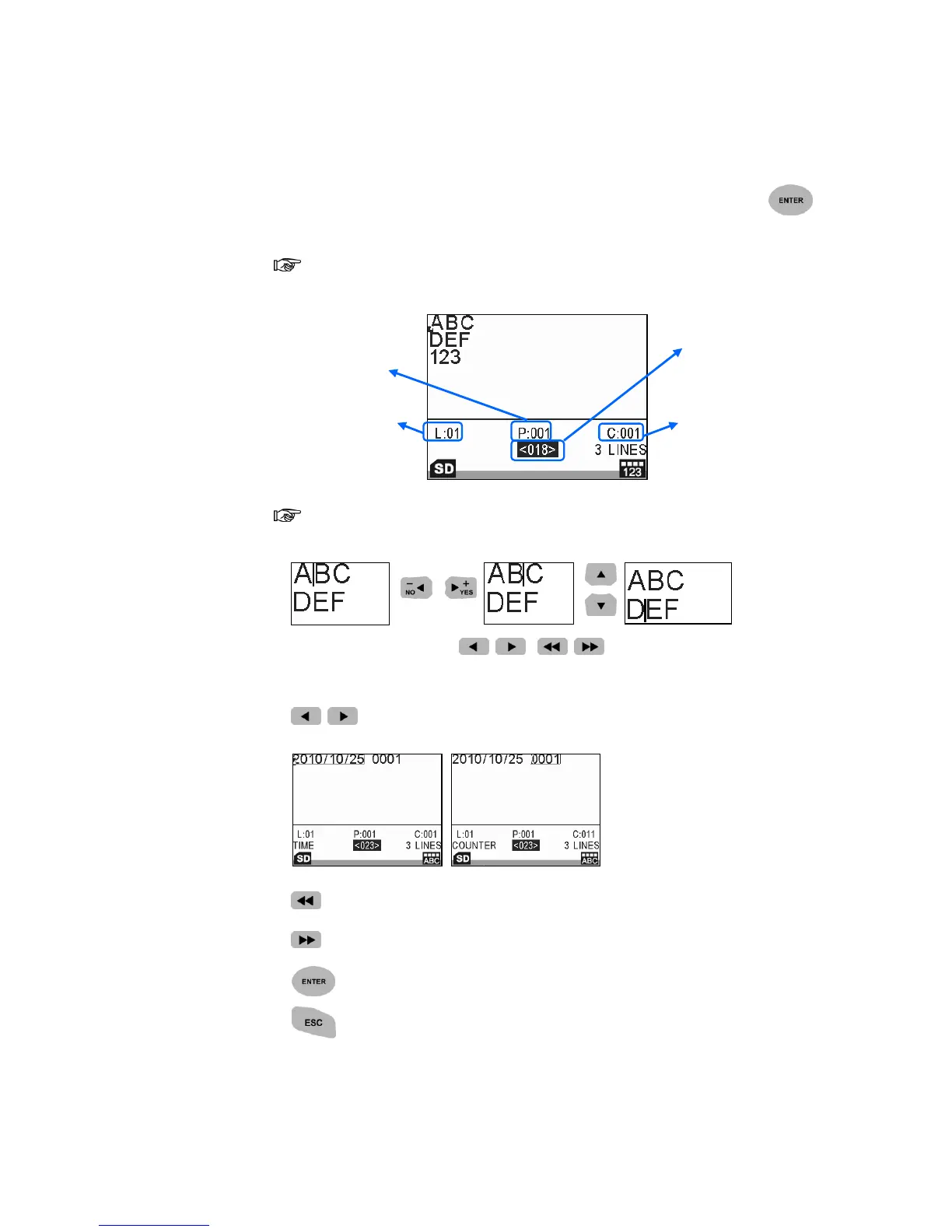
In the Message Browser, use arrow key to select messages, press to
enter the Editing Mode.
In the Editing Mode, you can input text and variable objects contain
Time, Expire, Counter, Shift, Logo, Barcode, Strings.
Quick Basic Operation:
1. Use arrow keys to move the cursor to any position you desire.
2. In Editing Mode, press / , / to adjust the cursor to the
objects.
/ Fast: Select the previous or next object.
Home: Select the first object of a message.
End: Select the final object of a message.
: Advance to next step/screen or confirm the selection.
: Back to previous step/screen or abort current action.



 To Next Page