E
E
D
D
I
I
T
T
I
I
N
N
G
G
M
M
E
E
S
S
S
S
A
A
G
G
E
E
27 | EDITING MESSAGE
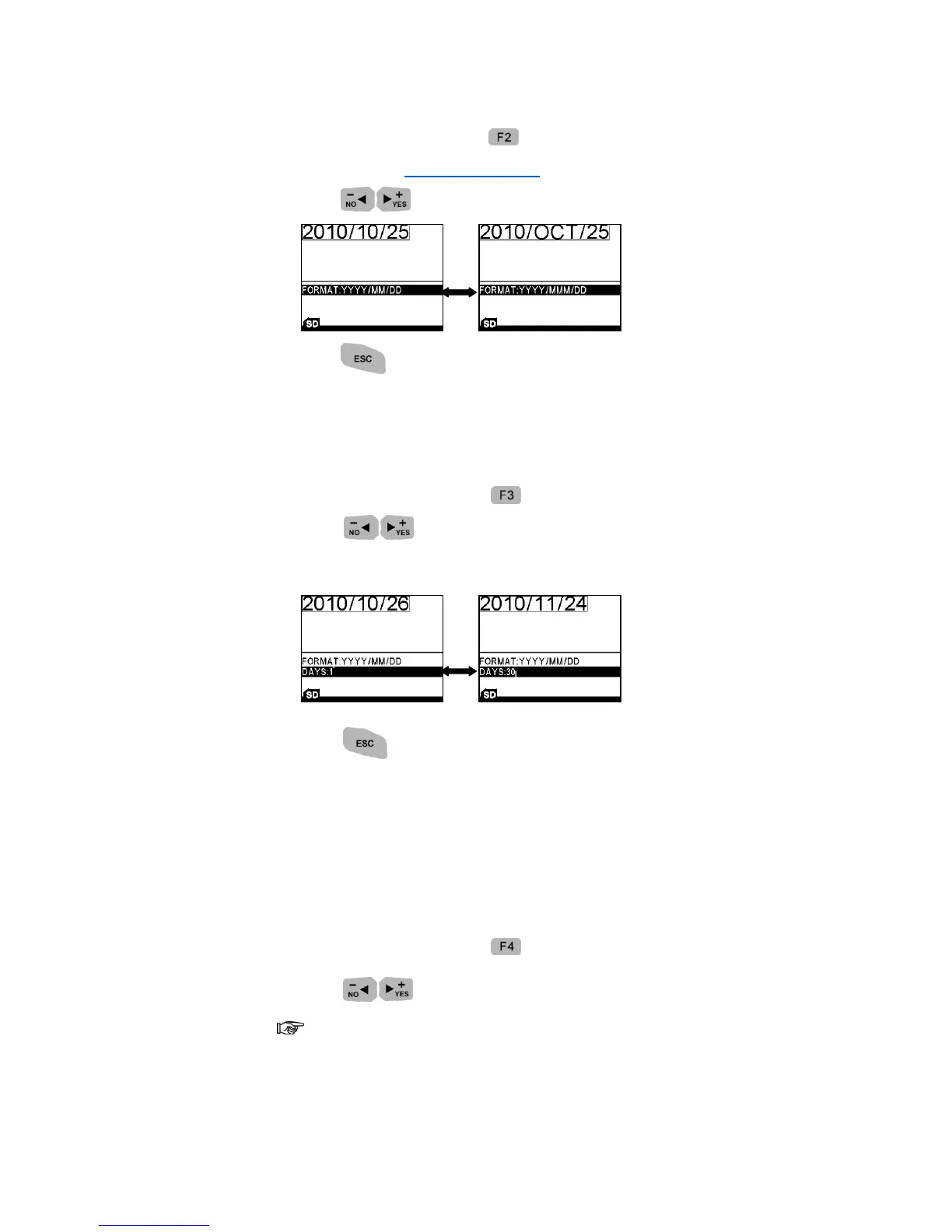
1. Under Editing Mode, press and choose CREATE TIME or DATE/TIME
FORMAT (See Date/Time Format).
2. Press to choose a time format you need.
3. Press to return to the Editing Mode.
EXPIRE
Insert Expiration date with various formats and expired duration.
1. Under Editing Mode, press to add an expiration Date to the message.
2. Press to choose a time format you need.
3. Move down a row, and input expiry days.
4. Press to return to the Editing Mode.
COUNTER
Print the counting numbers.
1. Under Editing Mode, press to add a counter to the message.
2. Press to choose a counter type.
There are 2 types of counter: Single and BOX/LOT (Box and lot should be
used together, when the box prints over the max value, the box will reset to
minimum value and lot will advance a step value.)



 To Next Page