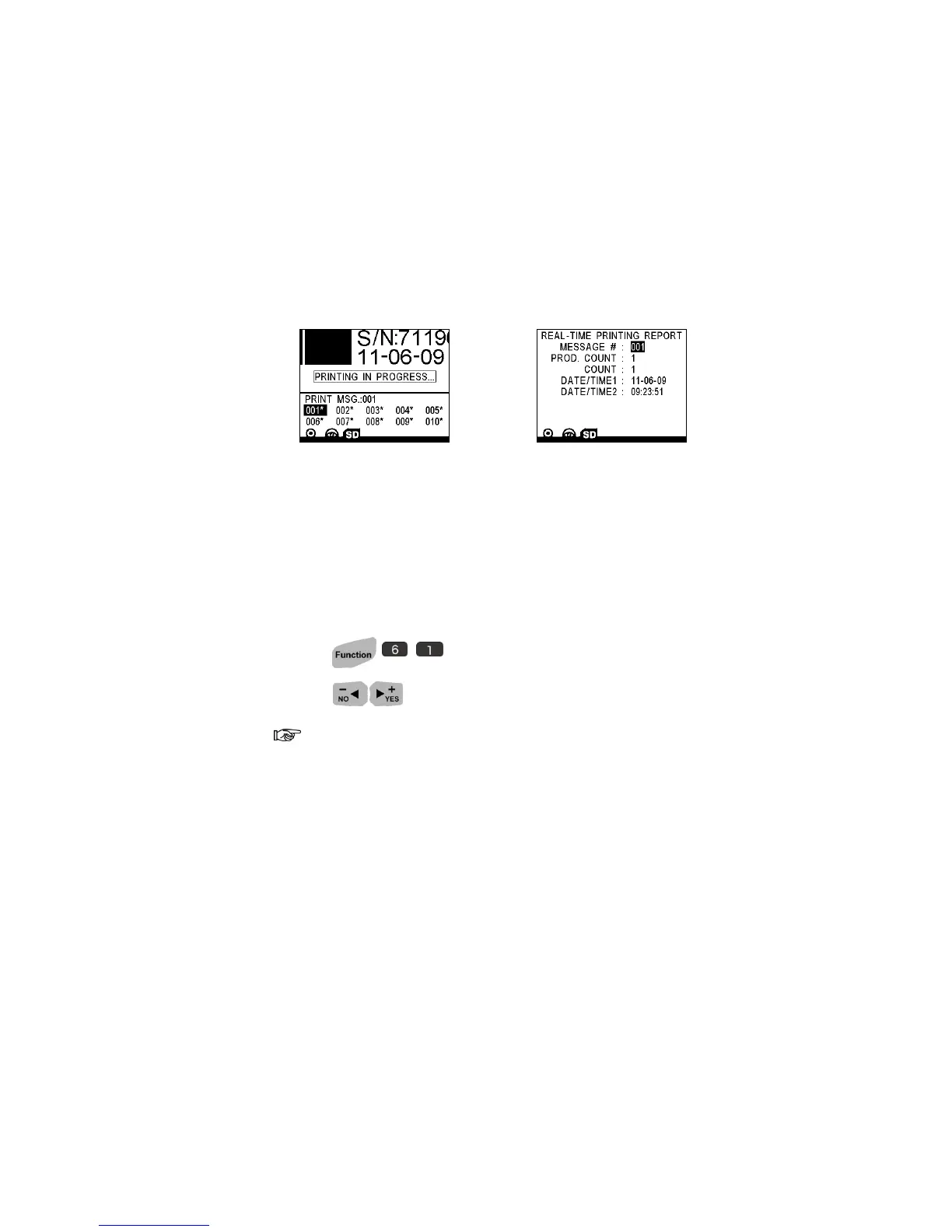
Preview Report
S
S
E
E
C
C
U
U
R
R
I
I
T
T
Y
Y
S
S
E
E
T
T
U
U
P
P
22 | SECURITY SETUP
Preview Report
Security Setup
Under the Message Browser, press FUNCTION > SECURITY SETUP.
Password Option
1. Press .
2. Press to select ON or OFF.
When PASSWORD is ON, the LOG-OUT and USER SETUP instantly
become available. The next time you turn on the U2, you must input a user
name and password to logon!
User Setup
Enable password allows you to manage different user account!
The system grants 3 different levels of user:
ADMIN----Manager: Unlimited access to all level operations with initial
password “1234”.
USER0----Editor: Limited access with TOOLS & EDITOR functions.
USER1----Operator: Limited access with preview & download print message
only.



 To Next Page