47
9.4 Checking the front and rear brake linings
9.5 Changing the front and rear brake linings
Danger of accidents
Worn-out brake linings reduce the braking eect.
• Ensure that worn-out brake linings are replaced immediately.
(Your authorized Apollo workshop will be glad to help.)
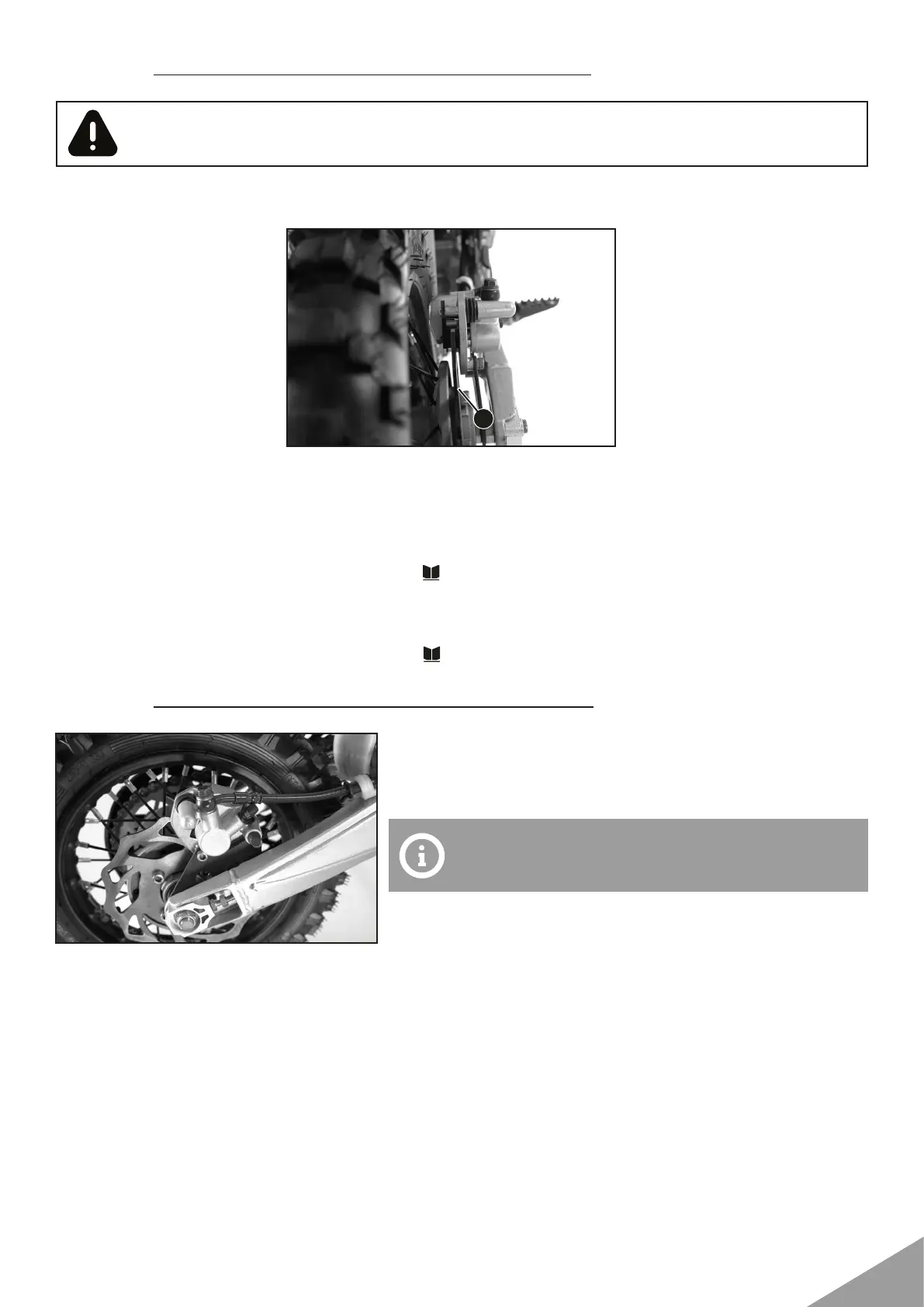
• Check the brake linings for minimum thickness A.
Minimum thickness A ≥ 1 mm (≥ 0.04 in)
If the minimum thickness is less than specified:
• Change the front brake linings. ( .47)
• Check the brake linings for damage and cracking.
If damage or cracking is visible:
• Change the front brake linings. ( .47)
• Remove cotter pins, pull out pin, and remove the brake li-
nings.
• Clean the brake caliper and brake caliper support.
• Check that leaf spring in the brake caliper and sliding plate
in the brake caliper support are seated correctly.
• Manually press the brake caliper toward the brake disc to
push back the brake pistons. Ensure that brake fluid does
not flow out of the brake fluid reservoir, if necessary extract
excess.
Make sure that you do not press the brake caliper
against the spokes when pushing back the brake
pistons.
A


 To Next Page