60
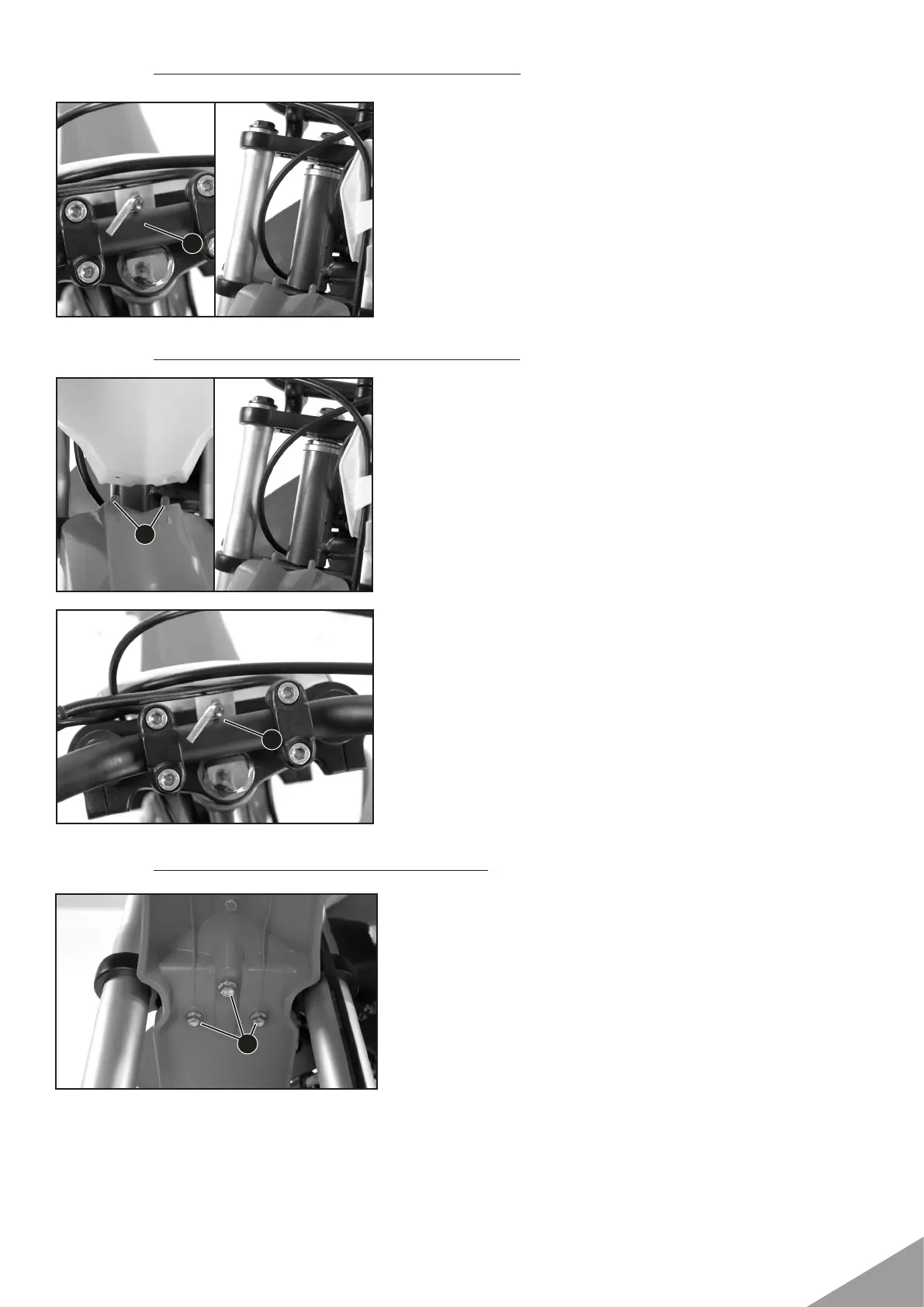
11.11 Removing the start number plate
11.12 Installing the start number plate
11.13 Dismounting the front fender
• Remove screw 1.
• Unhook the start number plate from the brake line and
remove it.
•Attach the start number plate to the brake line.
• Position the start number plate.
• Holding lugs 1 engage in the fender.
• Mount and tighten screw 2.
Guideline
Screw, start number plate M6 4 Nm (3 lbf ft)
• Remove screws 1.
• Remove the front fender.
1
2
1
1


 To Next Page