Take Apart Logic Board - 12
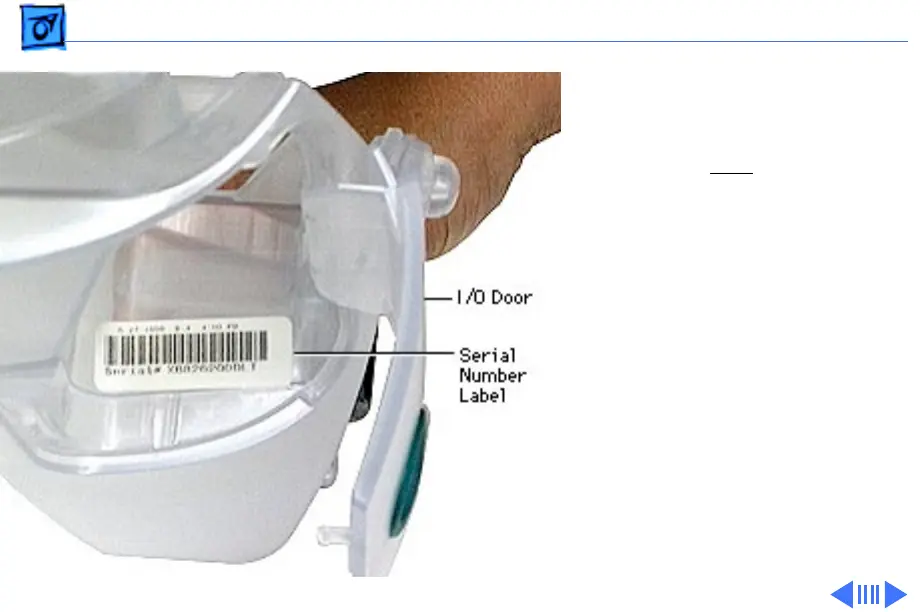
Note:
The replacement logic
board ships with an Ethernet
hardware ID label. You must affix
the new label over
the existing
Ethernet label, which is located
above the serial number.
IMPORTANT: Do NOT cover up the
serial number information that is
printed on the existing Ethernet
label.
Replacement Note:
Before
returning the logic board to
Apple, remove the heatsink, cpu
shields, processor card, modem
card, plastic modem standoff.





 To Next Page