Revision Date – 22/12/2014 page 39
9.2 Rear Cover – Remove and Refit
Disconnect all power leads from the back of the
fridge.
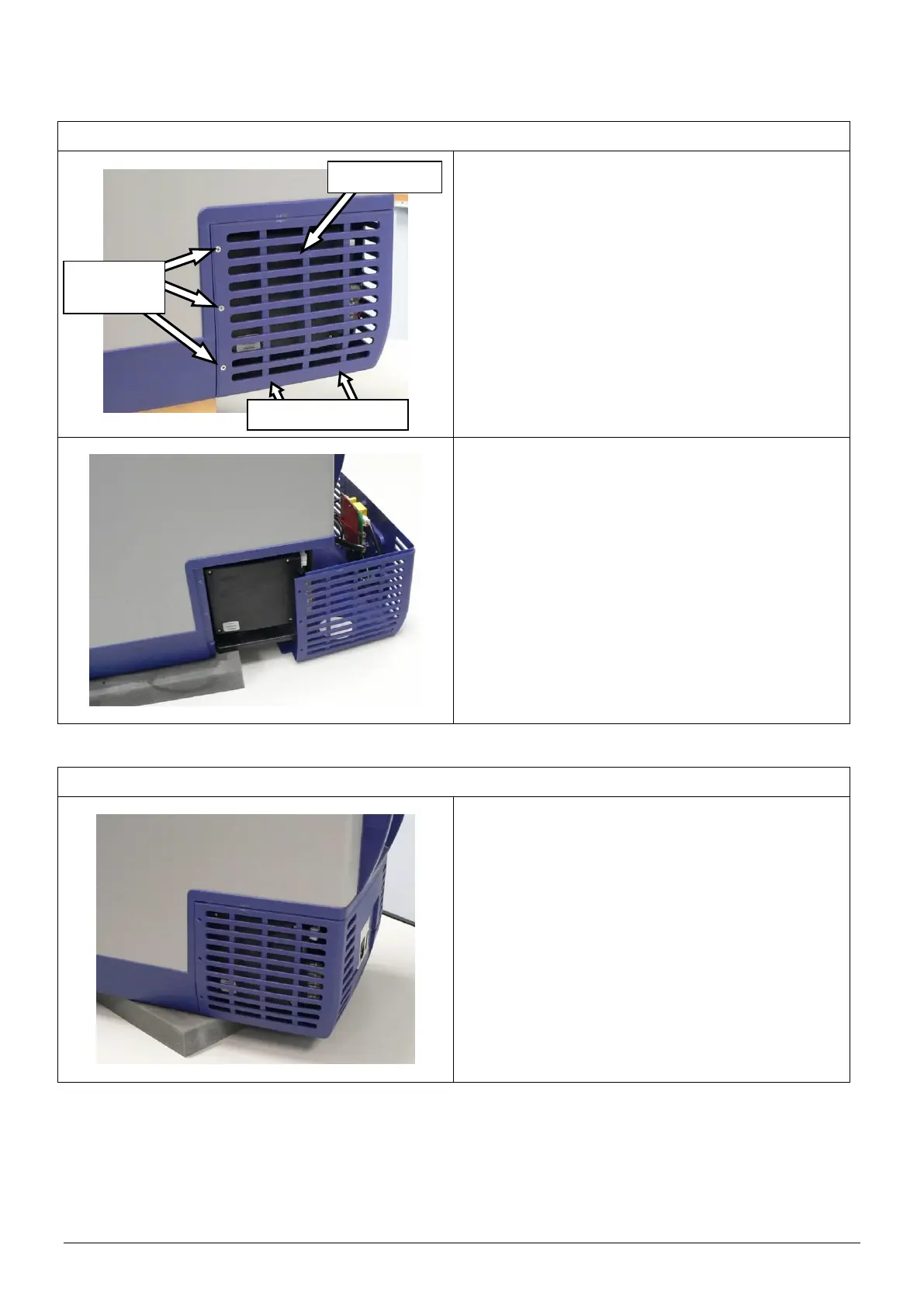
Remove the 12 screws that connect the rear
cover to the body of the fridge.
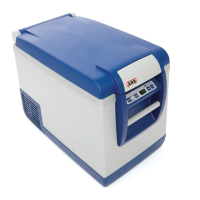
Pull the rear cover away from the body of the
fridge.
CAUTION: Take care not to damage electrical
wires or terminals.
Position rear cover against the body of the fridge
so that the holes line up as shown.
Fasten the rear cover to the body of the fridge
using the original 12 screws.
CAUTION: When refitting cover, ensure that all
cables are securely fastened away
from sharp, moving or hot
surfaces.



 To Next Page