39
A default set of common welding parameters for this machine can be revised by revising system
parameters in case of need. Below is method:
NOTE:
The default parameters of the welder are modified for experienced welders.
The default parameters of the welder have been set in the best state. Do not change the
default parameters of the welder unless necessary.
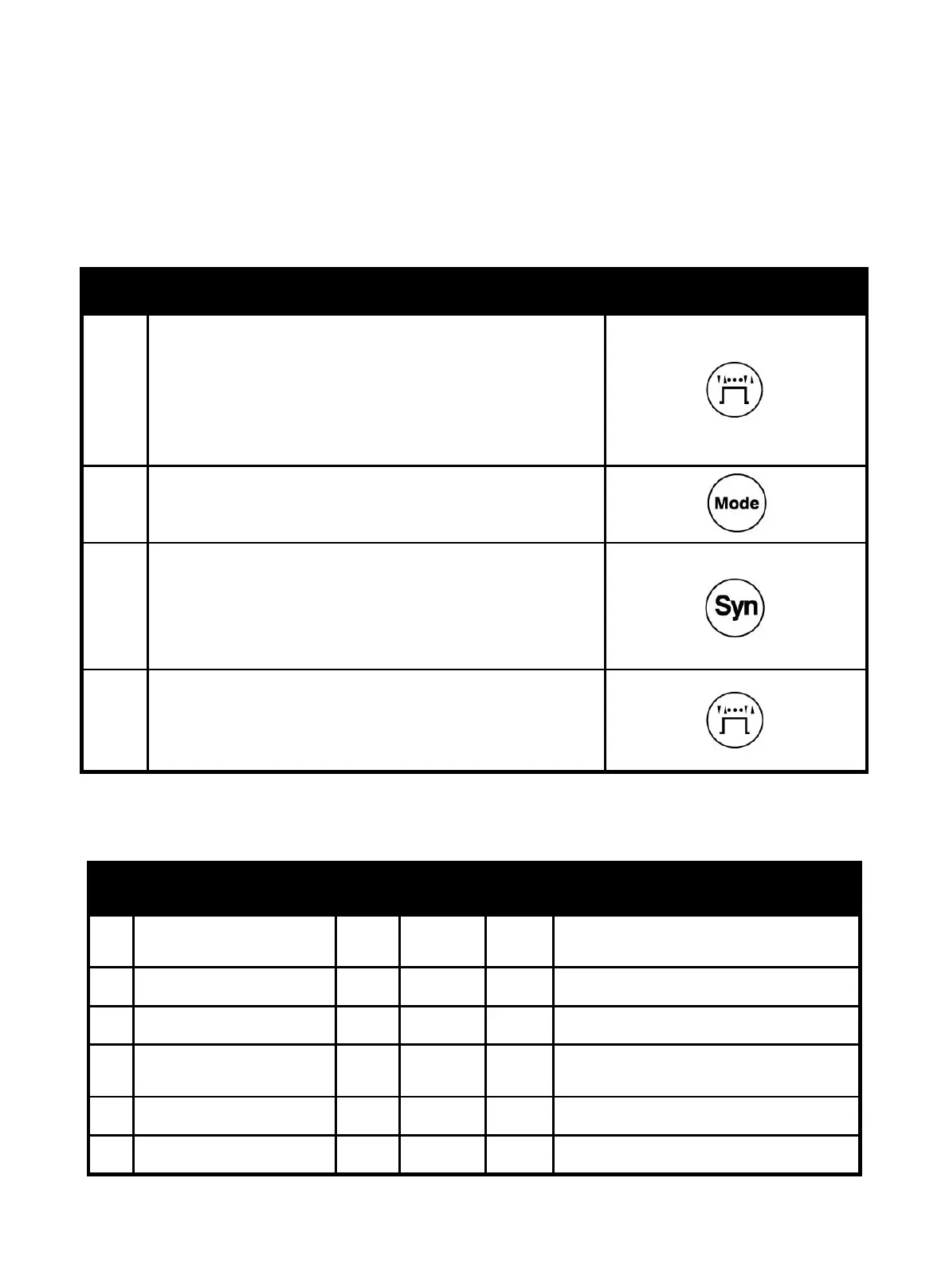
NO operation Picture
1
Press MIG operation mode selection button without
releasing, turn on the power switch of the welder. As soon
as display shows “P1”, release MIG operation mode
selection button to enter revision interface of system
parameters.
2
Select system parameters of MIG, TIG or MMA by pressing
Welding process selection button.
3
Select the parameter to be revised by rotating Welding
Voltage knob. Revise the parameter value by rotating
Welding Current knob. After revision, press Synergic
button to save.
4
After revising parameters, press operation selection
button again to exit the setting of system parameters to be
in normal standby.
System parameter:
MIG mode
No. Function parameter Default
Setting
range
Unit Description
P1
Background parameters
initialization
0 0/1 -
Restore factory default
(Select “1” to restore factory default)
P2 Welding time calculation 0.0 0.0~999 day Calculate welding time
P3 Burn-back time at MIG 200 0
~
400 ms Burn-back time at MIG
P4 Burn-back voltage at MIG 12.0 10.0
~
18.0 V
Given output voltage of removing metal
ball after releasing torch trigger at MIG
P5 Pre-flow time at MIG 5 0
~
300 ms Pre-flow time at MIG
P6 Post-flow time at MIG 0.2 0.0~2.0 S Post-flow time at MIG
https://www.arccaptain.com/



 To Next Page