Connections
Bringing it all together
Connections20
If you require any technical guidance or find that your TV is not operating as intended, a simple solution can often be found in the Troubleshooting section of these instructions,
First Time Installation
IMPORTANT: Ensure that the aerial is connected
before switching on the set top box for the first time.
When the set top box is operated for the first time,
installation wizard will guide you through the process.
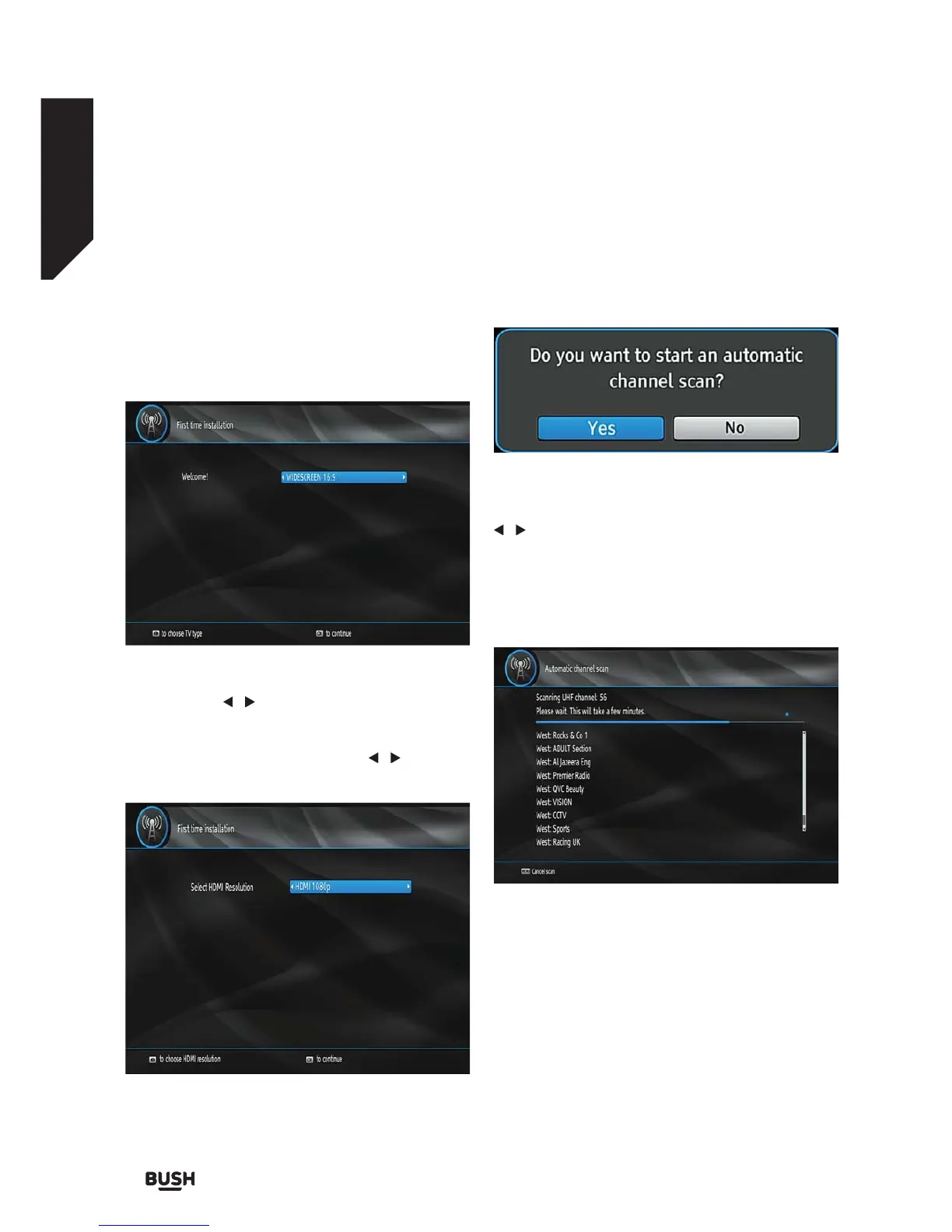
First, TV Type selection on-screen menu will be
displayed:
By pressing the
/ buttons select the TV type you
want to set and press OK button. Afterwards, “Select
HDMI resolution” OSD will appear on the screen.Select
your desired resolution by pressing the
/ button
and press the OK button.
Then “Do you want to start an automatic channel
scan?” pop-up menu is displayed. Auto search can be
started by selecting the “Yes” button. The box will
automatically find the channels and store them.
To start installation process, select Yes by using the
/ buttons and then press the OK button.
The box will start to search available stations. The
progress bar will move along the line. You should allow
the set top box to complete the search to store all
available stations.
Note: You can press the MENU button to cancel.
Fig 9.
Fig 10.
Fig 11.
Fig 12.



 To Next Page