Advanced features
Getting the most from your TV
Advanced features36
If you require any technical guidance or find that your TV is not operating as intended, a simple solution can often be found in the Troubleshooting section of these instructions,
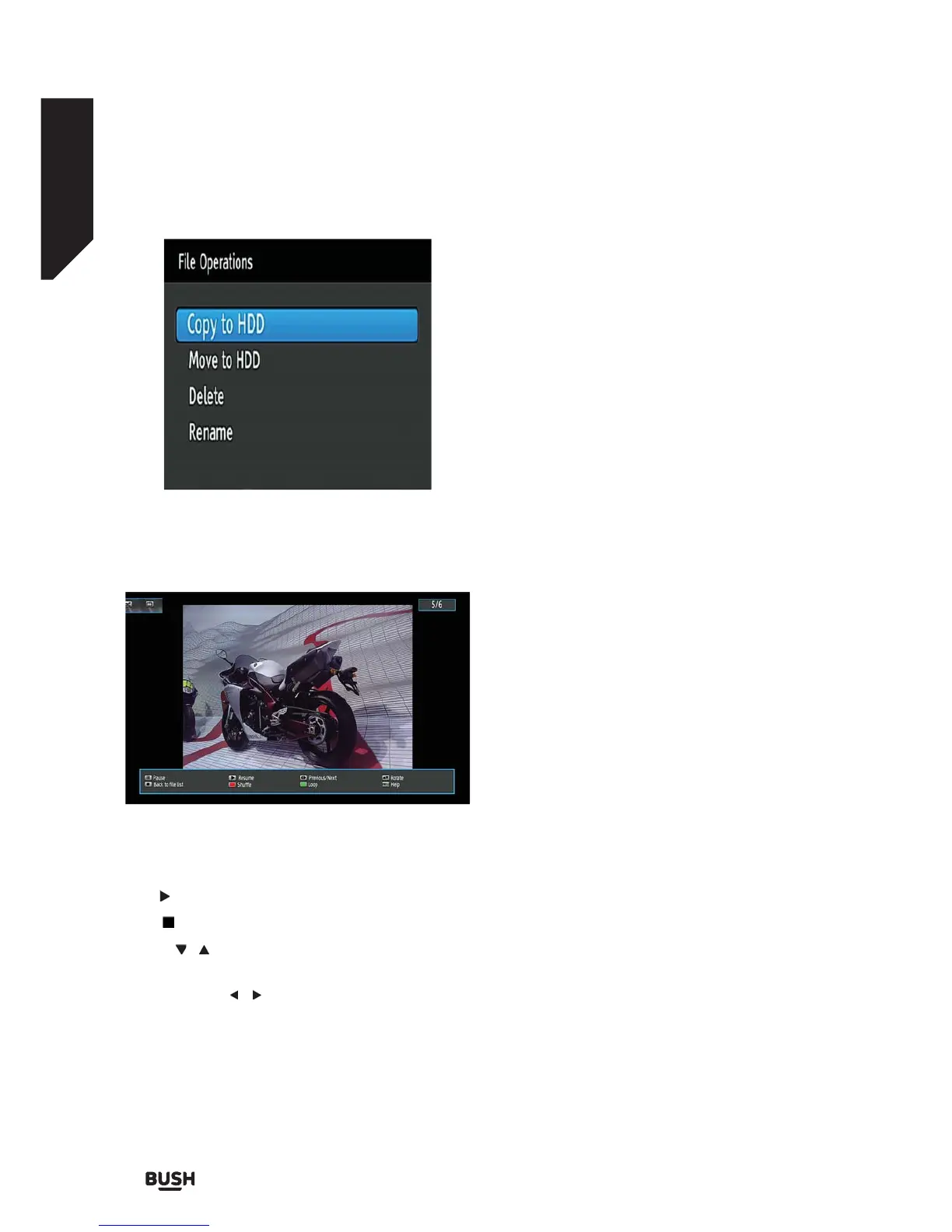
Slideshow Options
Pause: Pauses slideshow
Play ( button): Resumes the slideshow.
Stop ( button) : Back to the file list.
Rotate (
/ buttons): Rotate the picture using up/
down buttons.
Previous/Next ( / buttons): Jumps to previous or
next file.
Info: Shows/hides the info bar.
RED: Activates Shuffle mode.
GREEN: Activates Loop mode.
Digital Teletext
• Press the TEXT button. The digital teletext
information appears.
• Operate it with the coloured buttons, cursor buttons
and OK button.
The operation method may differ depending on the
contents of the digital teletext.
Follow the instructions displayed on digital teletext
screen.
When ‘Press OK button’ or similar message appears on
the screen, press the OK button.
When the TEXT button is pressed, the TV returns to
television broadcasting.
With digital terrestrial broadcasting (DVB-T), in addition
to digital teletext broadcasting together with the
normal broadcasting, there are also channels with just
digital teletext broadcasting.
The aspect ratio (picture shape) when watching
a channel with just digital teletext broadcasting is
the same as the aspect ratio of the picture viewed
previously.
When you press the TEXT button again, the digital
teletext screen will be displayed.
Many digital terrestrial television channels broadcast
pages of information on the programmes, the weather,
news and other topics.
This digital teletext can be displayed by your set
top box. Indeed, some channels broadcast teletext
information entirely.
When such a channel is selected, it will usually display
the opening page of information automatically, after a
short break.
Some channels mostly have digital teletext pages
broadcast along with the television programme.
Fig 36.
Fig 37.



 To Next Page