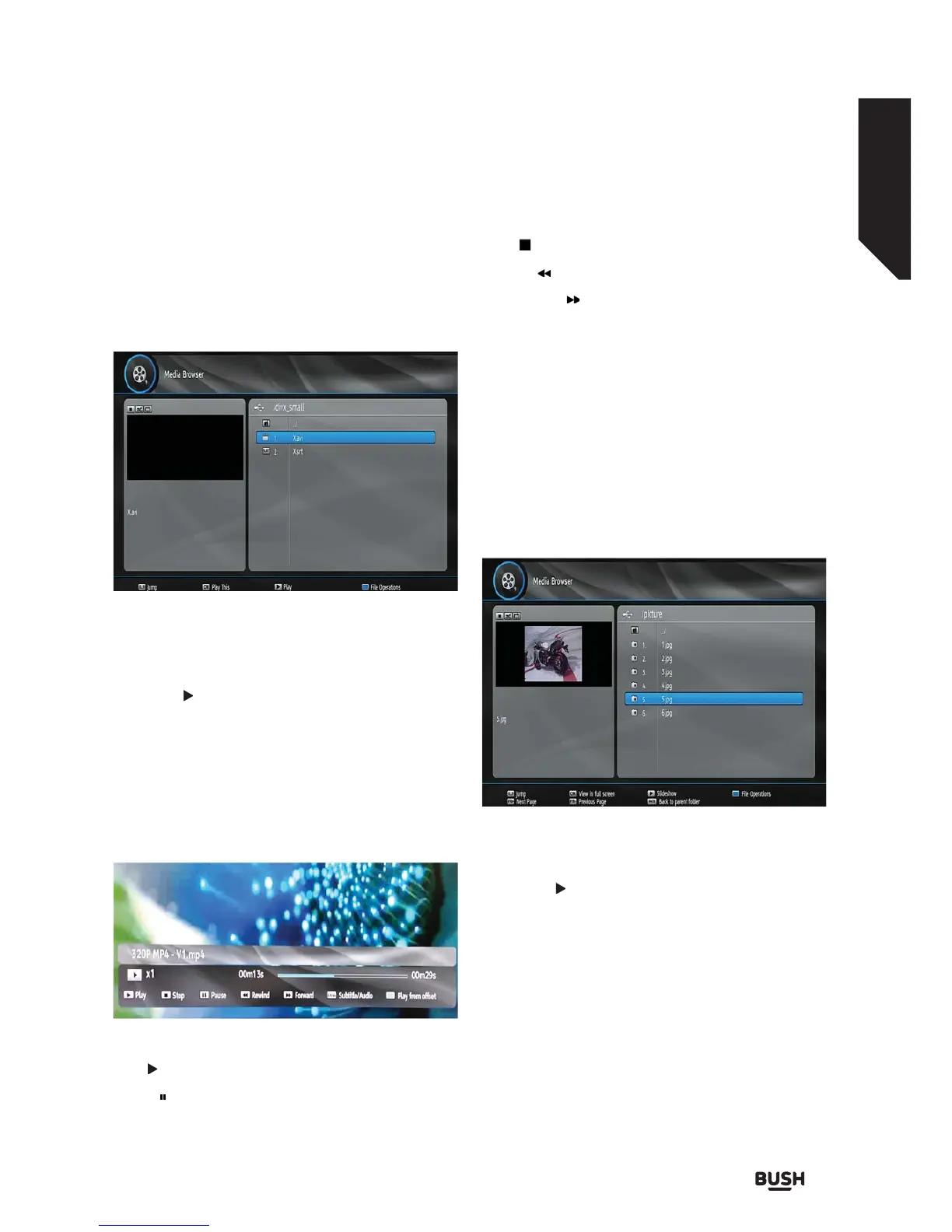
Advanced features
Getting the most from your TV
Advanced features 35
or online at www.argos-support.co.uk If you still require further assistance, call one of our experts on 0345 604 0105.
Playing Video Files
Select USB Drive option from the main media browser
screen and press OK button. Select the folder (if
available). All media files will be displayed.
Jump (Numeric buttons): Jumps to the selected file
using the numeric buttons.
OK / PLAY(
) buttons: Opens the Play Options menu.
Blue Button (File Operations): Displays options of
Delete, Rename, Move to HDD, Copy to HDD. Press
BACK to exit.
Next page / Previous Page: Jumps to previous or next
page.
Back: Goes back to main folder.
Play (
button): Play files.
Pause ( button) : Pauses the playback.
Stop (
button) : Stop the playing file.
Rewind ( button) : Goes backward.
Fast Foward ( button) : Goes foward.
GREEN : Jumps to the selected time.
LANG : Set subtitle or audio.
Playing MP3 Files
Select USB Drive option from the main media browser
screen and press the OK button. Select the folder (if
available). All media files will be displayed. Select a
music file and press OK to play.
Playing JPEG Files
OK: Shows the selected image in full screen.
Slideshow (
button): Starts slideshow.
Jump (Numeric buttons): Jumps to the selected file
using the numeric buttons.
Next page / Previous Page: Jumps to previous or next
page.
Back: Goes back to main folder
BLUE (File Operations): Displays options of Delete,
Rename, Move to HDD, Copy to HDD. Press BACK to
exit.
Fig 33.
Fig 34.
Fig 35.



 To Next Page