Advanced features
Getting the most from your TV
Advanced features 41
or online at www.argos-support.co.uk If you still require further assistance, call one of our experts on 0345 604 0105.
Installation
The Installation menu will help you to retune your set
top box in order to store new services or stations.
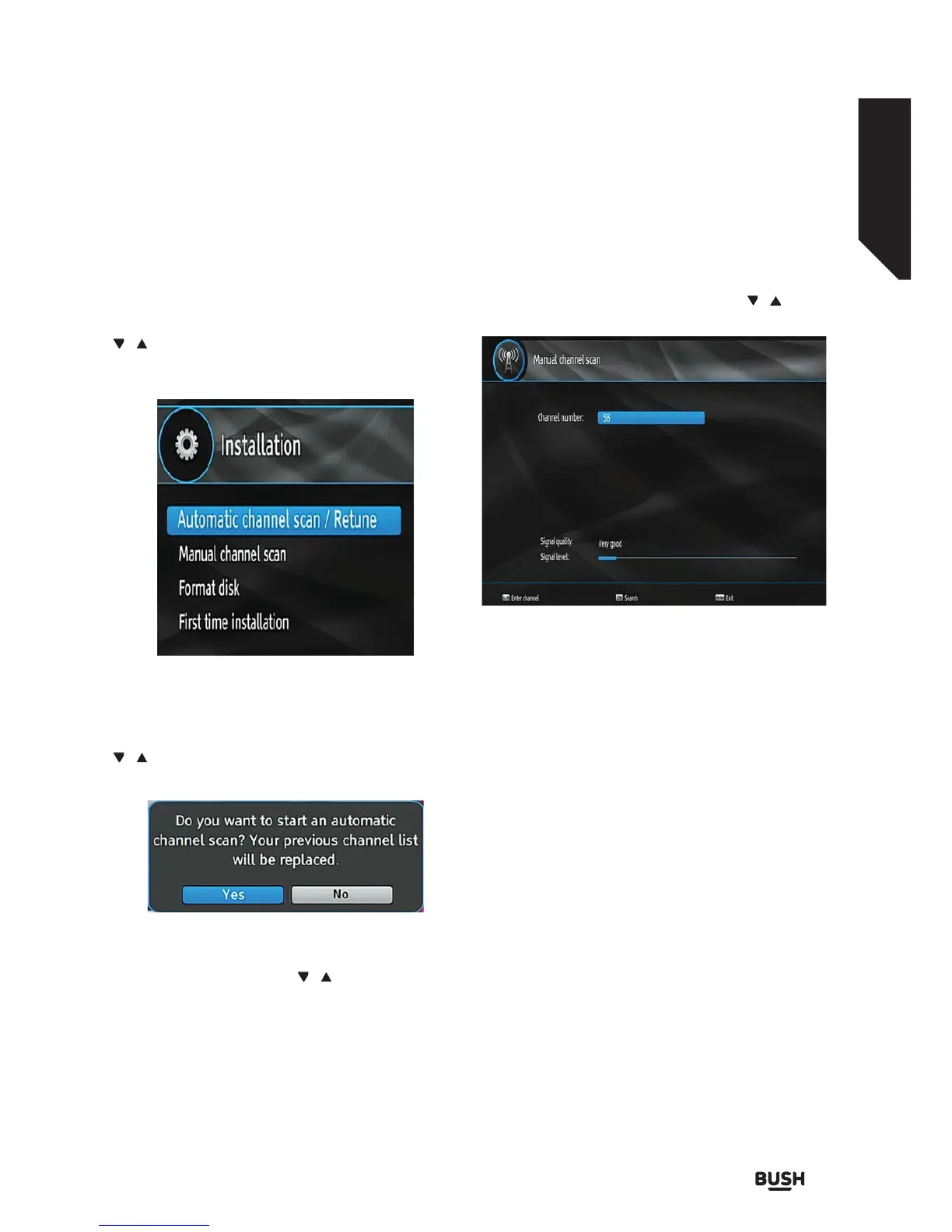
Select Installation from the Setup menu by using the
/ buttons and press OK to continue.
Installation menu includes the following items:
Automatic Channel Scan / Retune
Select Automatic Channel Scan / Retune by using the
/ buttons and press the OK button.
The following message will be displayed on the screen:
Highlight Yes or No using the
/ buttons and press
the OK button to confirm.
• If Yes is selected, automatic search starts.
• Selecting No cancels automatic search.
After the scanning is completed, your set top box will
store all the available channels.
Manual Channel Scan
This feature can be used for direct broadcast entry.
Select Manual Channel Scan by using the /
buttons and press the OK button.
In manual channel scan, the number of the multiplex
is entered manually and only that multiplex is searched
for the channels.
For each valid channel number, signal level and signal
quality are shown on the screen.
In both manual and auto search, any existing channel
in the database is not re-stored to avoid duplicates of
that channel.
Format Disk
If you want to format the internal hard disk, you can
use the Format Disk option. ALL the data stored on
the hard disk will be lost in such a case.
• Press OK when the Format Disk option is
highlighted. A menu appears, requiring you to enter
the pin number. If you have not changed the pin
number, the factory default is 0000.
• After you enter the correct PIN code, a pop-up
menu appears on the screen to ensure that the hard
disk should be formatted.
• Select YES and press OK to format the hard disk, or
select NO and press OK to cancel.
Fig 46.
Fig 47.
Fig 48.



 To Next Page