Advanced features
Getting the most from your TV
Advanced features34
If you require any technical guidance or find that your TV is not operating as intended, a simple solution can often be found in the Troubleshooting section of these instructions,
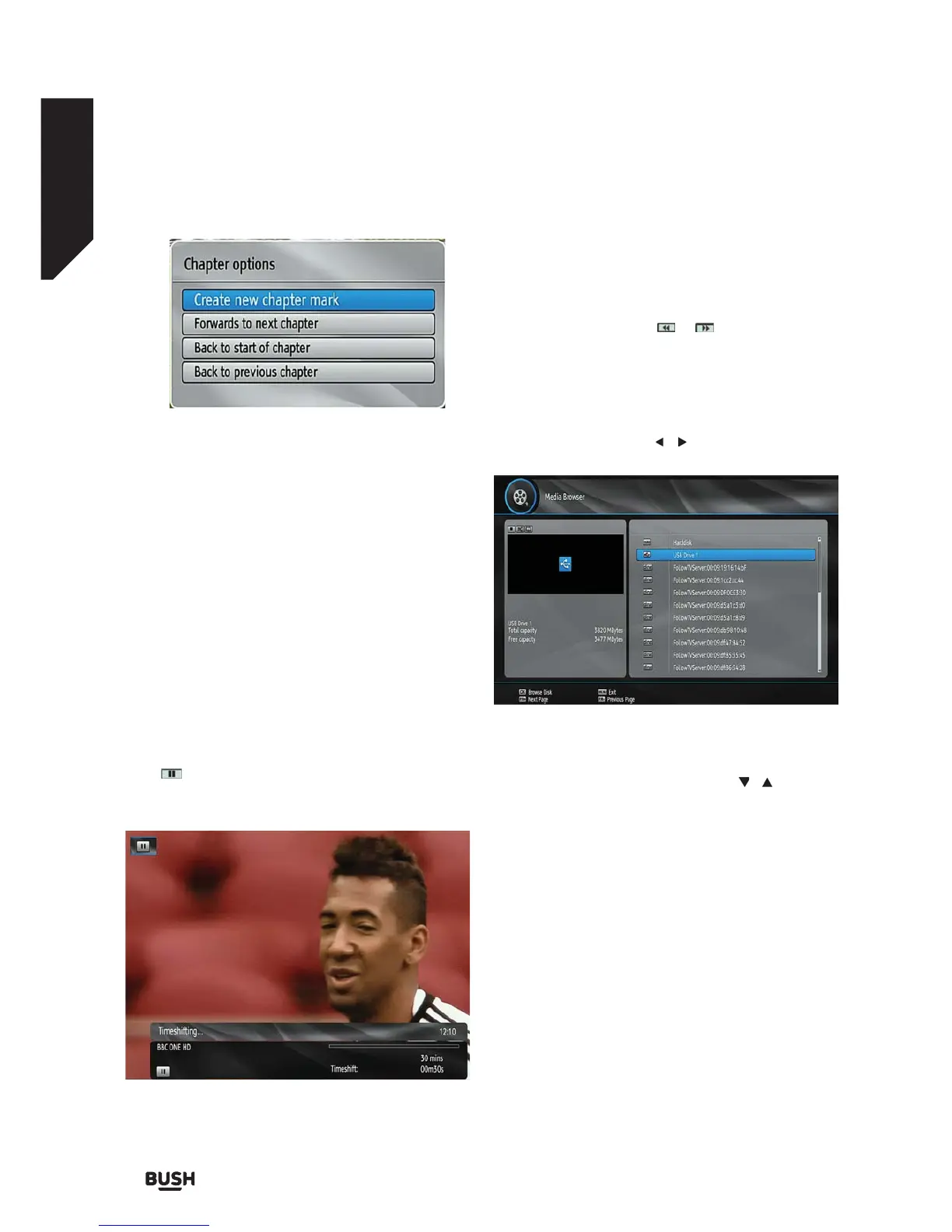
Create New Chapter Mark: You can set a chapter mark
anywhere you want.
Forwards to Next Chapter: Goes to the next chapter if
there is more than one chapter available.
Back to Start Of Chapter: Goes to the beginning of
the current chapter. This is the last played chapter.
Back to Previous Chapter: Goes back to the previous
chapter if there is more than one chapter available.
Time Shifting (Pause Live
Recording)
Pause Live Recording is a feature that enables you to
pause a live broadcast. The live broadcasting can be
stopped any time.
Press
PAUSE button to timeshift the broadcasting.
In the INFO banner the timeshift will commence.
The duration of Timeshift can be adjusted from
Recordings in the Configuration menu.
To stop the timeshift press PLAY, PAUSE or OK
button. The paused recording can be watched in
different speeds using the
or keys. To cease the
timeshifting press STOP button.
Media Browser
To display the Media Browser, select Media Browser in
the main menu using the
/ buttons and press OK.
Note: Available media servers, connected to the same
network will be dispayed too. Press the
/ buttons
to select one and press OK to browse the selected
media server.
Viewing USB Disk Contents
You can play music, video and picture files from a
USB memory stick, but only music and picture can be
played from an external Hard Disk Drive.
Note: Some USB compliant devices may not be
supported.
If the USB stick is not recognized after power off/on or
First Time Installation, first, unplug the USB device and
power off/on the set-top box. Plug the USB device in
again.
Fig 30.
Fig 31.
Fig 32.



 To Next Page