Advanced features
Getting the most from your TV
Advanced features 33
or online at www.argos-support.co.uk If you still require further assistance, call one of our experts on 0345 604 0105.
Manage chapters : It will display any marked chapters
(To set chapter marks, press the Menu button during
playback and enter the Chapter Options menu) and
begin with playback from the selected chapter.
Create archive (Archive management): To use this
feature, you should tag the files to be archived first by
using the YELLOW button. When all the desired
recordings are tagged, press the OK button to display
Play Options and then select Create Archive. When
finished, press the Play button to start archiving.
Edit Recordings
Press the OK button when Edit Recordings is
highlighted. Then select the recordings that are to be
archived.
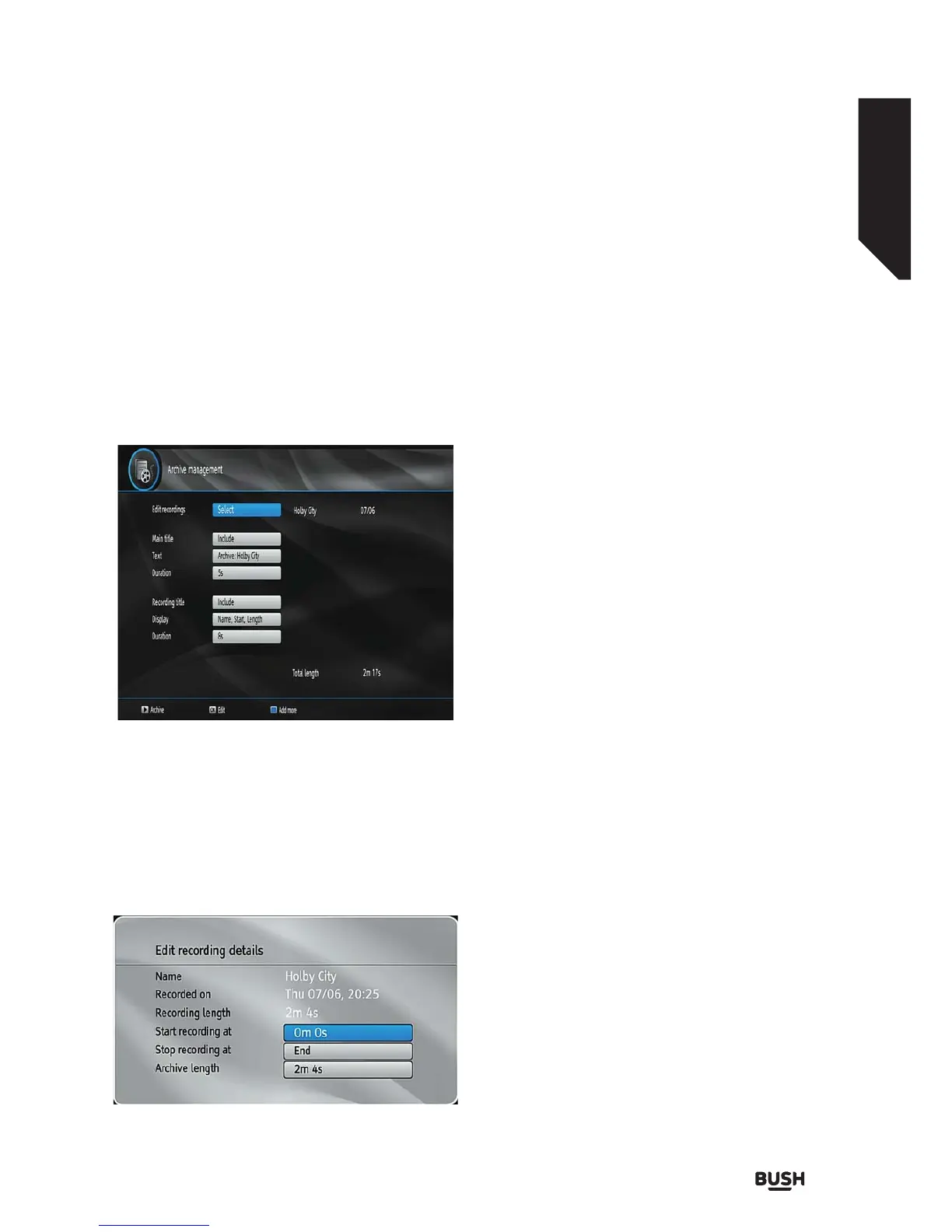
When finished, press the OK button and the following
menu will be displayed:
In this menu, only the Start recording at and Stop
recording at options are active. If you have already
split the recording, you can select any chapter. If it is
not split in chapters, the beginning and ending time of
the recording will automatically be the beginning and
ending time of the archiving.
Main Title
If you want to display a main title, select Include. If not,
select Skip.
Text
After you have selected the Include option in the Main
Title menu, you can edit the main title.
Duration
Set the duration of the appearance of the main title on
the screen.
Recording Title
If you want to display a recording title, select Include. If
not, select Skip.
Display
You can add name,start date/time or length
information to your archived file by using display
option.
Duration
Set the duration of the appearance of the Edit
recording title menu main title on the screen.
Displaying Chapter Options.
During playback of a recording, if you press the MENU
button, the Chapter Options menu will be displayed.
Fig 28.
Fig 29.



 To Next Page