Standard features
Simple everyday use
Standard features24
If you require any technical guidance or find that your TV is not operating as intended, a simple solution can often be found in the Troubleshooting section of these instructions,
Changing Channels
You can change channels with the following methods.
• You can press the numeric buttons (0–9) to directly
enter the channel number. You can press numeric
buttons consecutively to enter two or more digits.
• Press the P +/ P - buttons to move up or down to
the next available channel.
Note: You can press OK button to display the channel
list.
Adjusting the Volume
Volume Up / Down
You can increase or decrease the volume by using the
V+ / V- buttons.
The volume level selected will remain set, even when
the receiver is turned off and on again, until you
change volume again.
The audio volume adjustment for the receiver is
independent of the volume control on your TV set.
IMPORTANT: You should be careful that both volume
controls are kept within reasonable levels so that when
switching on, or when first turning on your TV set, the
sound level is not too high.
Mute
You can press to mute the sound of your set top
box. The sound will be muted once this button is
pressed.
To cancel mute, you can press button again or use
the V +/ V - buttons.
On-Screen Information
You can press the INFO button to display on-screen
information. Details of the station and current
programme will be displayed on the information
screen.
The information screen will then display the current
event name, next event name, starting and ending
time, duration bar, programme mode and the channel
number and name.
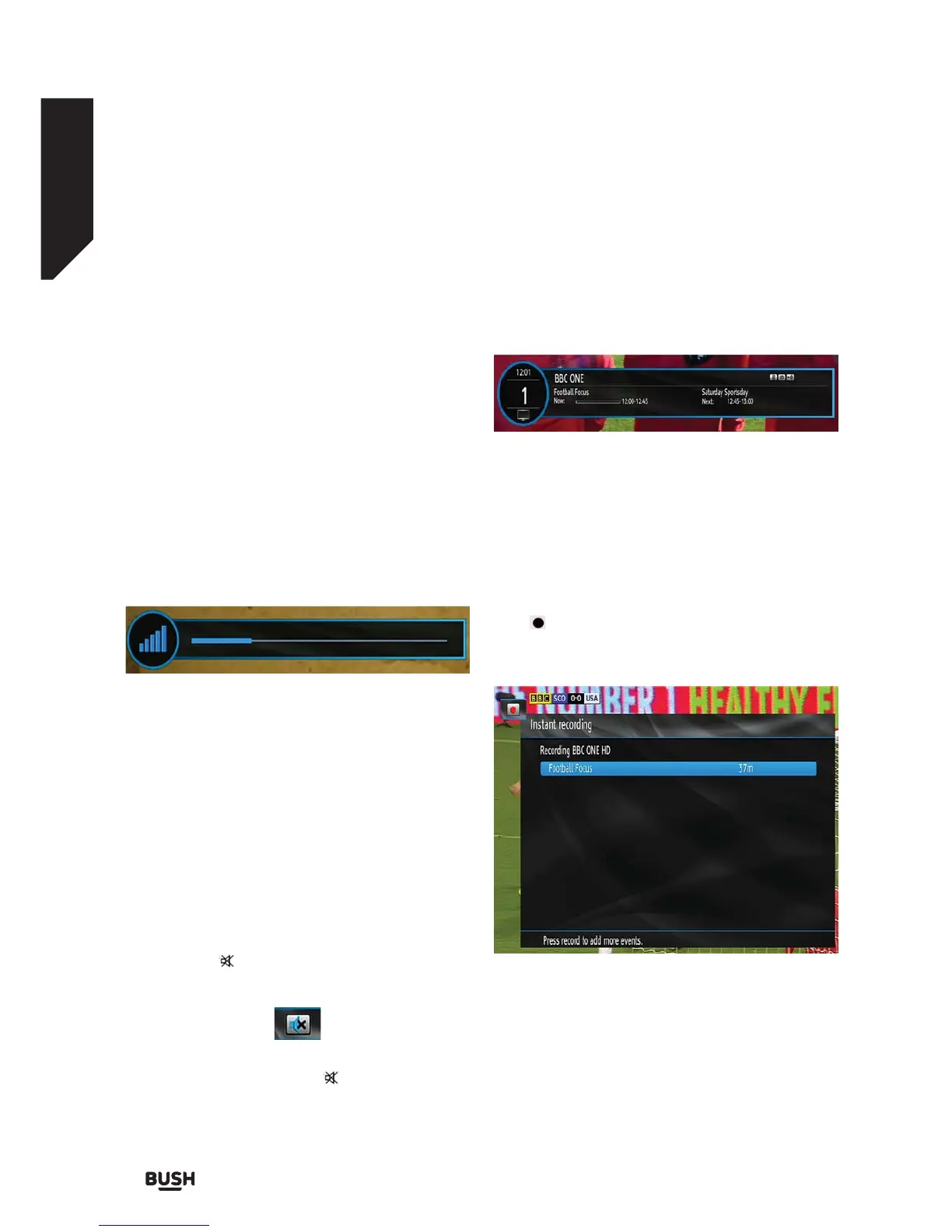
Instant Recording
Press (RECORD) button to start recording an event
instantly while watching a programme. The following
OSD appears on the screen:
Record OSD will then be displayed for a short time and
the current event will be recorded.
Fig 13.
Fig 14.
Fig 15.



 To Next Page