Advanced features
Getting the most from your TV
Advanced features38
If you require any technical guidance or find that your TV is not operating as intended, a simple solution can often be found in the Troubleshooting section of these instructions,
Confi guration
You can configure the main settings of your set top box
using the configuration screen.
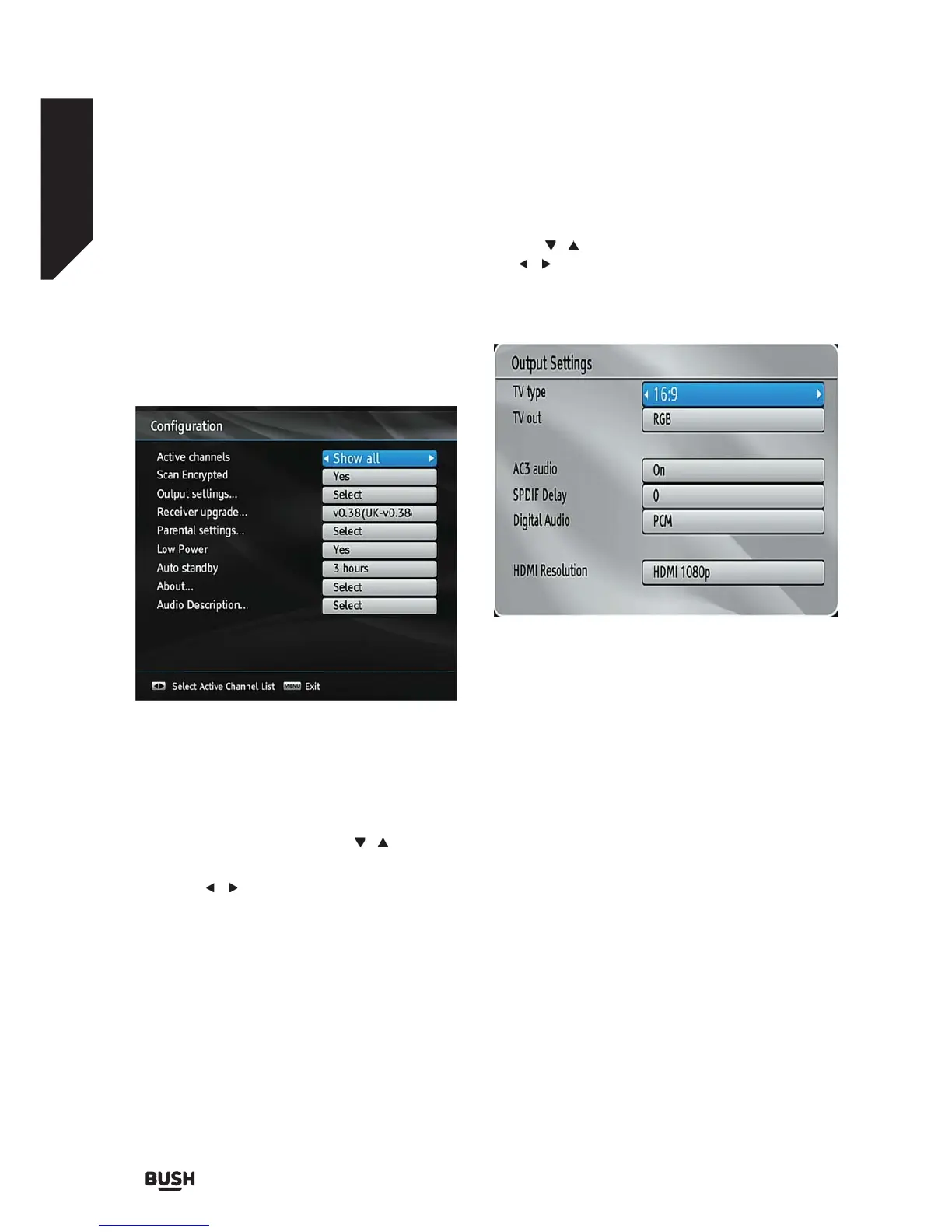
Select Configuration from Setup & Retune menu and
press OK to continue.
You can press BACK button to exit.
Active channels
You can select broadcasts to be listed in the channel
list. To display specific types of broadcast, you should
use Active channel list setting.
Select Active Channels by using the / buttons.
You can select a broadcast type option from the list
by using the
/ buttons. Available modes are: TV
Only, Radio Only, Text Only, Favourites or Show All (if
available).
Press the MENU button to save the recent changes and
exit.
Scan Encrypted
When this setting is on, search process will locate the
encrypted channels as well. If it is set as Off, encrypted
channels will not be located in automatic search or
manual search.
Use the
/ buttons to highlight Scan Encrypted and
the / buttons to select YES or NO.
Output Settings
TV Type
Digital terrestrial television channels can be broadcast
in a widescreen format which must be output
differently to normal and widescreen TV sets.
This function defines the screen format of the
connected TV to enable broadcasts’ being displayed
correctly.
Select 4:3 if you have a standard TV set with 4:3 aspect
ratio.
Select 16:9 if you have a widescreen TV.
Note: This function also enables you to change the TV
Type that you have previously selected during the first
time installation.
TV Out
The set top box can output RGB and CVBS signal via
the TV SCART connector located on the rear panel.
Some devices might not support the RGB format.
Receiver Upgrade
Fig 40.
Fig 41.



 To Next Page