40
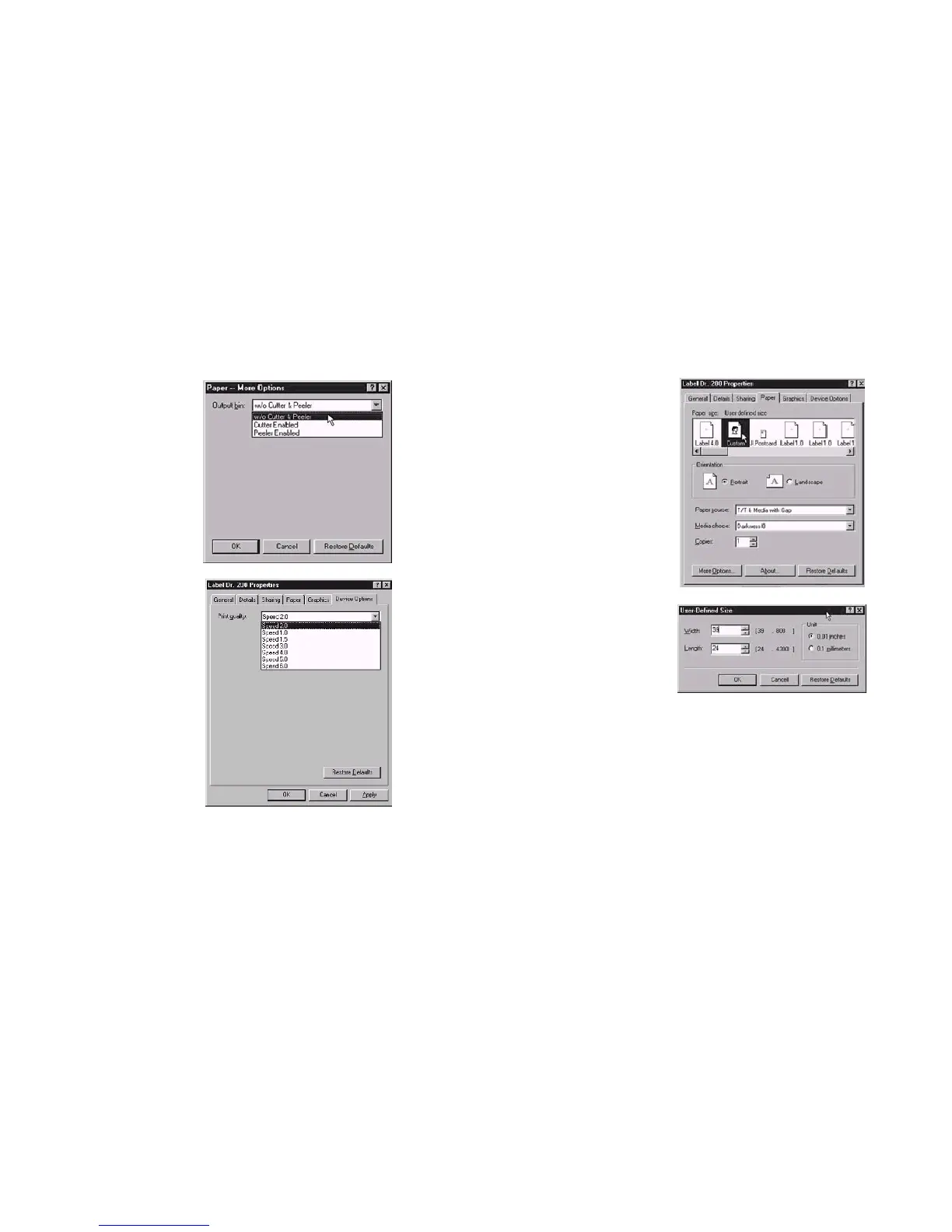
Output bin Create User-Define
Paper (Accessory setting)
Properties menu Properties menu
click "Paper" click "Paper"
click "more option" select "Custom"
select Enable/without User-Define size
cutter, peeler set up a new size
click "OK"
click "OK"
Print quality
(Speed)
Properties menu
click "Device Options"
select parameters
click "OK"
39



 To Next Page