12 Quick Start Guide: 7500N Series Modular Switches
7504N and 7508N Rack Mounting Chapter 3: Rack Mounting the Switch
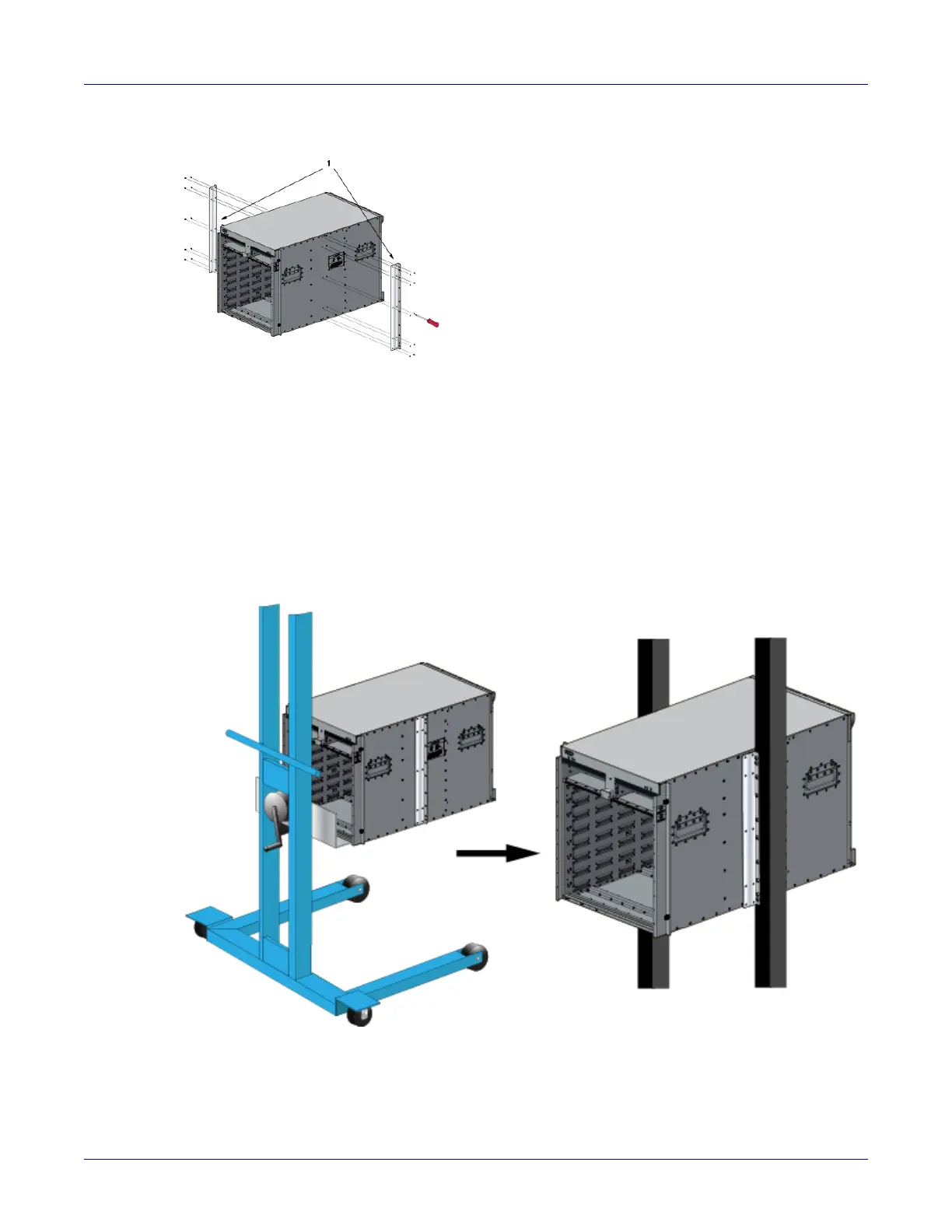
Figure 3-1: Attaching the center-mount brackets
3.1.3 Inserting the Switch into the Rack
Step 1 Move the chassis to the rack using a mechanical lift.
If modules are inserted in the chassis, use the lift carefully to avoid damaging any components.
Step 2 Lift the chassis into the rack. Position the flanges against the rack posts (Figure 3-2).
Figure 3-2: Lifting the chassis into the two post rack
Step 3 Select mounting screws that fit your equipment rack.
1 Center mount brackets






 To Next Page