38 Quick Start Guide: 7500N Series Modular Switches
Connecting Line Card Modules and Cables Chapter 4: Cabling the Modular Switch
4.10 Connecting Line Card Modules and Cables
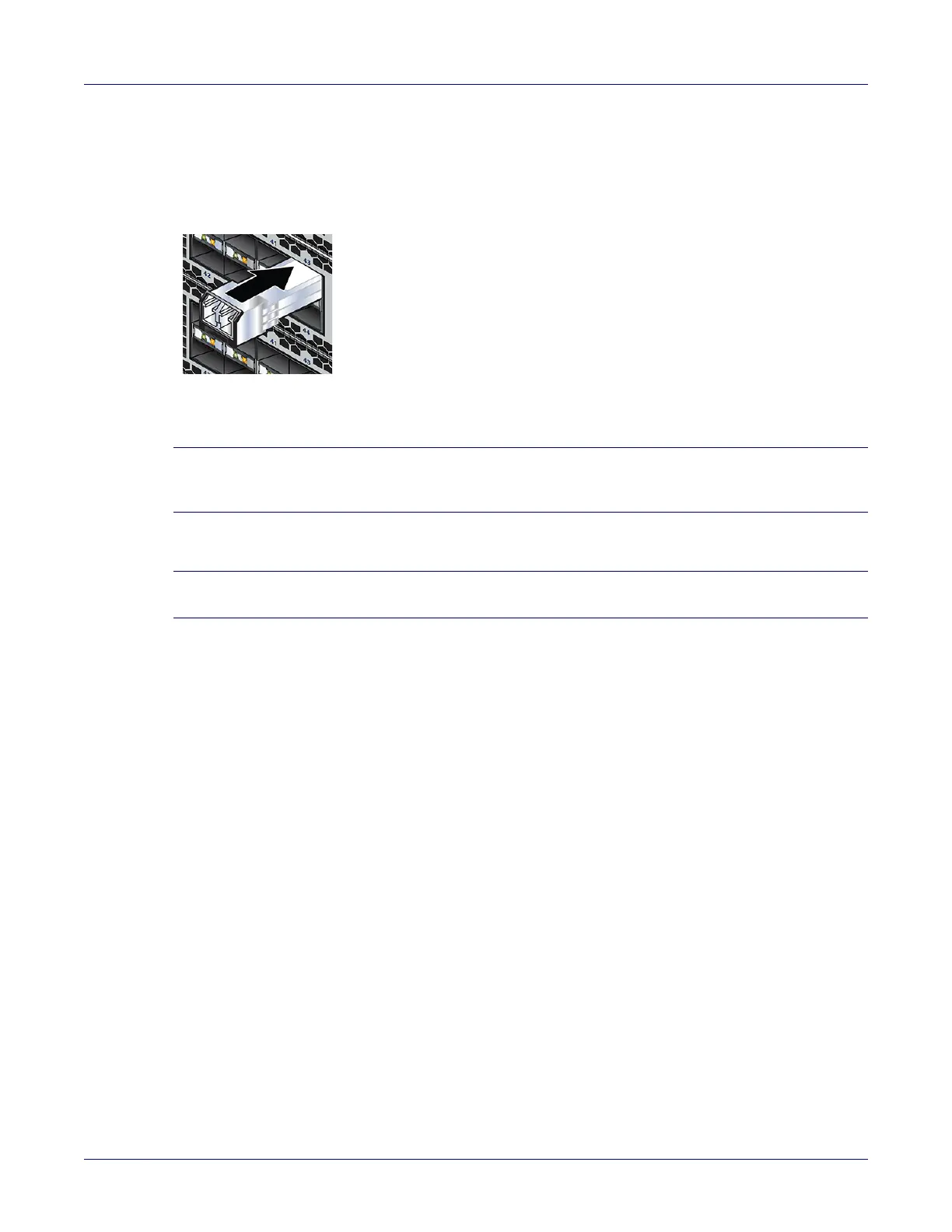
Install required SFP, SFP+, QSFP+, QSFP100 and CFP2 optic modules in line card module ports
(Figure 4-10).
Figure 4-10: SFP or SFP+ ports
Connect cables as required to line card module ports or fixed MPO ports. Supervisor and line card
module ejectors on the front of the chassis assist with cable management.
Caution Excessive bending can damage interface cables, especially optical cables.
Flexion excessive peut endommager les câbles d'interface, en particulier les câbles optiques.
Note You must ensure that any open slots for modules, power supplies, etc. are covered by the appropriate
“blank” plates. Check with your local Arista Networks representative if you have questions.






 To Next Page