Chapter 3: Rack Mounting the Switch 7512N and 7516N Shelf Rack Mount Installation
Quick Start Guide: 7500N Series Modular Switches 17
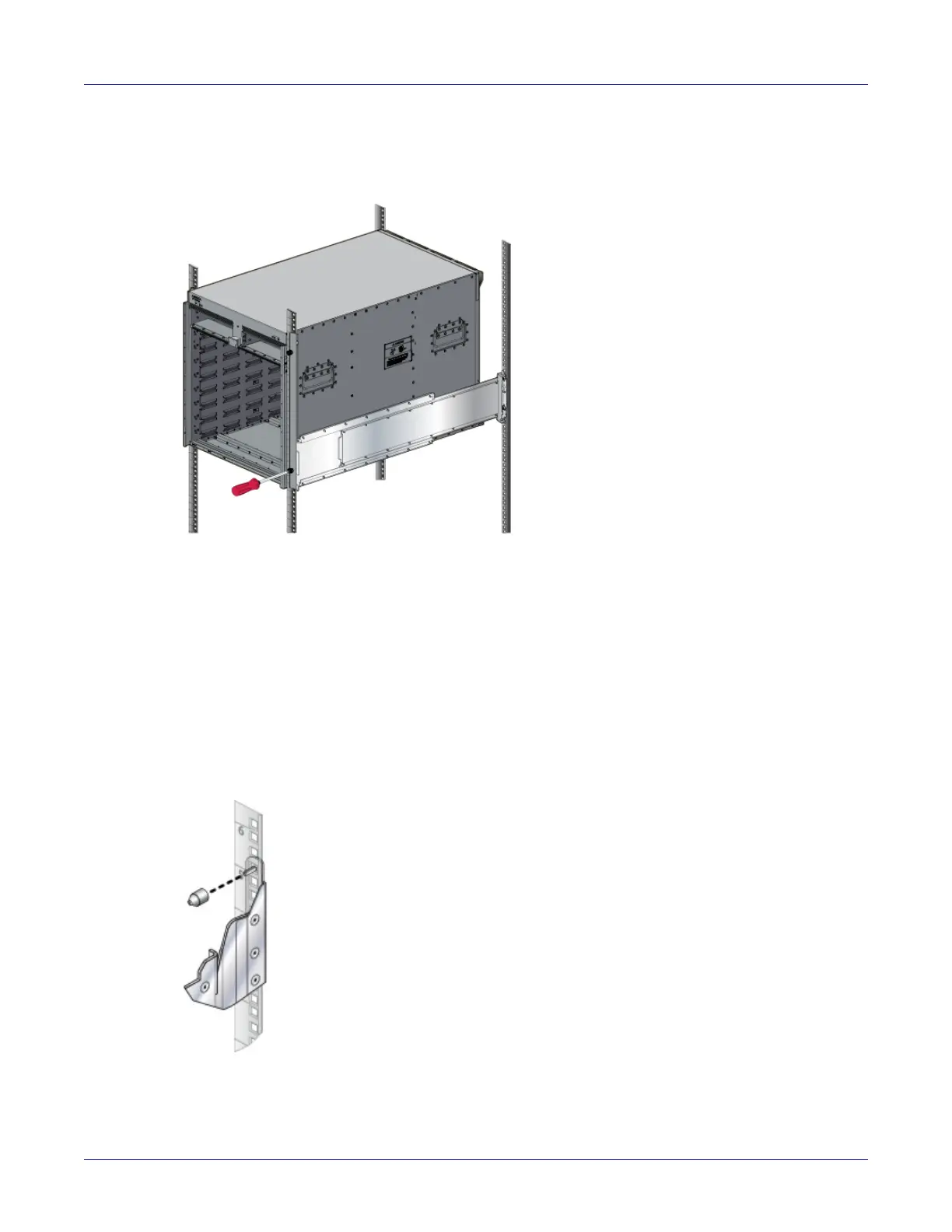
Step 3 Secure the chassis by tightening the thumbscrews on the front flanges into the rack posts
(Figure 3-9).
Figure 3-9: Secure the switch to the rack shelf
Step 4 After completing the Four-Post Installation, proceed to Chapter 4.
3.2 7512N and 7516N Shelf Rack Mount Installation
The rack mounting assembly is for the 7512N and 7516N Series switch.
3.2.1 Assembling the Shelf
Step 1 For threaded racks, remove the plastic alignment spacers and use the 3 mm diameter
alignment pins (Figure 3-10).
Figure 3-10: Alignment spacer






 To Next Page