Menu Operation 39
13 Menu Operation
The camera menu has a tree structure and the name of the current submenu is displayed across the
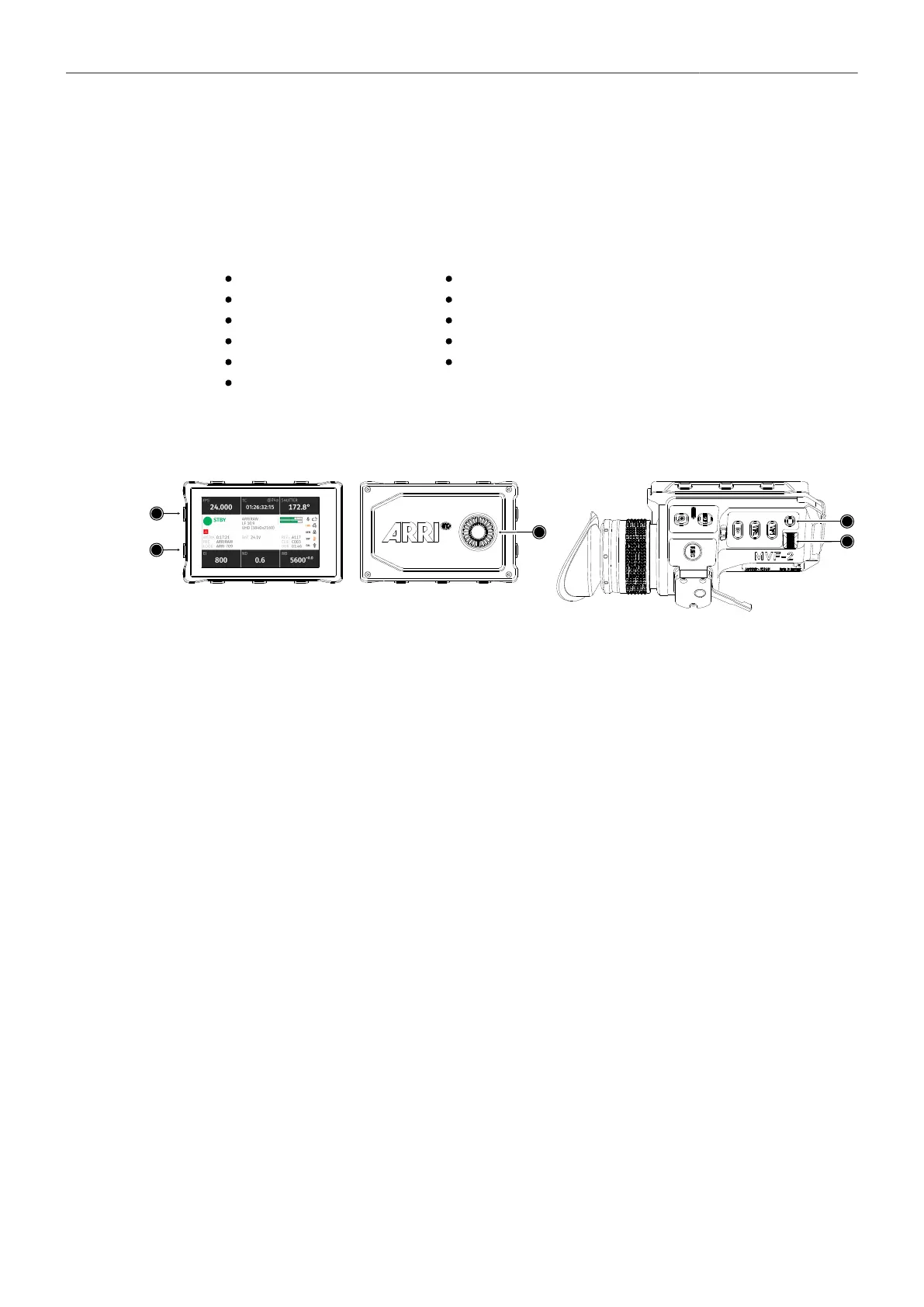
top of every screen. To access the menu, press the MENU / BACK button on the MVF-2 or connect to
the camera via WiFi or Ethernet and open the "web remote", page 117.
The ALEXA Mini LF menu consists of 11 submenus:
Recording
Media
Monitoring
Look
System
Setup
User Buttons
Metadata
ECS (Electronic Control System)
Info
Alerts
Basic Menu Operation
1. Press the MENU / BACK button (1) on the MVF-2 to access the camera menu.
2. Rotate the JOGWHEEL (3) or the USER WHEEL (5) to scroll up or down to select the desired
menu entry:
Entries with a ">" at the end navigate to a submenu. To navigate to a submenu press the
JOGWHEEL center or the SET button (4). To return to a higher menu level press the MENU / BACK
button.
Entries with a value allow for direct editing. To edit a value press the JOGWHEEL center or SET
button, then rotate the JOGWHEEL or USER WHEEL to select the desired value. Press the
JOGWHEEL center or SET button to confirm the change or press CANCEL to discard.
Entries with a check box allow for direct activation/deactivation. Press the JOGWHEEL center or
SET button to activate/deactivate the setting.
3. To leave the menu press the HOME / LIVE button (2).
The JOGWHEEL and the USER WHEEL + SET button provide identical functionality.
For the remainder of this manual, whenever the term JOGWHEEL is used, it refers to the JOGWHEEL
and the USER WHEEL. Whenever “press the JOGWHEEL” is used, it refers to the JOGWHEEL center
and the SET button.



 To Next Page