Monitoring 82
2. Enable or disable anamorphic desqueeze for the EVF/Monitor and/or SDI outputs.
3. Additionally you can assign "EVF/Mon. Desqueeze" and "SDI Desqueeze" to user buttons to quickly
enable and disable anamorphic desqueeze for the corresponding path. For further information on
how to assign functions to user buttons please see "User Buttons", page 107.
18.6 Exposure Tools
The camera offers two exposure tools for evaluation of the image exposure levels, False Color and
Zebra. You can select which exposure tool you want to use to evaluate the image exposure. The
exposure tool can be activated through
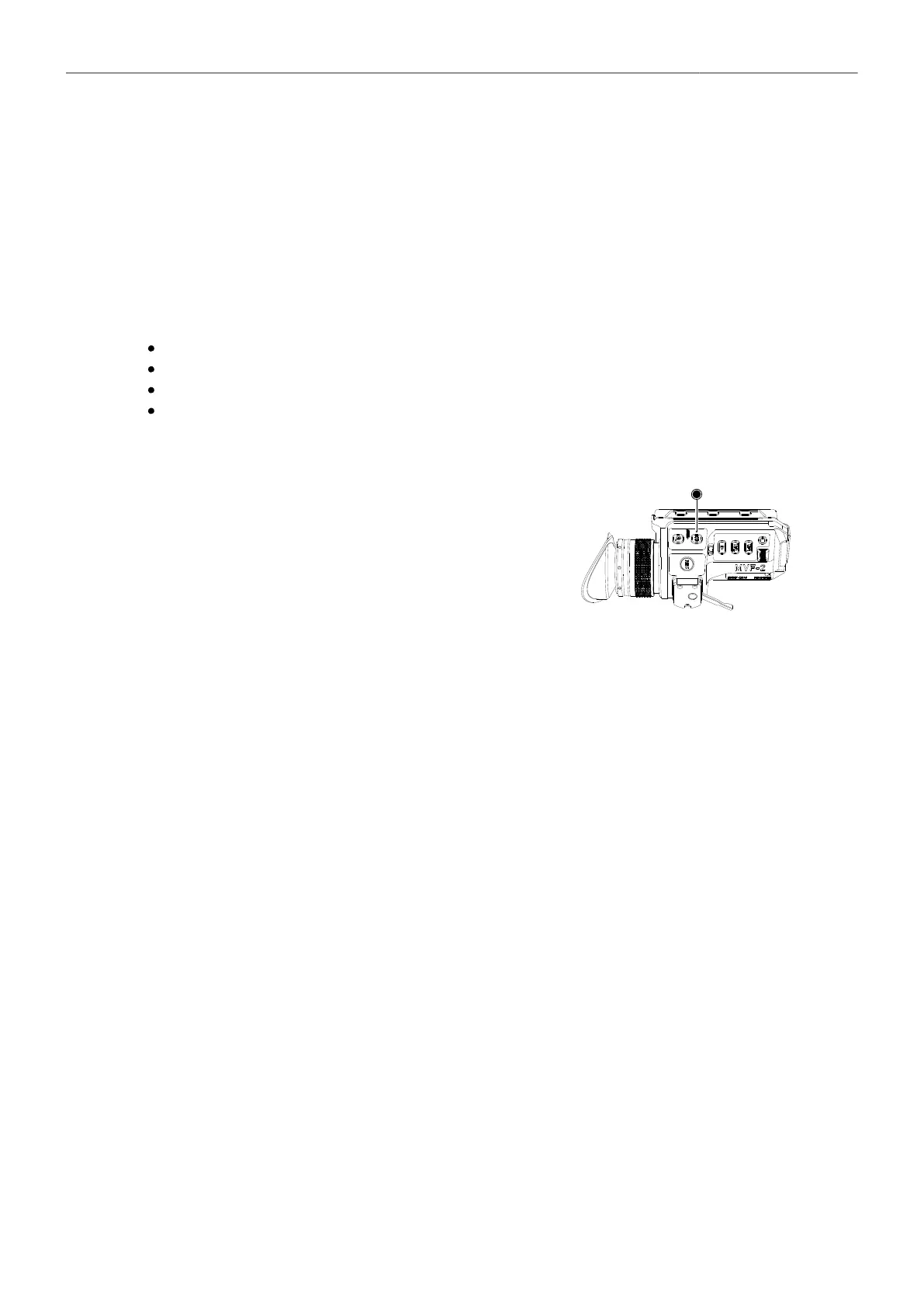
the EXP button on the MVF-2 (for EVF and Monitor)
a user button assigned with EVF/Mon. Exp. Tool (for EVF and Monitor)
a user button assigned with SDI Exp. Tool (for the SDI Outputs)
the EVF/Mon. and SDI exposure tool entries in the camera menu
Activation of Exposure Tool with MVF-2
► To activate the exposure tool on both EVF and
Monitor, press the EXP button (1) on the MVF-2.
Press the EXP button again to deactivate the expo-
sure tool.
Activation of Exposure Tool with User Buttons
1. Assign a user button with EVF/Mon. Exp. Tool
to be used for activation of the exposure tool on EVF and Monitor.
2. Assign a user button with SDI Exp. Tool
to be used for activation of the exposure tool on the SDI outputs.
3. Press the user button to toggle the exposure tool on/off.
For more information on user buttons please see "User Buttons", page 107.
Activation of Exposure Tool in Camera Menu
1. Select MENU > Monitoring > EVF / Mon. > Exposure Tool
to activate the exposure tool on EVF and Monitor.
2. Select MENU > Monitoring > SDI > SDI Processing > Exposure Tool
to activate the exposure tool on the SDI outputs.
18.6.1 False Color
The false color display is a tool to check for correct exposure. It can be activated on EVF/Monitor and/
or the SDI outputs, and takes the respective gamma setting as a basis for calculation. When active,
the image is turned into a gray scale image with important luminance ranges shown in signal colors.
Note that the false color tool is only suitable for checking exposure and is not an appropriate tool for
checking other image parameters or sensor quality. Activating false color replaces luminances with the
following colors:



 To Next Page