Menu Operation 46
13.4 Function Button FN
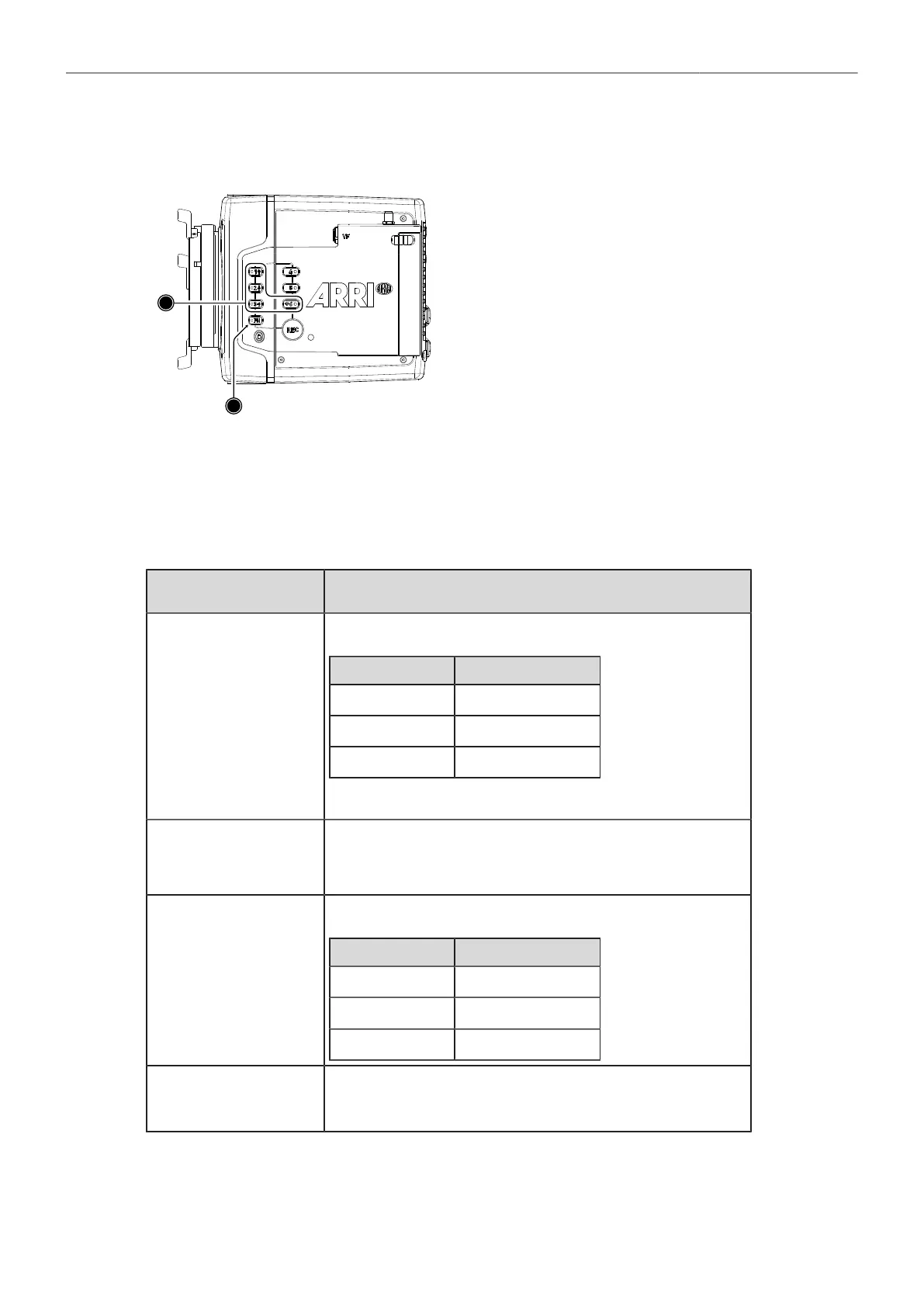
The camera's left side is equipped with the function
button FN (1) and six camera buttons of which four are
labelled with additional icons (2). These four buttons
can act as regular user buttons or in combination with
the FN button access common camera functions.
Camera Buttons to Access Common Camera Functions
By default, the camera buttons function as user buttons. In combination with the FN button they offer
shortcuts to common camera functions.
Following camera functions can be accessed:
Function Button & Camera
Button
Function
FN + 1
Toggles the overlay menu in the viewfinder and the SDI outputs. In the
overlay menu, the camera buttons control the following functions:
Camera Button Function
1 Select backward
2 Select forward
3 Access / Confirm
For more information, see "Overlay Menu", page 77.
FN + 2
Prepares recording media erase and shows a message on MVF, flip-out
monitor and SDI outputs. To confirm the erase, press camera button 3
twice. Any other button can be pressed to cancel the action. After the erase
has finished, press any button to clear the status message.
FN + 3
Starts/stops playback from the recording medium. During playback, the
camera buttons control the following functions:
Camera Button Function
1 Skip backward
2 Skip forward
3 Play / Pause
FN + 6
Toggles WiFi on/off.
When pressing (just) the FN button, the status LED of button 6 reflects the
current WiFi status (LED on = WiFi enabled).



 To Next Page