System Settings 98
21.6 Lens Mount Settings
You can enable/disable the LDS contacts of the lens mount and set your preferred focus unit.
1. Select MENU > System > Lens Mount Settings.
Following settings are available:
Focus Unit Set the unit for display of the lens focus distance to Lens Default, Metric
or Imperial.
Enable Lens Mount Enable/disable the lens contacts of a PL or EF lens mount.
NOTICE
Please note that as soon as an LDA table is activated, the LDS contacts of the lens mount are
switched off. There is no need to switch the mount off manually when using LDA.
21.7 Network and WiFi Settings
WiFi Settings
The WiFi module in the ALEXA Mini LF can be configured to act as an access point or in infrastructure
(client) mode and opens up a wireless network in the 2.4 GHz band. A WiFi connection can be used
to remote control the camera using the camera's web remote or applications communicating with the
camera via the Camera Access Protocol (CAP).
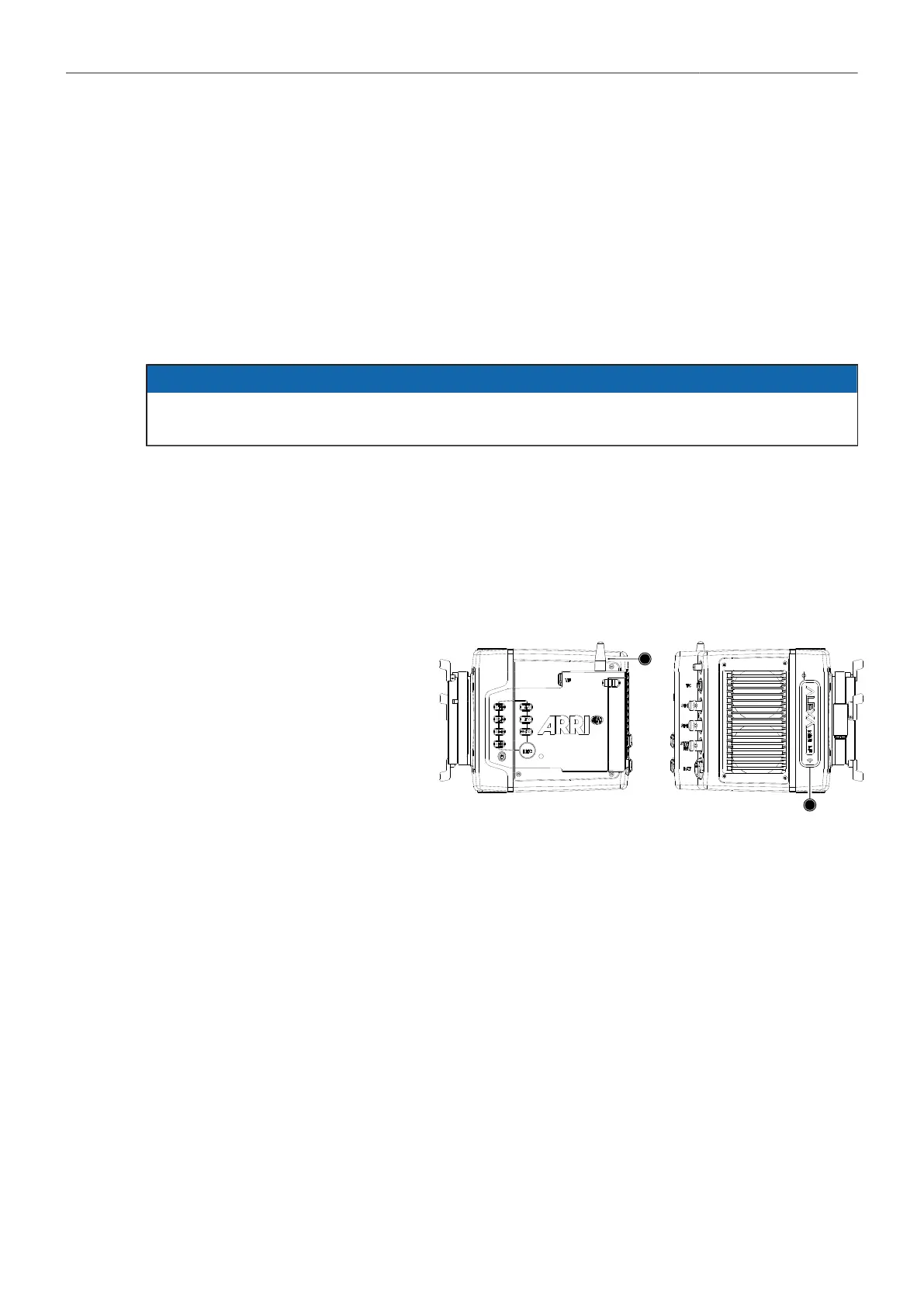
The camera is equipped with two
WiFi antennas, one external an-
tenna above the media bay (1)
and one internal antenna on the
right side front (2).
WiFi Power
► Select MENU > System > Network / WiFi > WiFi Power and set WiFi power on or off.
Additionally to the WiFi settings menu, WiFi power can be toggled by using the FN function button
or a user button assigned with WiFi Power.
WiFi Mode
1. Select MENU > System > Network / WiFi > WiFi Mode.
Following options are available:
Host The camera acts as an WiFi access point. The SSID of the camera is
"Mini-LF-SERIAL#", where SERIAL# is the five digit serial number of the camera.
Client The camera can connect to a WiFi network and receives it's IP address via DHCP.
2. Set the desired WiFi mode.
Note: the WiFi mode can only be changed while WiFi power is disabled.



 To Next Page