Menu Operation 43
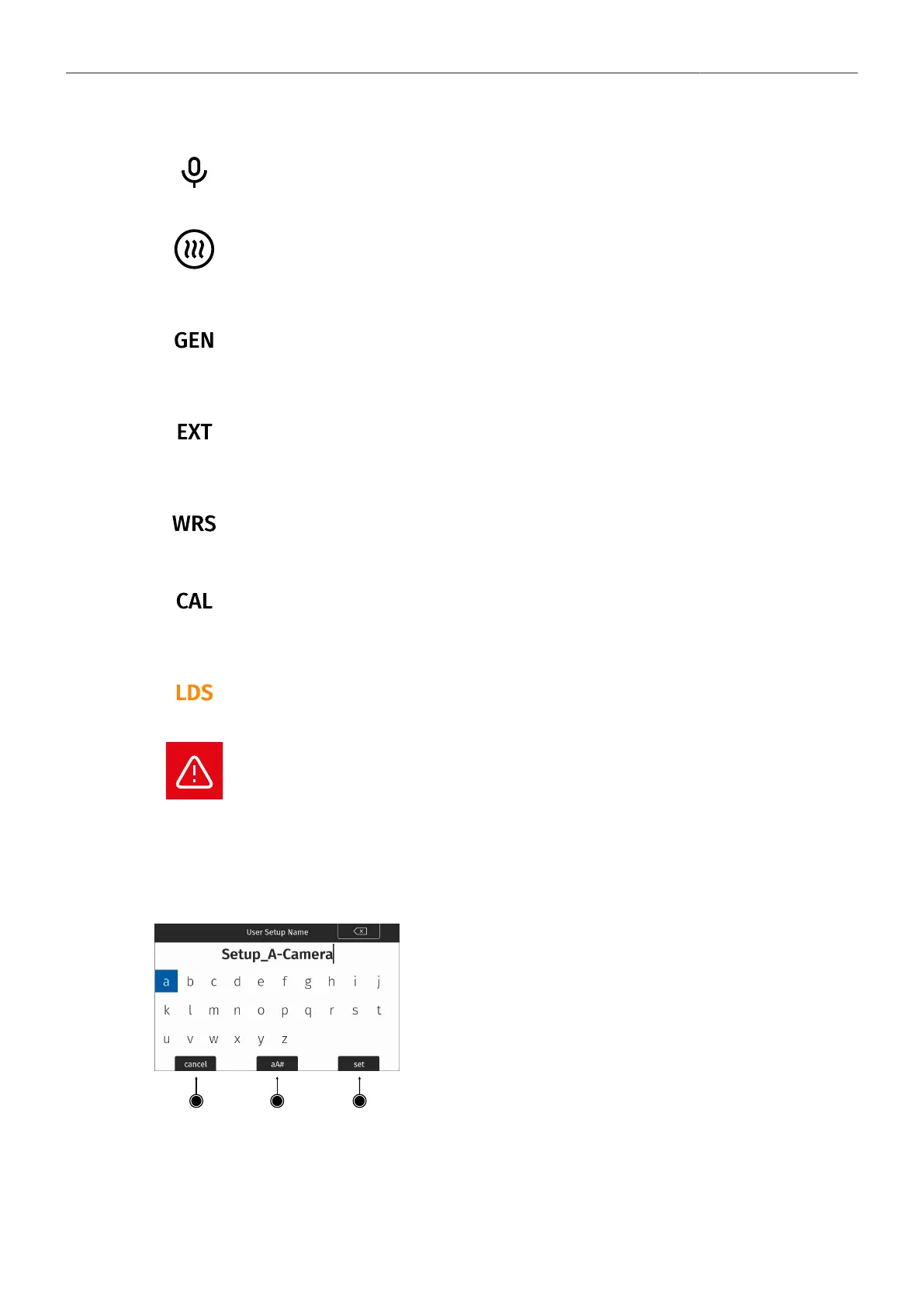
Audio Icon. Internal microphones are enabled.
MVF-2 eyepiece heater is active.
Black
Gray
Eyepiece heater is active.
Eyepiece heater is not heating (eyepiece temperature is > 15 °C (59 ° F)).
Genlock Icon
Black
Orange
Camera is synchronized to genlock source.
Camera is not synchronized to genlock source (signal not present or unusable).
EXT Sync Icon
Black
Orange
EXT sync active.
Mismatch in EXT Sync configuration. See MENU > Alerts for more information.
Camera white radio is active.
Lens Motor Icon
Orange
Black
Lens motor calibration required.
Lens motor calibration in progress.
Indicates an error on the LDS interface.
Alert Icon. Alert is active. See MENU > Alerts for more information.
13.2 Using the On-screen Keyboard
When working with textual parameters on the camera, an on-screen keyboard allows entering text. You
can use the keyboard, for example, to enter the name of a user setup.
► Use the JOGWHEEL to select and confirm characters.
► Use the CLEAR button (top right) to delete the charac-
ter to the left of the cursor. Push the button and hold it to
clear the entire text.
► The aA# button (2) toggles between lower case, upper
case and numeric text entry.
► Press the SET button (3) to save the entry.
► Press the CANCEL button (1) to discard the entry and ex-
it.



 To Next Page