Chapter 2: Get started
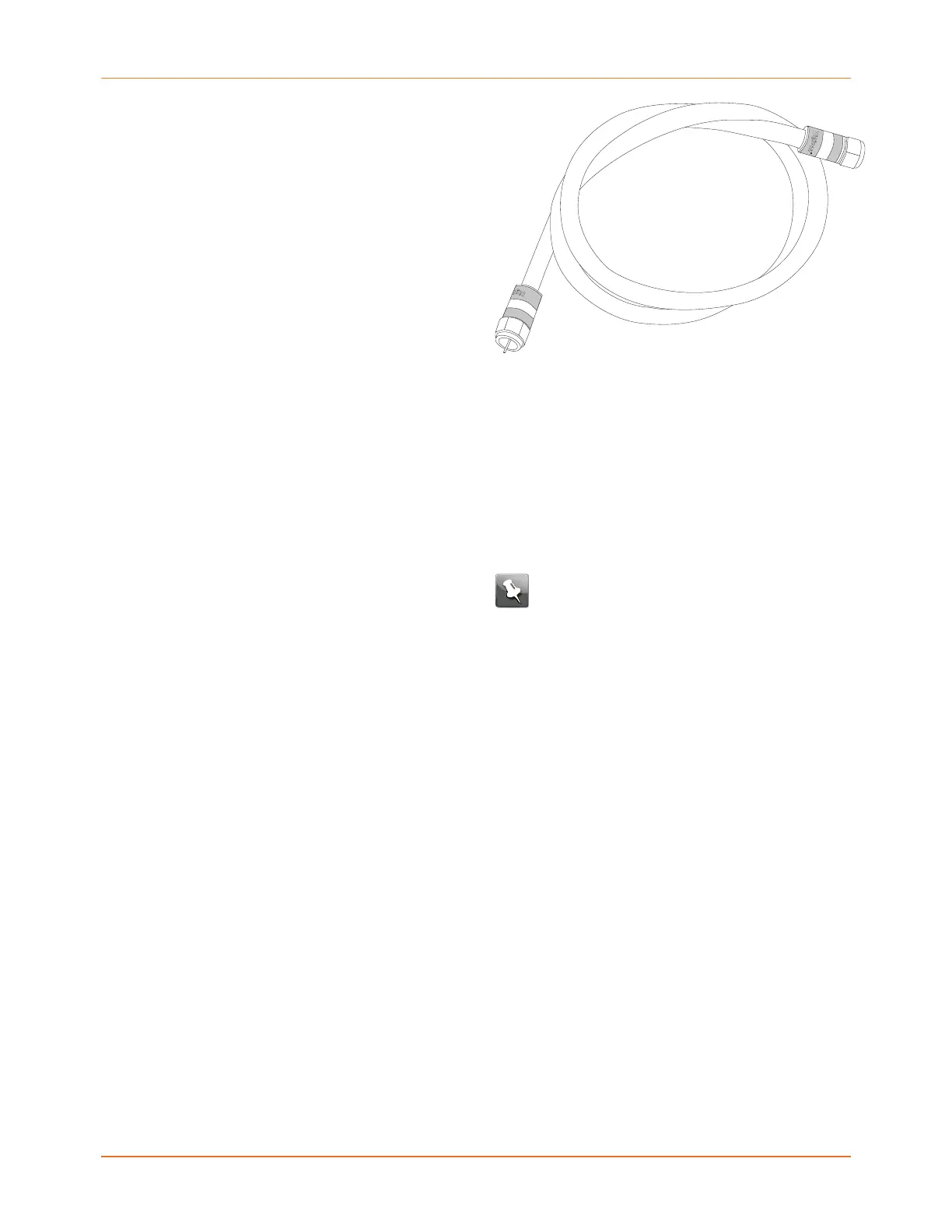
Splitter (optional) Provides an extra cable connection by splitting
a single outlet into two. You may need a splitter
if you have a TV already connected to the cable
outlet that you want to use. You can buy a
splitter from any electronics retailer and most
discount stores; you may also need a short
piece of coax cable (with connectors); use it to
connect the splitter to the cable outlet and then
connect the Data Gateway and TV to the splitter.
Note: Using several splitters in a line
may deteriorate the quality of your
television or Internet connection.
Information packet Your service provider should give you a packet
containing information about your service and
how to set it up. Read this information carefully
and contact your service provider if you have
any questions.
Contact your service provider
Before trying to use your new Data Gateway, contact your local service provider to establish
an Internet account. When you call, have the following information ready:
■
the Data Gateway serial number and cable MAC addresses of the unit (printed on the
Data Gateway)
■
the model number of the Data Gateway (printed on the Data Gateway)
If the Data Gateway was provided by your service provider, they already have the required
information.
In addition, you should ask your service provider the following questions:
■
Do you have any special system requirements or files that I need to download after I am
connected?
■
When can I start using my Data Gateway?
■
Do I need a user ID or password to access the Internet or my e-mail?
Touchstone DG3270 Data Gateway User Guide STANDARD Revision 1.1 10















 To Next Page