Chapter 2: Get started
you have an open proxy, your service provider may suspend your account to protect the
rest of the network.
■
The DG3270 ships with wireless LAN security set by default (for the same reasons that
you should run only secured proxies). See the security label on your product for the
factory security settings. If you need to modify the default wireless security settings, see
Configure your wireless connection (page 19).
Ethernet or wireless?
There are two ways to connect your computer (or other equipment) to the Data Gateway.
The following will help you decide which is best for you:
Ethernet
Ethernet is a standard method of connecting two or more computers into a Local Area
Network (LAN). You can use the Ethernet connection if your computer has built-in Ethernet
hardware.
Note: To connect more than four computers to the DG3270 through the Ethernet
ports, you need an Ethernet hub (available at computer retailers).
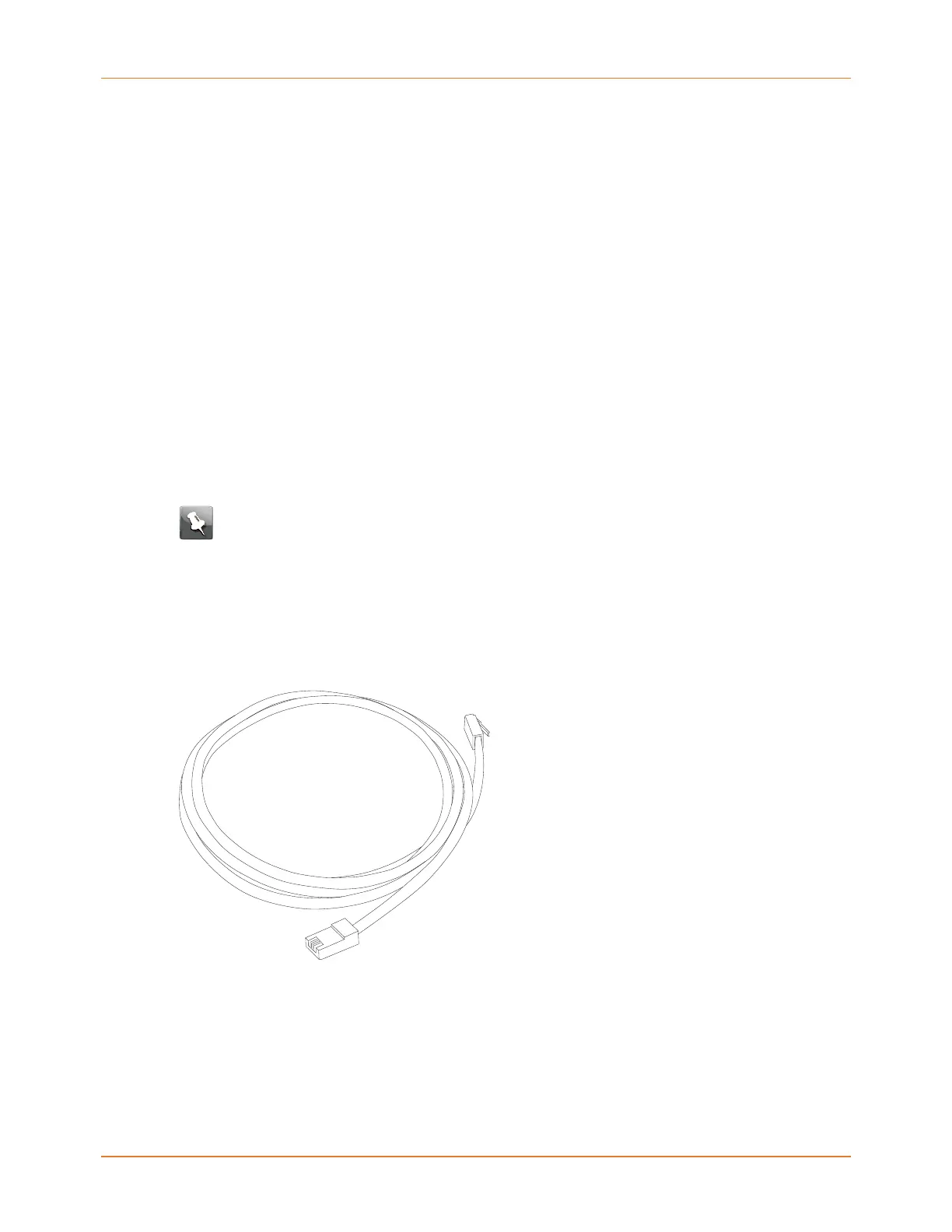
The Data Gateway package comes with one Ethernet cable (the connectors look like wide
telephone connectors); you can purchase more cables if necessary at a computer retailer. If
you are connecting the Data Gateway directly to a computer, or to an Ethernet hub with a
cross-over switch, ask for Category 6 (CAT6) straight-through cable. CAT6 cable is required
for best Ethernet performance. Regular CAT5 or CAT5e cable may not allow full-speed
Ethernet operation.
Wireless
Wireless access lets you connect additional (wireless-capable) devices to Data Gateway. The
802.11 wireless LAN standard allows one or more computers to access the DG3270 using a
wireless (radio) signal. These connections are in addition to the connections supported via
Ethernet.
Touchstone DG3270 Data Gateway User Guide STANDARD Revision 1.1 13















 To Next Page