Chapter 3: Install and connect your Data Gateway
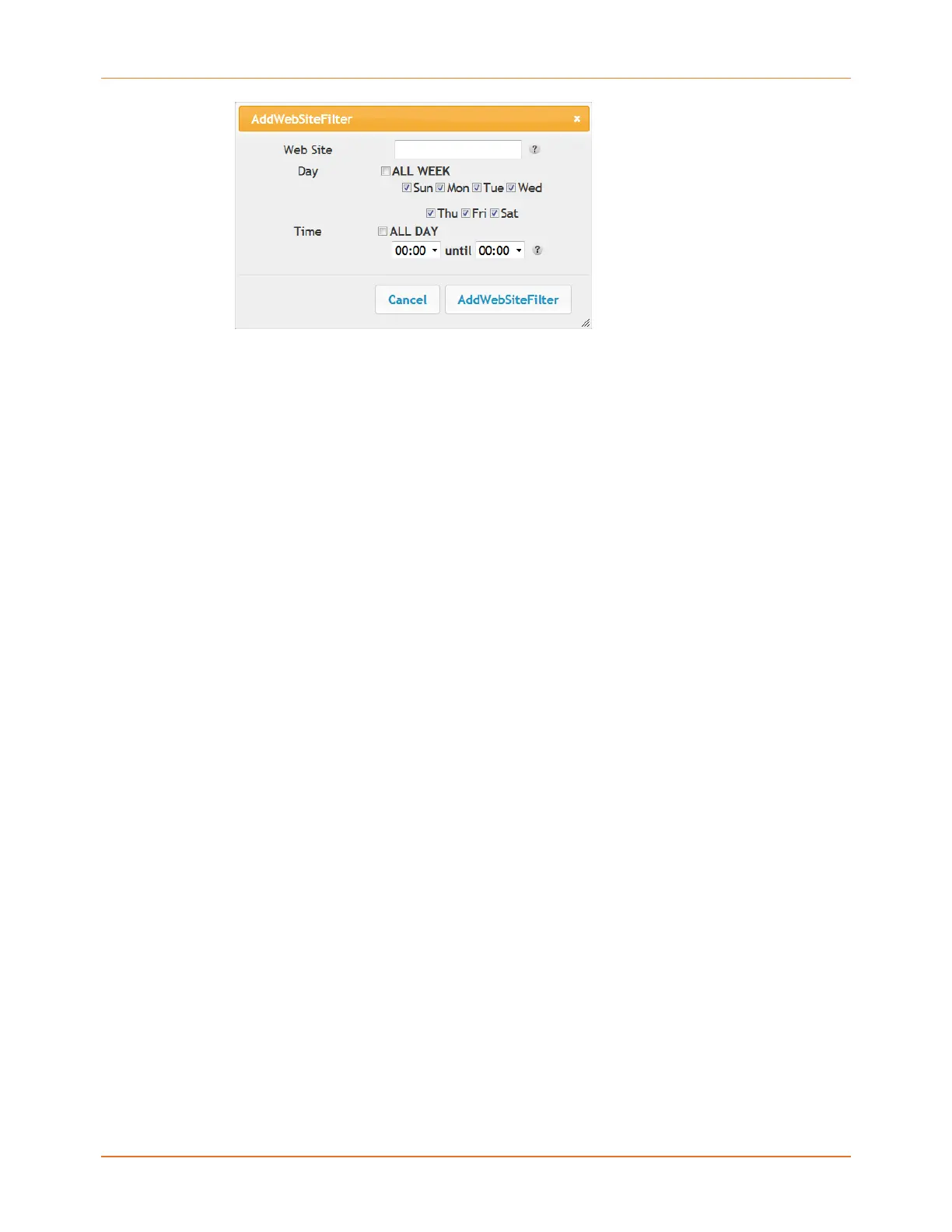
Figure 2: Add Web Site Filter Dialog Box
▶
Adding a Keyword or Web Site Filter
5. Enter the keyword in the Keyword field or web site URL address in the Web Site field.
6. Click the checkboxes for the days you want access blocked, or click the All Week
checkbox for all week.
7. Set the start time and end time during the specified days (24-hour clock). (0:00 until 0:00
indicates all day, or just click the All Day checkbox.)
8. Click the Add Keyword Filter or Add Web Site Filter button respectively. Then click the
Apply button.
Touchstone DG3270 Data Gateway User Guide STANDARD Revision 1.1 22















 To Next Page