MAX1000 User Guide www.arrow.com
Page | 37 July 2017
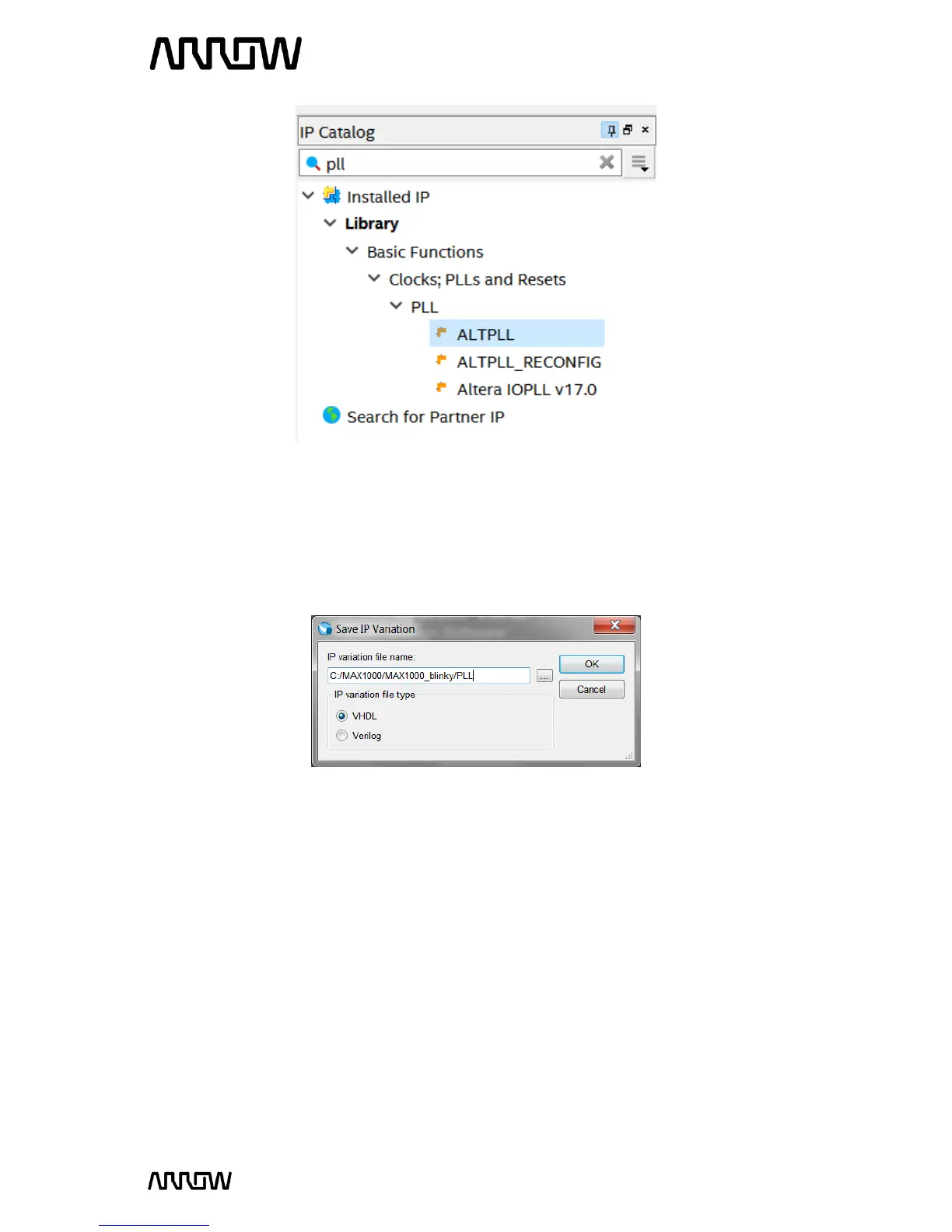
5.2.3.2 Click “Add”.
When the Save IP Variation window appears, enter the file name variation as PLL and select VHDL
(Verilog can be used as well). Both Verilog and VHDL schematics will be created.
5.2.3.3 Click “OK”.
5.2.4 Create and Configure the PLL
The next step is to configure the PLL component that we just named.
5.2.4.1 Enter the PLL reference clock frequency to match the clock input on the MAX1000 Board.
Since we have a 12 MHz coming into the FPGA, the inclk input will be 12 MHz.
The setting should look like this:



 To Next Page