MAX1000 User Guide www.arrow.com
Page | 64 July 2017
Configuring the MAX1000
After successfully compiling your project, there should new files generated. In case of MAX10
devices, two type of files are generated due to the architecture of the device, .sof and .pof. In
other device architectures, only the .sof file is generated automatically.
Note: Difference between .pof and .sof files
sof: is for the direct volatile configuration, which programs the FPGA fabric directly (SRAM cells).
Configuration is lost on power off.
pof: is for non-volatile programming, which program the either an external configuration devices
or in MAX10 case, itself as it is a non-volatile FPGA.
6.1 Configure the FPGA in JTAG Mode
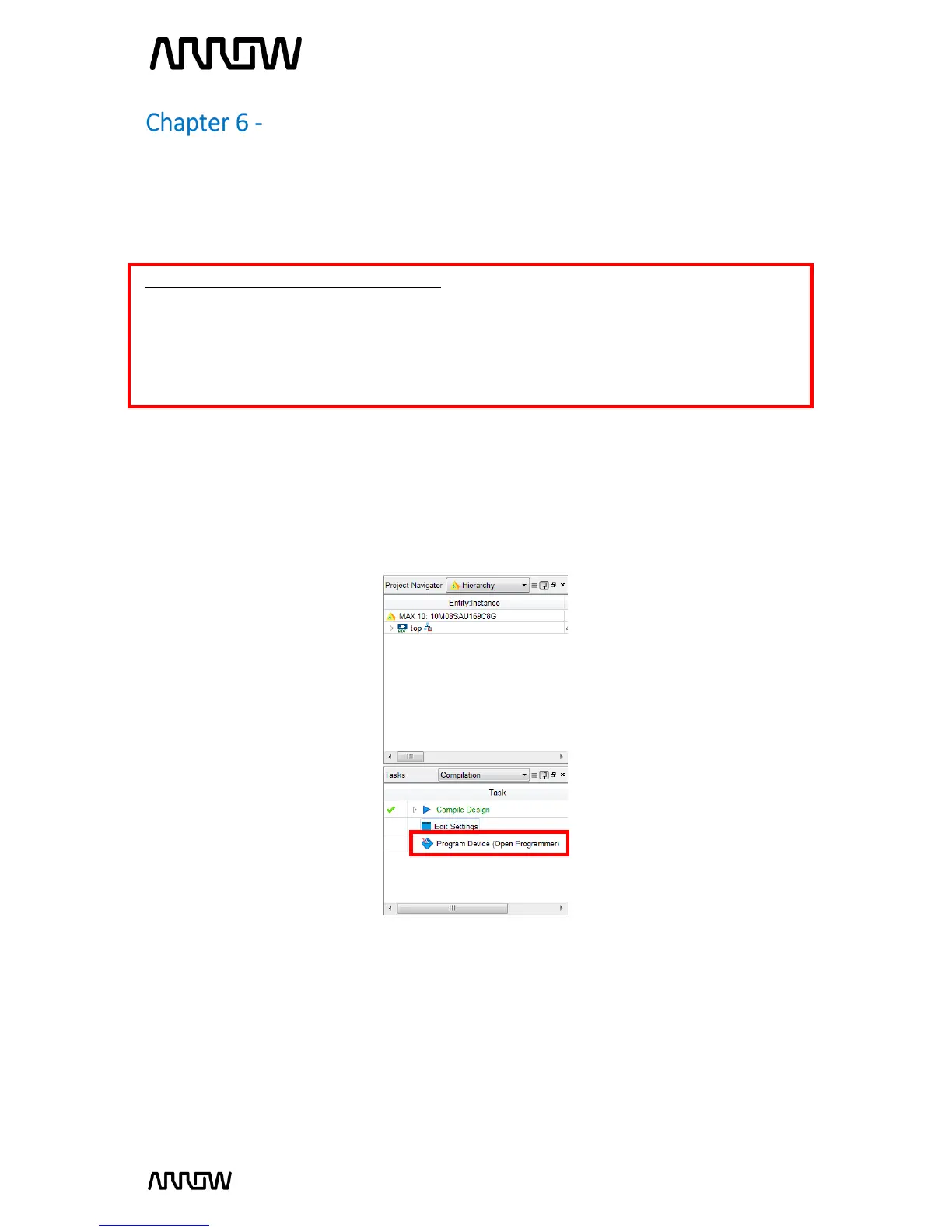
6.1.1 Open the Quartus Prime Programmer from Tools Programmer or double-click on
Program Device (Open Programmer) from the Tasks pane. Since the MAX1000 is not
connected yet, the Programmer should show a blank configuration.



 To Next Page